
Introduction
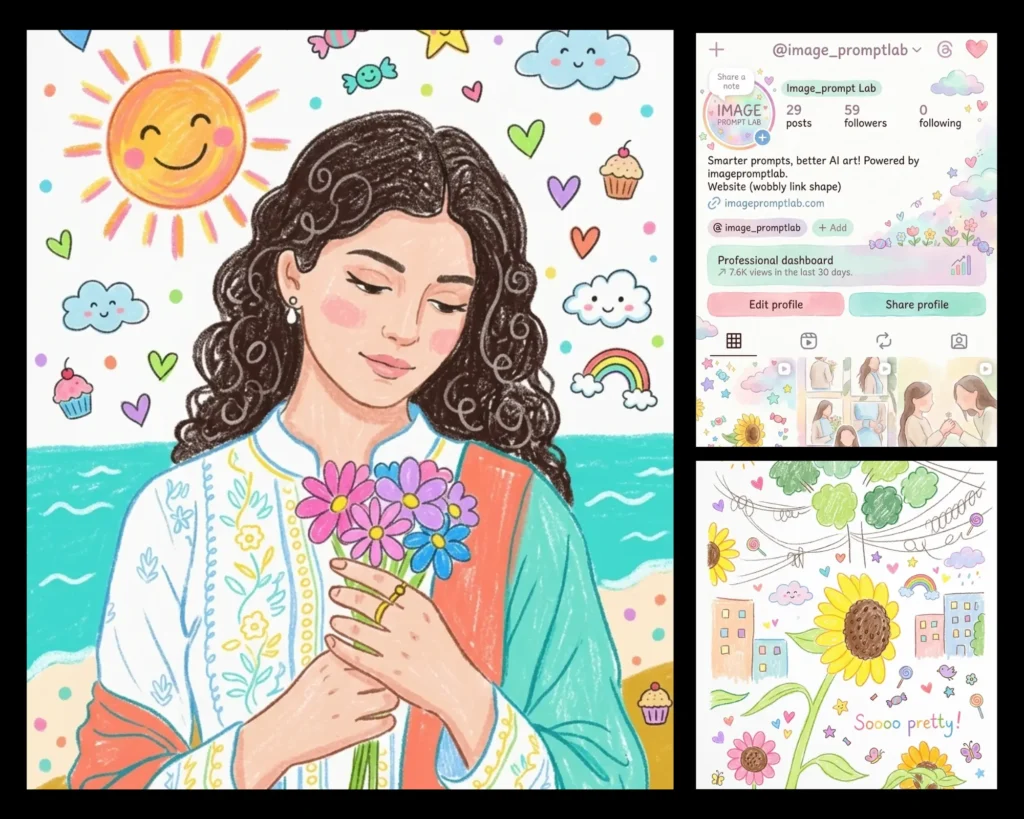
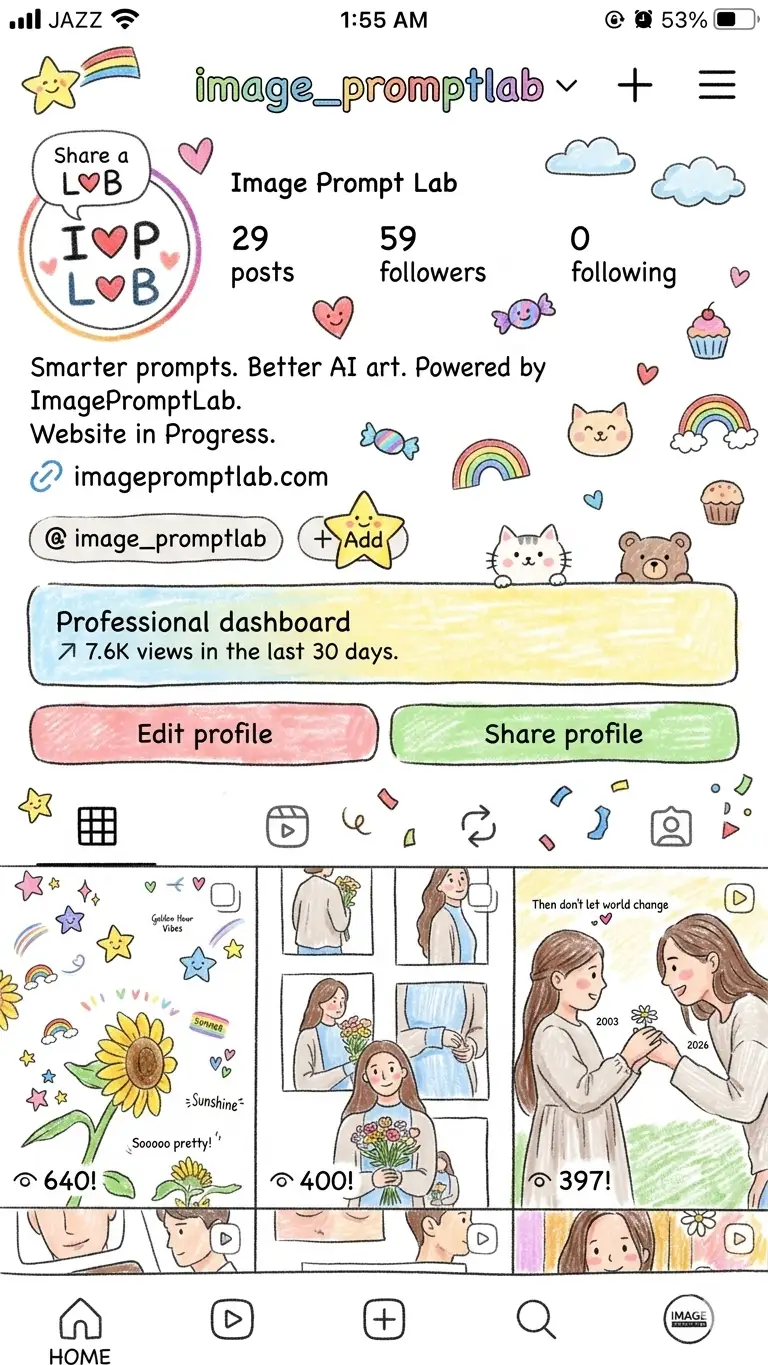
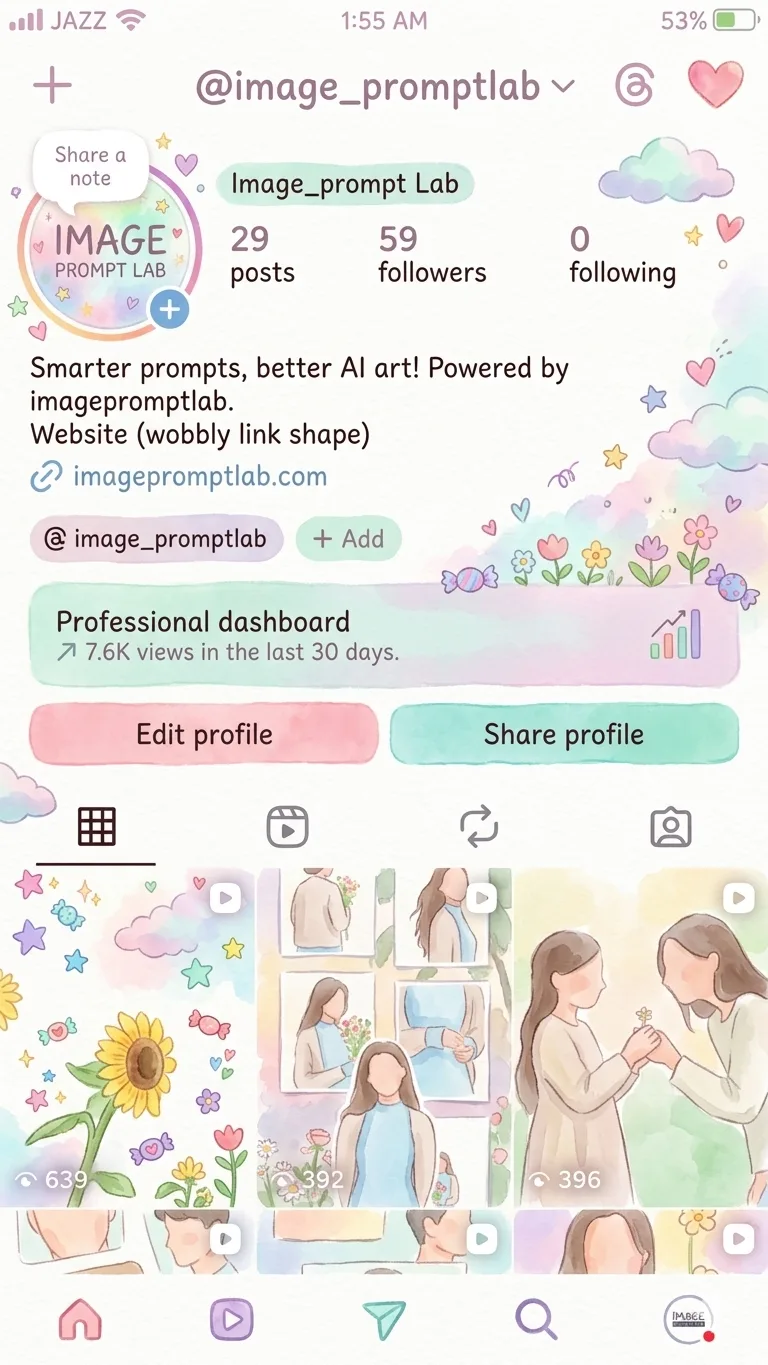
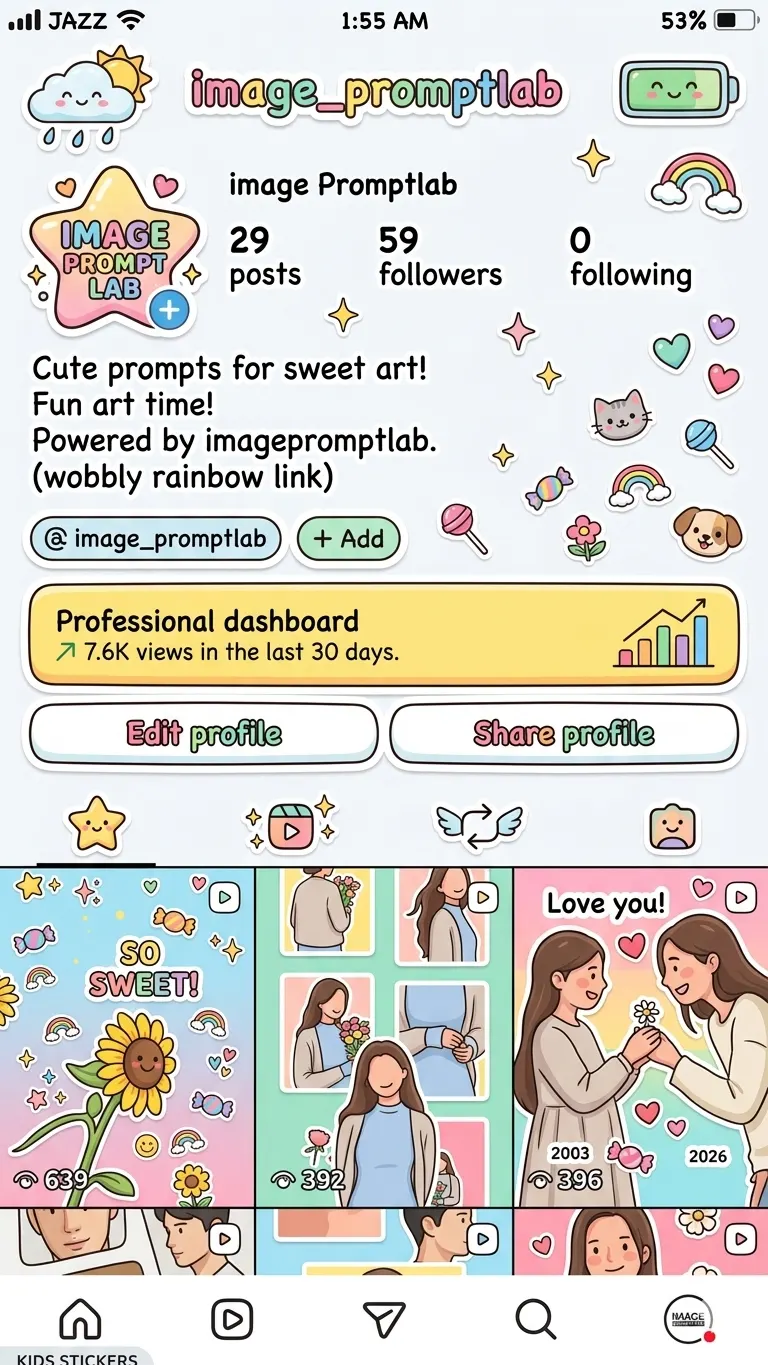
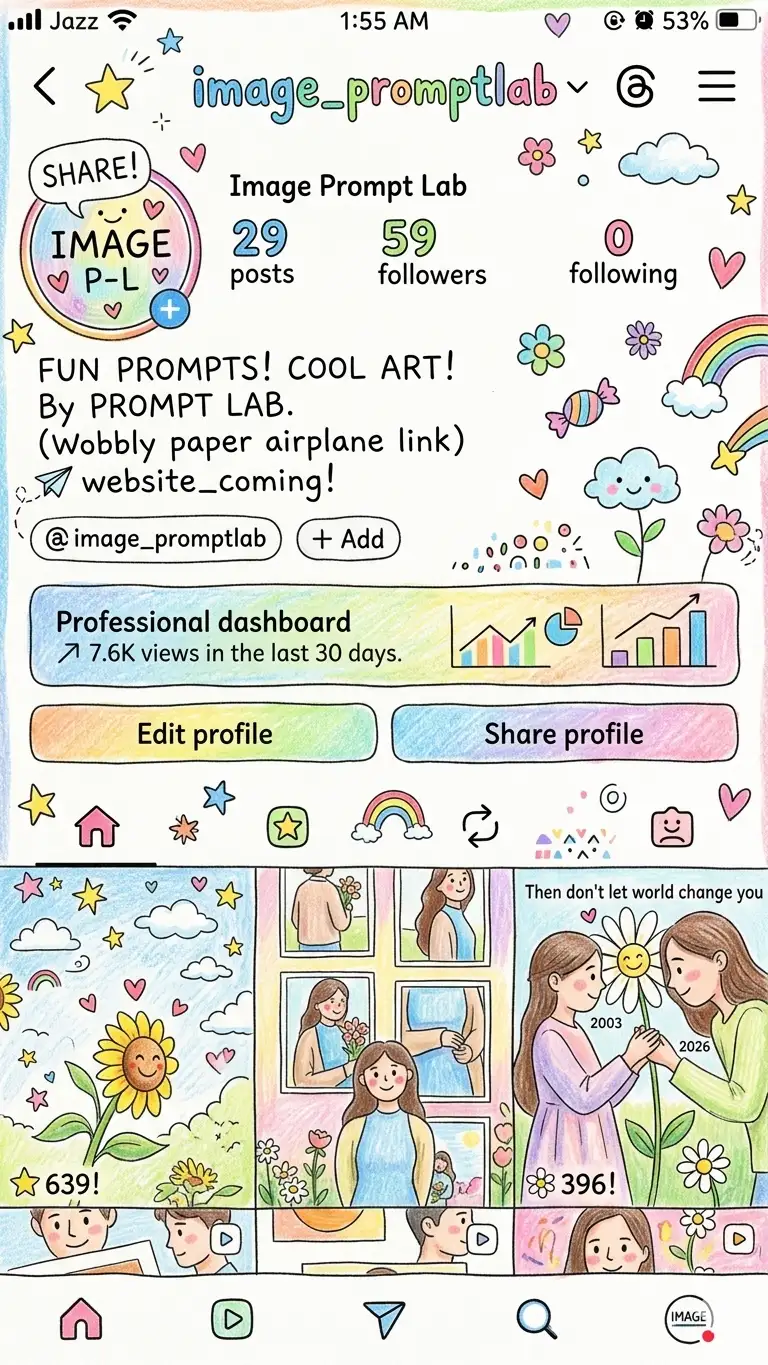
Turn photo into crayon style with a simple Gemini AI prompt, and you get the exact look of a hand-drawn kids’ illustration without opening any design app. These four Gemini AI photo prompts recreate the look of kids-style art: crayon drawing, watercolor illustration, cartoon sticker, and colored pencil sketch, each with its own texture, stroke pattern, and color mood.
What makes this tricky is that most AI edits keep the original photo’s lighting and colors, which instantly kills the “hand-drawn by a child” feel. These prompts specifically instruct Gemini to drop the original palette and rebuild the scene with soft shapes, visible strokes, and playful decorative elements like stars, clouds, and hearts, so the output actually looks like art instead of a filtered photo.
Whether you want a crayon-style keepsake, a watercolor-style illustration for a gift, or a cute sticker version of your photo, these AI photo prompts are copy-paste ready for Gemini or ChatGPT.
Want to make your images look more fun, colorful, and creative? These Gemini AI photo prompt ideas are designed to turn any picture into adorable kids-style artwork. In this post, you’ll find five carefully crafted prompts that recreate styles like crayon drawings, watercolor paintings, colored pencil sketches, doodle art, and cartoon stickers. Each one focuses on simple shapes, bright colors, and playful details to give your images a joyful and imaginative look. It’s an easy way to create unique visuals that stand out.
How to Use
- Upload a clear, well-lit photo of your subject as the reference image in Gemini.
- Copy the exact prompt for the style you want (crayon, watercolor, sticker, or pencil) and paste it in full, including the negative prompt line.
- For the cartoon sticker version, mention if you want the white sticker border kept tight around the subject, since Gemini sometimes extends it too far into the background.
- For crayon and colored pencil styles, if your original photo has a busy or dark background, expect Gemini to simplify it more aggressively since these prompts push for a clean white paper look.
- Run each style as a separate generation. Mixing two style prompts in one request usually produces a muddled result that looks like neither.
Tips for Best Results
- The watercolor prompt gives the softest, most consistent results when the original photo has good natural light. Harsh shadows sometimes carry over as darker patches in the “paint.”
- The cartoon sticker prompt occasionally rounds facial features more than expected. If the likeness feels off, regenerate once or twice, since Gemini varies the amount of stylization each run.
- The colored pencil prompt works best on single-subject photos. Group photos tend to lose individual detail once everything is simplified into sketchy strokes.
FAQs
Which style looks best for framing or printing, crayon or watercolor?
Watercolor generally prints cleaner because the soft edges and pastel tones hold up better on paper, while crayon style has more visible texture that looks better on screen than in print.
Why does the cartoon sticker version sometimes lose the white border?
This happens when the original photo background is too similar in color to the subject, so Gemini struggles to separate them cleanly. Using a photo with some contrast between subject and background fixes this in most cases.
Can I combine crayon and colored pencil elements in one image?
Not reliably. These are two distinct texture styles, and Gemini tends to default to whichever style term appears first in the prompt, so running them separately gives truer results for each.
Conclusion
These four Gemini AI photo prompts make it easy to turn any photo into crayon style, watercolor, cartoon sticker, or colored pencil artwork in a few seconds, no drawing skills needed. They work well for gifts, social posts, or just seeing your photo reimagined in a fun, childlike style. Try all four versions on the same photo and see which one feels the most “you.” If you create something you love, tag us on Instagram @image_promptlab, we’d love to see your results.