
Introduction
[ipl_social_links]
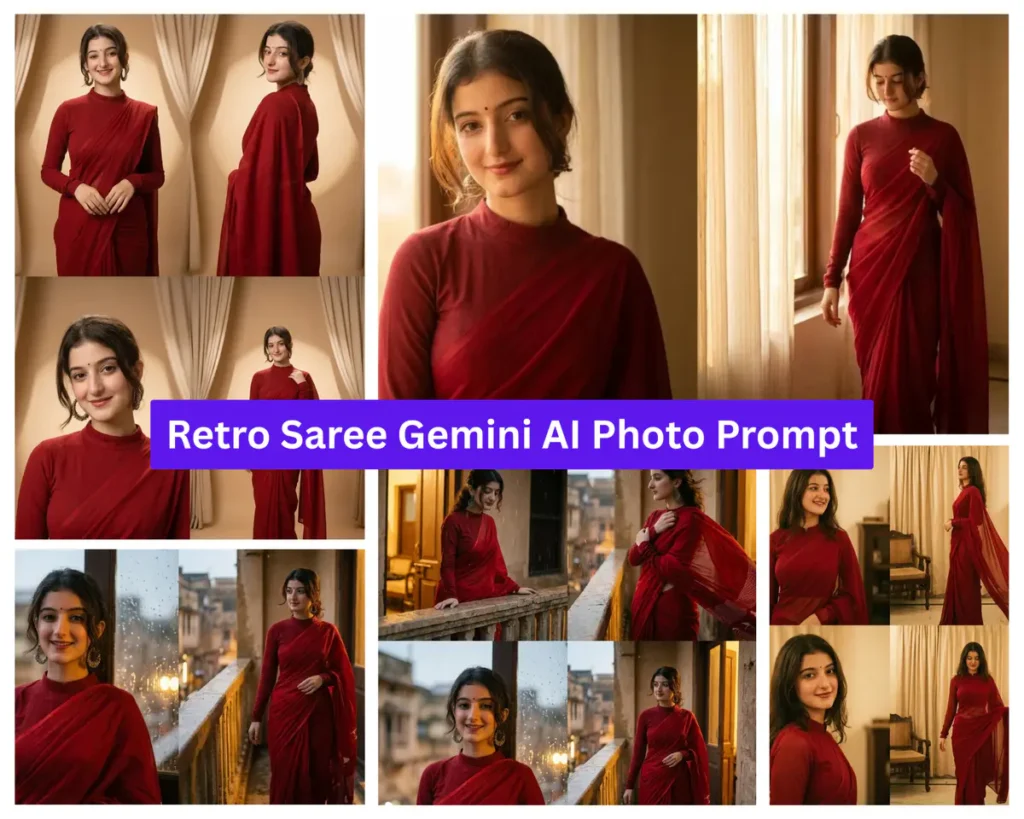
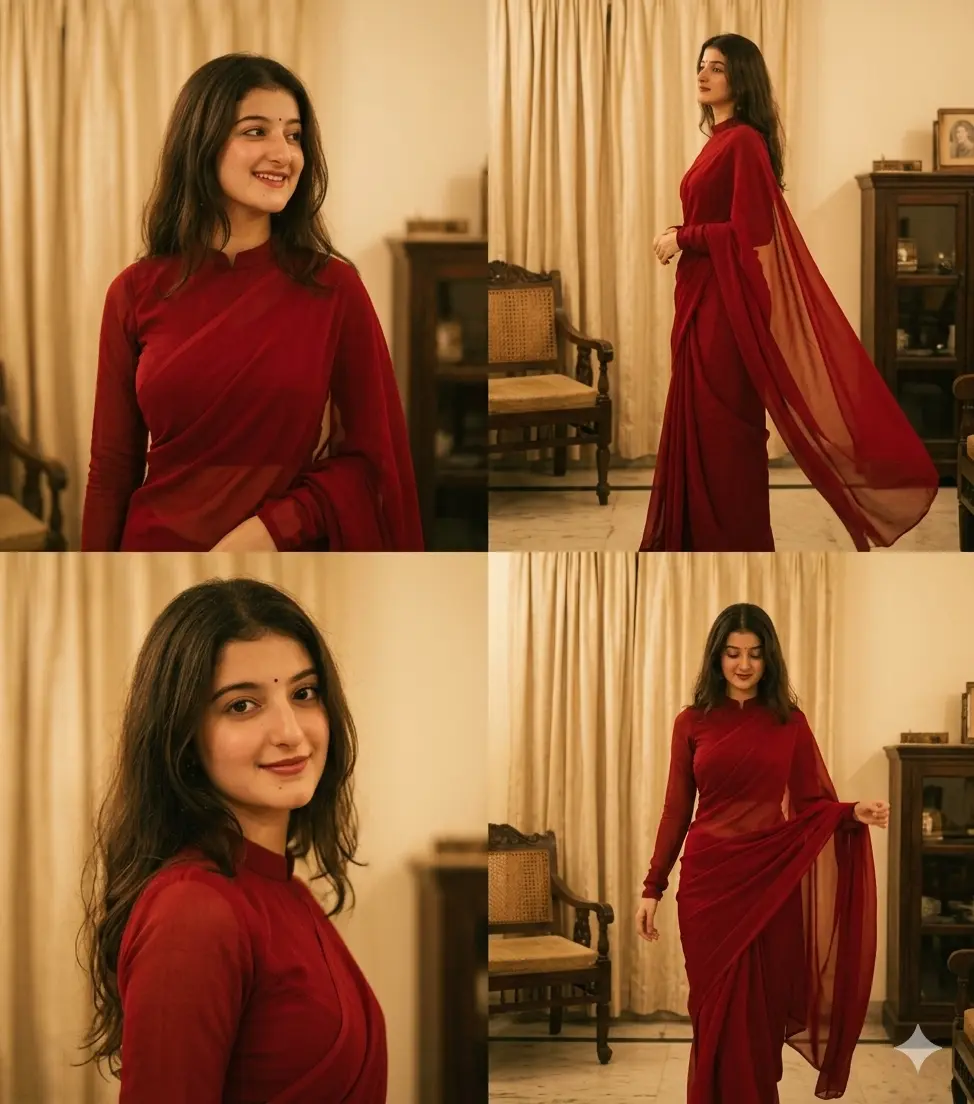
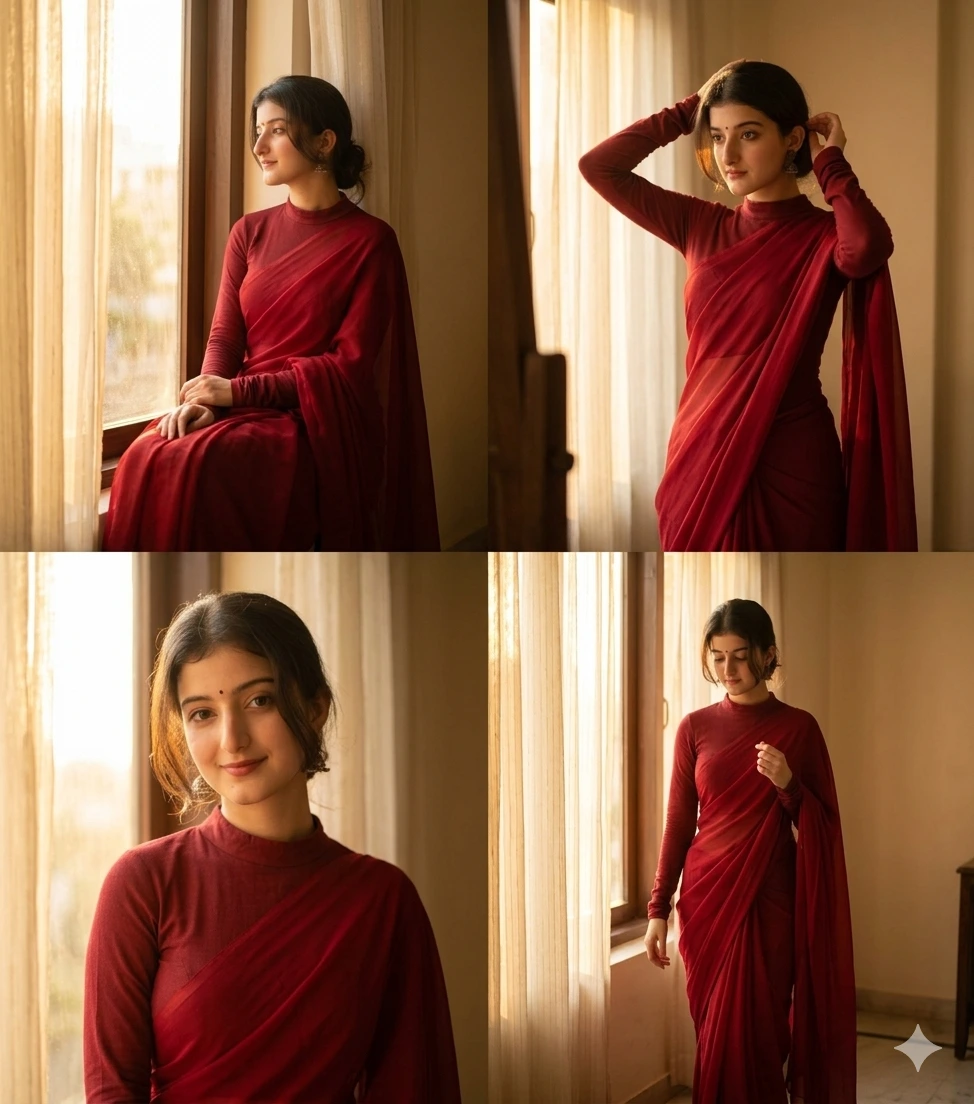
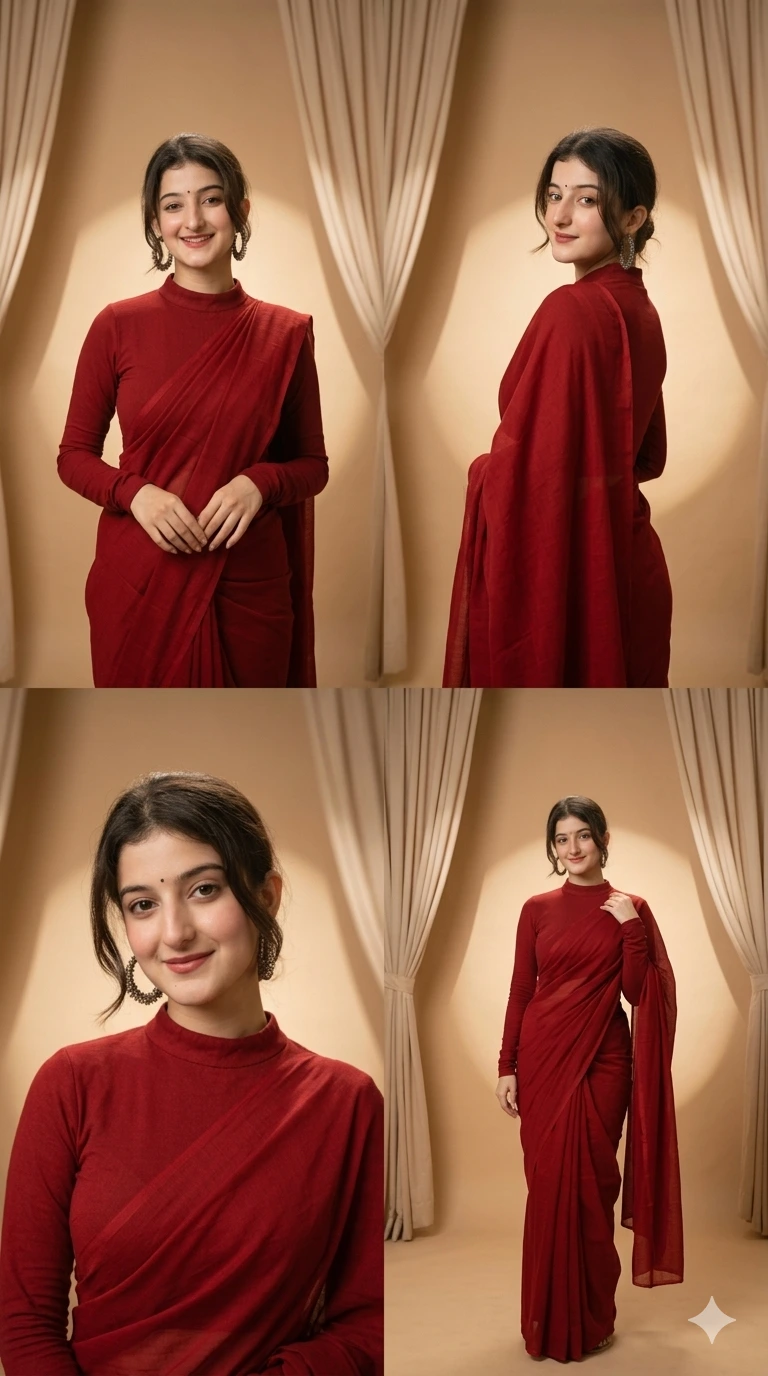
If you have been trying to get a retro saree Gemini AI photo prompt that actually looks like a real photograph and not a plastic AI render, the trick is in how much detail you give around the blouse coverage, the drape, and the lighting era you are asking for. This collection uses a deep red saree with a modest, full-coverage blouse and warm golden lighting to recreate that soft 90s Bollywood indoor photoshoot feel, the kind of look you would associate with old film cameras and window light rather than a studio flash.
Each prompt below is built for Gemini AI (also works well on ChatGPT’s image tool) and generates a 4-photo Instagram story collage from a single uploaded portrait. What makes this set different from a generic saree prompt is the setting variation: one leans into a vintage room with window light, another uses a rainy balcony for mood, and another goes fully editorial with a beige studio backdrop. All four keep the same red saree and modest blouse styling, so you get a consistent Bollywood saree prompt aesthetic across the whole set while the scene and poses stay fresh.
If you have used a google gemini ai photo prompt for saree looks before and found the blouse kept turning sheer or cropped, the fix is specificity: naming “opaque,” “full sleeves to the wrists,” and “high neck” directly in the prompt does most of the work in keeping the output modest and realistic.
Copy and paste these Retro Saree AI prompts
Each prompt below is fully written out and ready to use, no editing required unless you want to tweak a detail. Just tap the copy button on the card you like, paste it into Gemini or ChatGPT along with your photo, and generate your saree look in seconds. All four prompts keep the same modest red saree styling, so pick whichever setting and mood suits your photo best.
Prompt 1: Red Saree Candid Collage — Soft Indoor Vintage Poses
Prompt 2: Retro Bollywood Red Saree — Window Light Story Collage
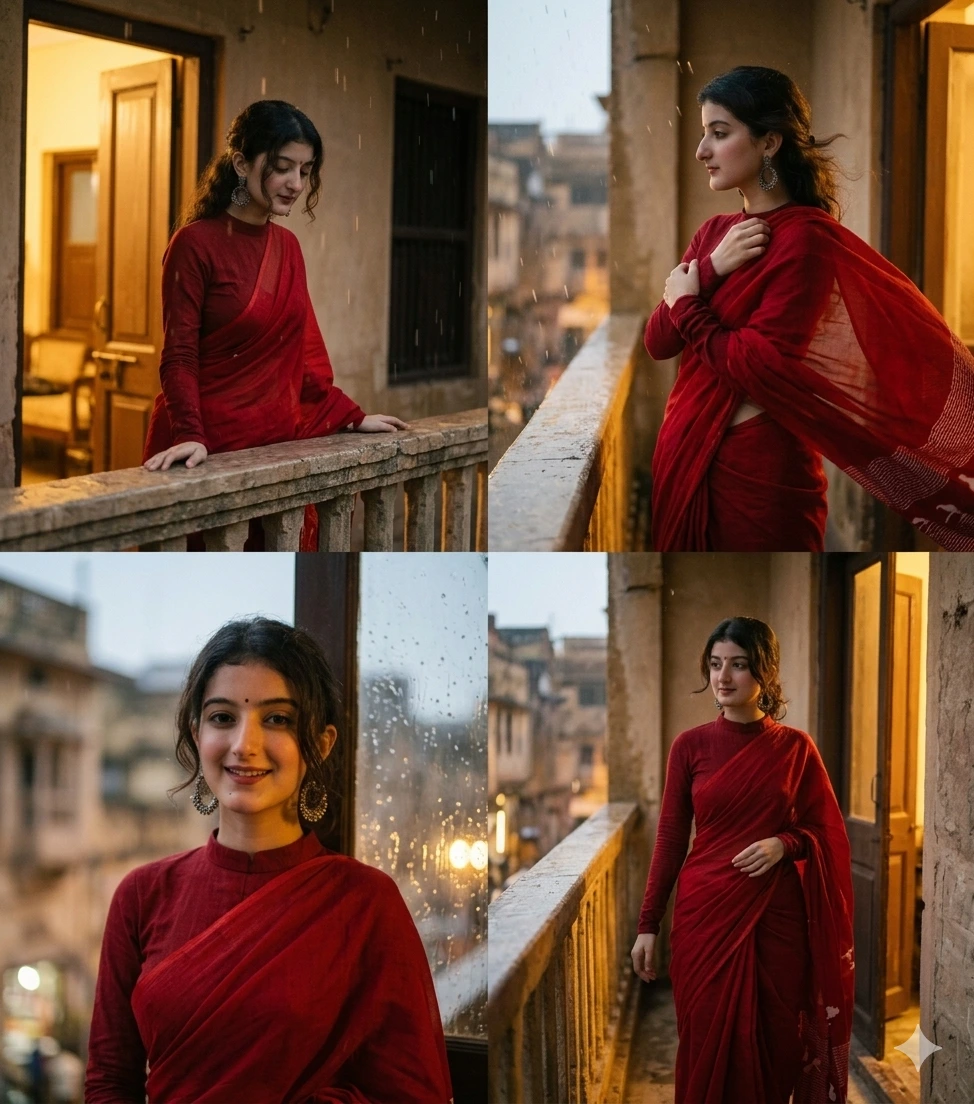
Prompt 3: Retro Bollywood Red Saree — Rainy Balcony Vintage Look
Prompt 4: Retro Bollywood Red Saree — Editorial Studio Frames
How to Use
- Upload a clear, front-facing portrait photo with even lighting; shadows across the face make it harder for Gemini to preserve identity accurately across all 4 collage panels.
- Pick the prompt that matches the mood you want: the window-light version works best if your original photo already has soft daylight in it, while the rainy balcony and editorial versions can handle a plainer background photo since the scene is being fully replaced.
- Copy the full prompt exactly, including the modesty instructions (opaque blouse, full sleeves, high neck) — shortening these is the most common reason the blouse comes out cropped or sheer in the output.
- If your uploaded photo has visible jewelry or a distinct hairstyle you want kept, mention it in one added line before generating, since the base prompt does not lock those details by default.
Tips for Best Results
- The rainy balcony prompt tends to need one regeneration if the first output makes the rain look too heavy and washes out the saree color; regenerating usually balances it.
- Golden hour or warm indoor lighting in your original upload blends better with the retro golden tone these prompts are asking for, so a photo taken under harsh white light may need a second attempt to match the sepia mood.
- The editorial beige backdrop version is the most forgiving of the four for photos with a busy or cluttered background, since it fully replaces the setting rather than blending with existing elements.
FAQs
Why does the saree blouse sometimes look cropped even though the prompt says full coverage?
This usually happens when part of the prompt gets cut off during copying, so the “opaque, full sleeves to the wrists” instruction never reaches Gemini. Double-check the full prompt pasted correctly before generating, and regenerate if the blouse style does not match what was requested.
Can I use these retro saree prompts with a photo that already has jewelry or a bindi?
Yes, Gemini will often try to retain visible accessories from your original photo, but it is not guaranteed since the prompt is focused on saree and blouse styling. Adding one short line mentioning the specific jewelry piece you want kept improves consistency.
Why do the balcony and window-light versions look more authentic than a plain studio saree prompt?
Because the lighting direction is specified (window light, rain-lit background) rather than left generic, Gemini renders shadows and skin tones more naturally, which is what gives it that human-taken candid feel instead of a flat AI look.
For a bolder saree portrait, see the black couture saree prompt.
Love this style in black? Try the black couture saree photo prompt too.
Conclusion
That’s the full retro saree Gemini AI photo prompt set, four different moods built around the same modest red saree styling so you can pick whichever setting fits your original photo best. These work equally well on ChatGPT’s image generator if that’s your tool of choice. Try one out, and if you generate a saree look you’re happy with, tag us on Instagram @image_promptlab, we’d love to see it. Come back for more Bollywood-inspired collections as we add them.