Couple Prompts
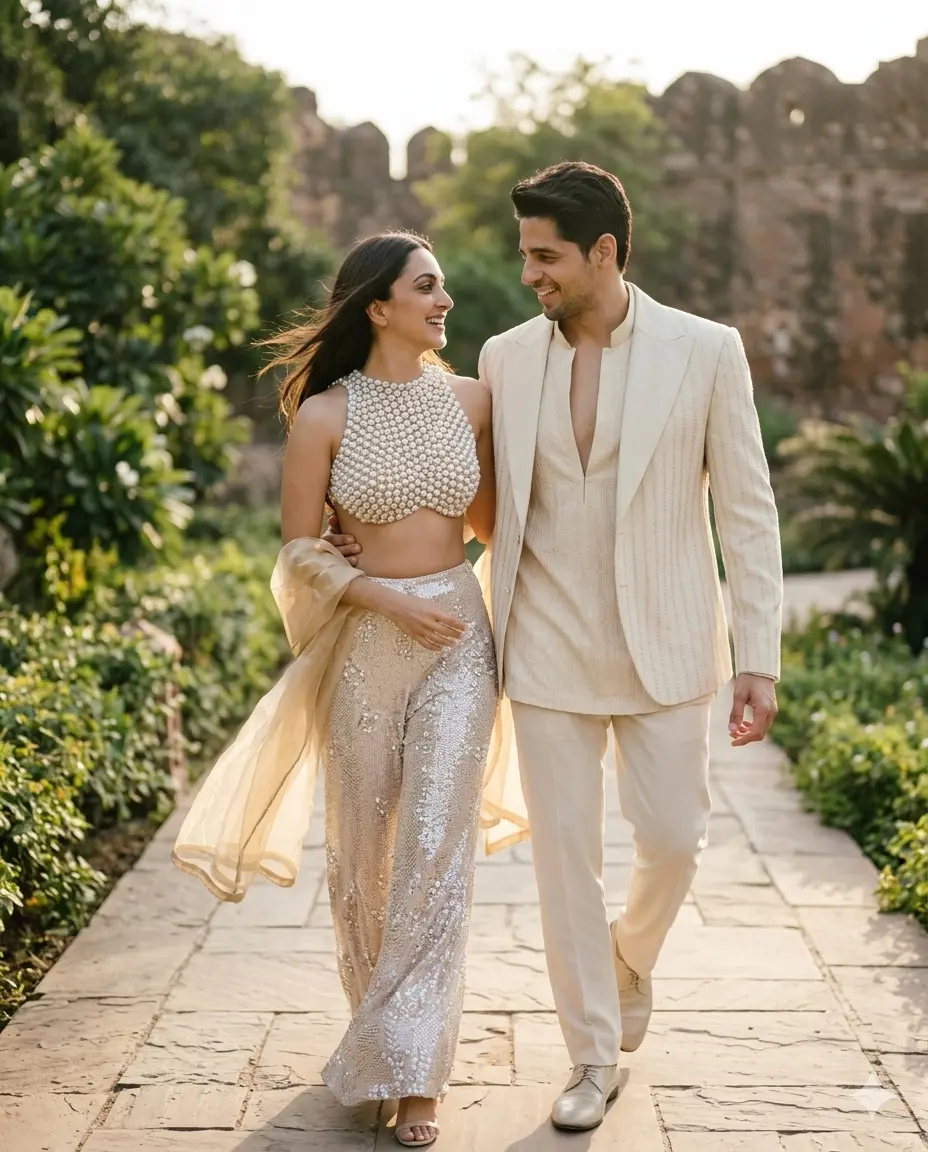
Gemini Couple Photo Prompt Walkin Together Pose
By ImagePromptLab Team / April 5, 2026
Free Gemini AI photo prompts — copy, paste, and create stunning 4K cinematic images in seconds. No skills needed. Works with Gemini, ChatGPT & Midjourney. Perfect for Instagram, Pinterest, Threads, Tiktok & more.
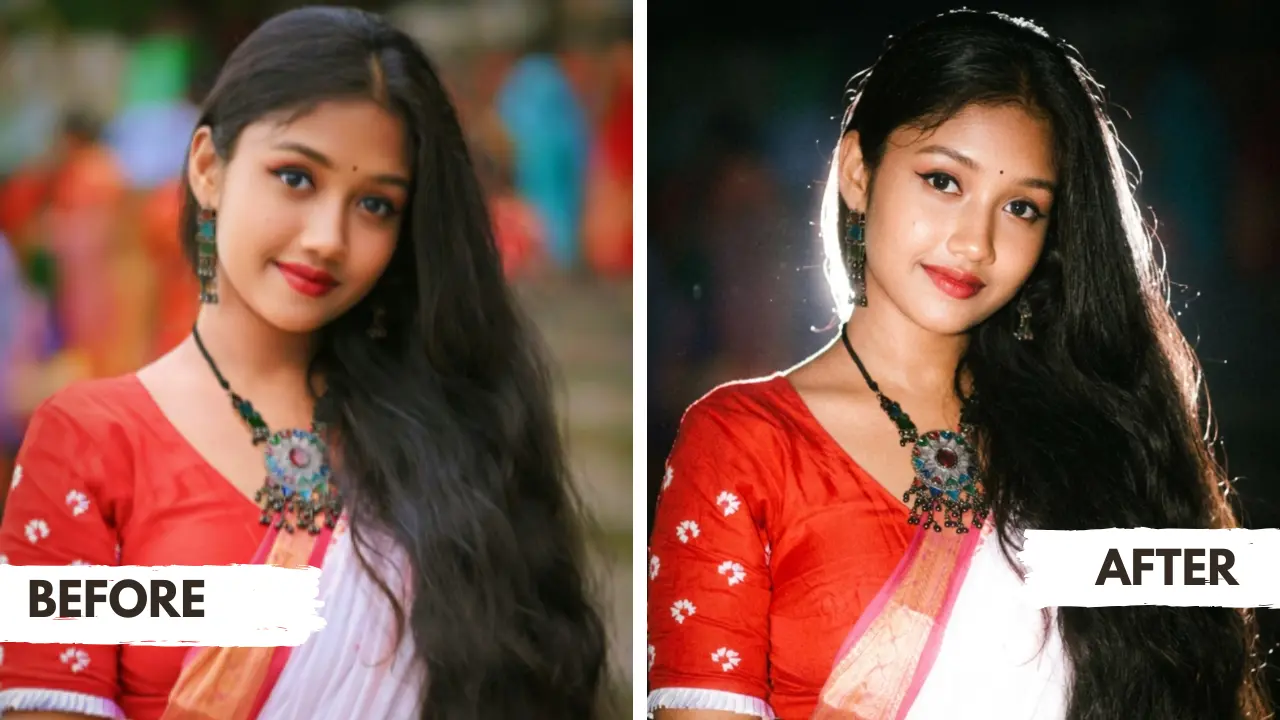
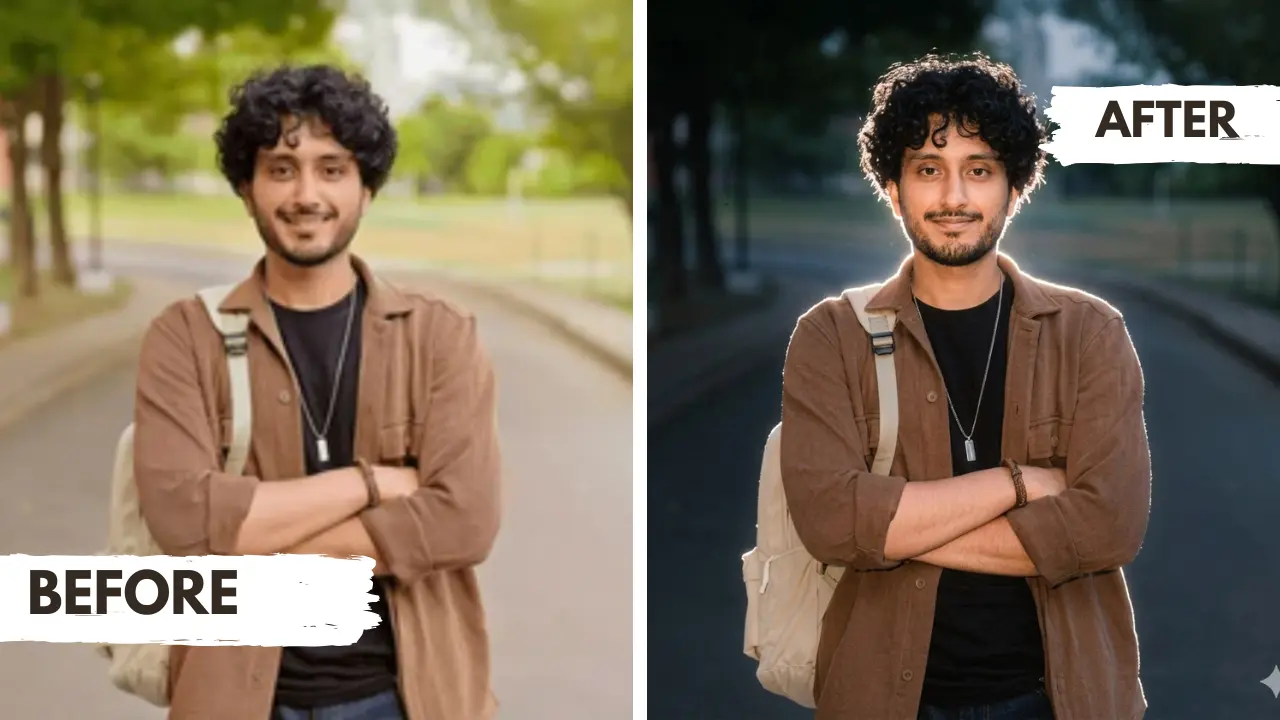
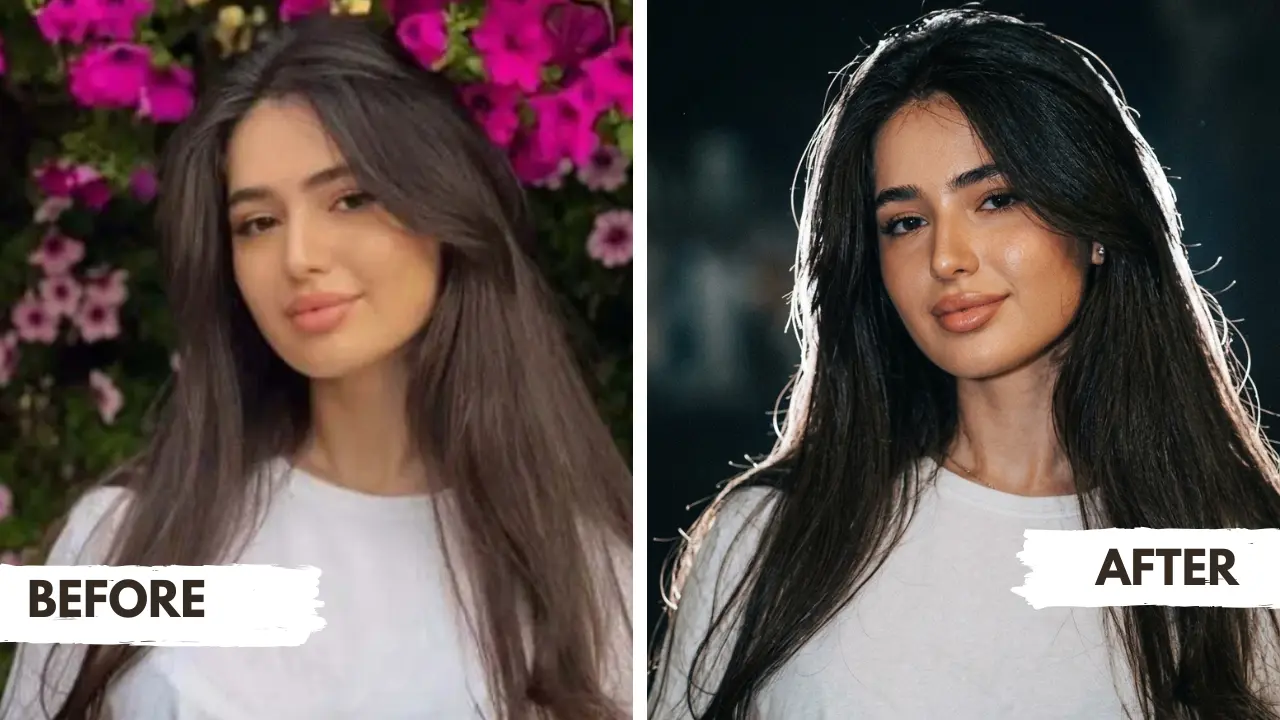
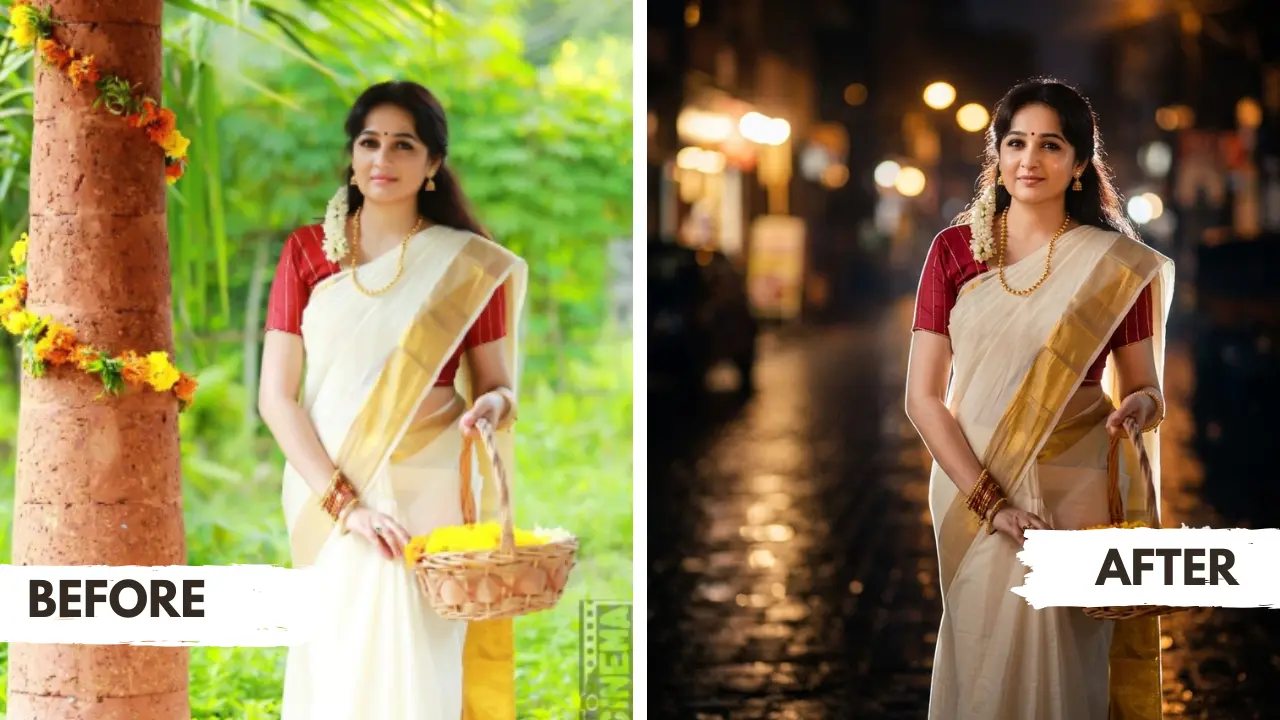
Choose your style and discover premium cinematic AI photo prompts instantly
Generate stylish trending images for social media and events.
Create heartwarming AI photos with your younger and present self together.
Transform your selfies into romantic, emotion-rich couple photos for special moments.
Create elegant, Bollywood-style saree looks for weddings, festivals, and social media.
Create aesthetic, festival, and professional 4K HD portraits easily.
Generate stylish and professional images for social media and events.
Fresh prompts from all categories.
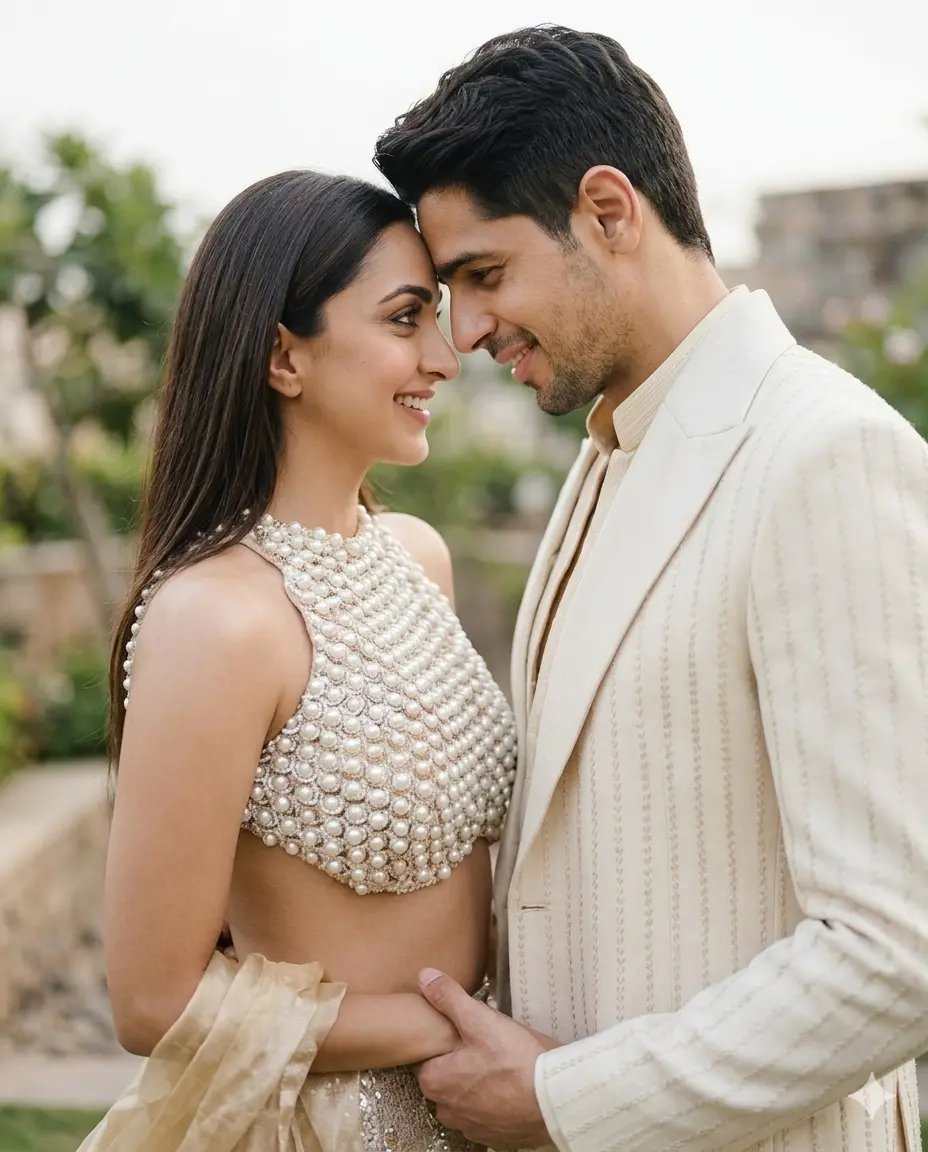
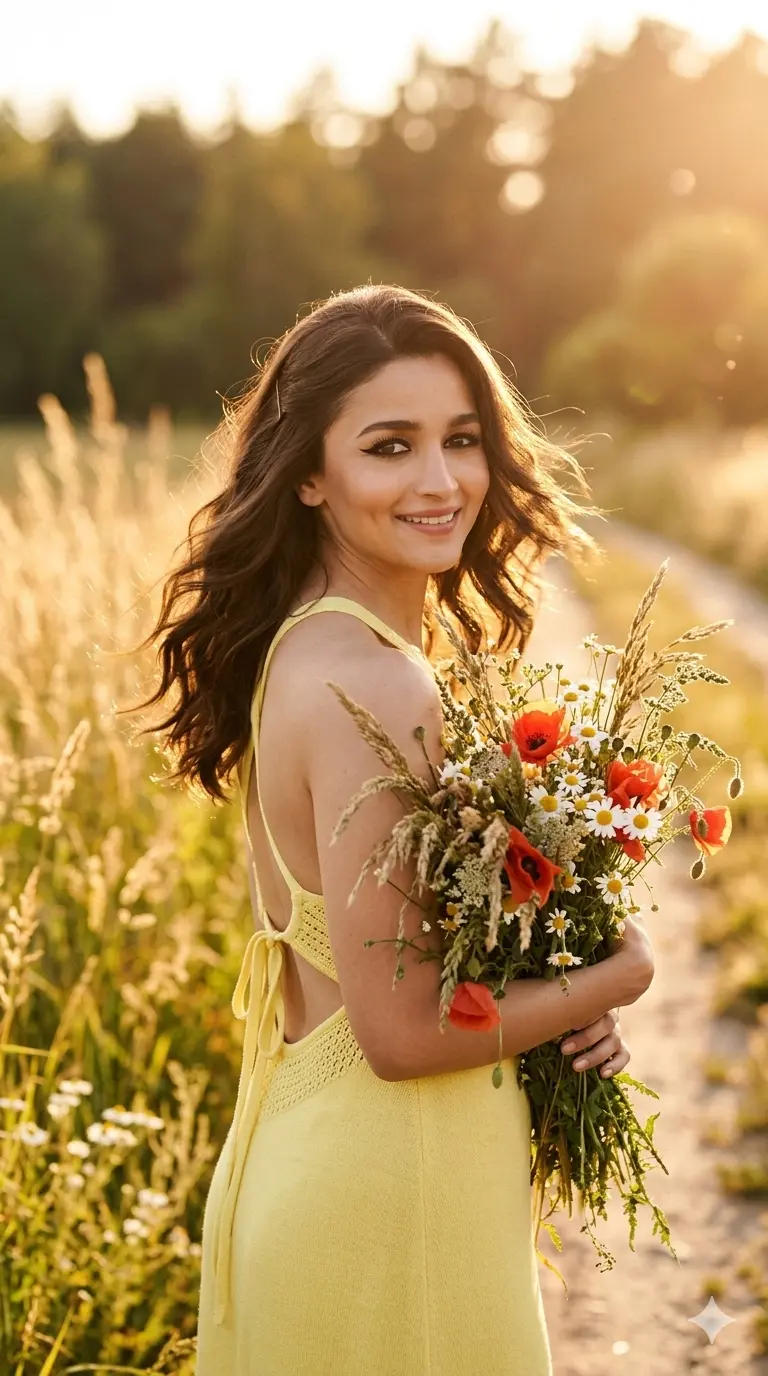
No editing skills needed — just copy, paste, and create
Browse our categories and pick a prompt that matches your photo style — girl, couple, saree, or trending.
Hit the Copy button — the full optimized prompt is copied to your clipboard in one click.
Open Google Gemini or ChatGPT, upload your photo using the + icon, then paste the prompt.
AI generates your cinematic, professional-quality image. Preview and download instantly.
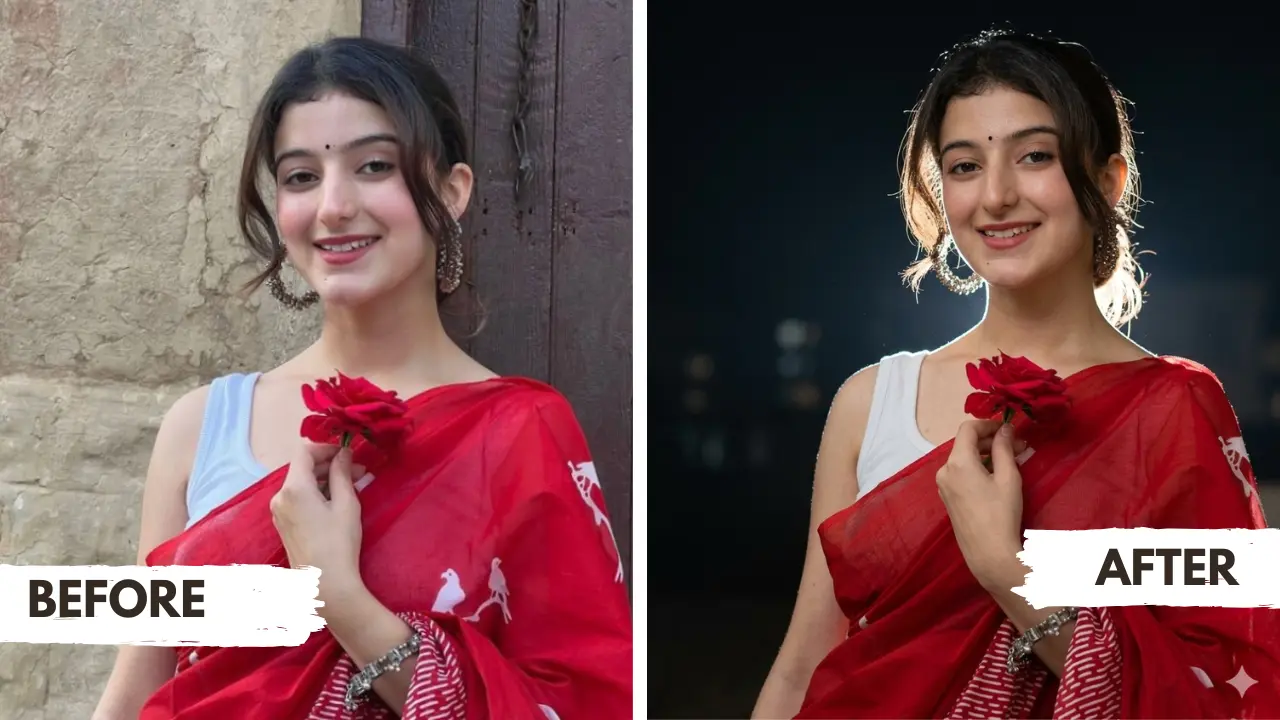
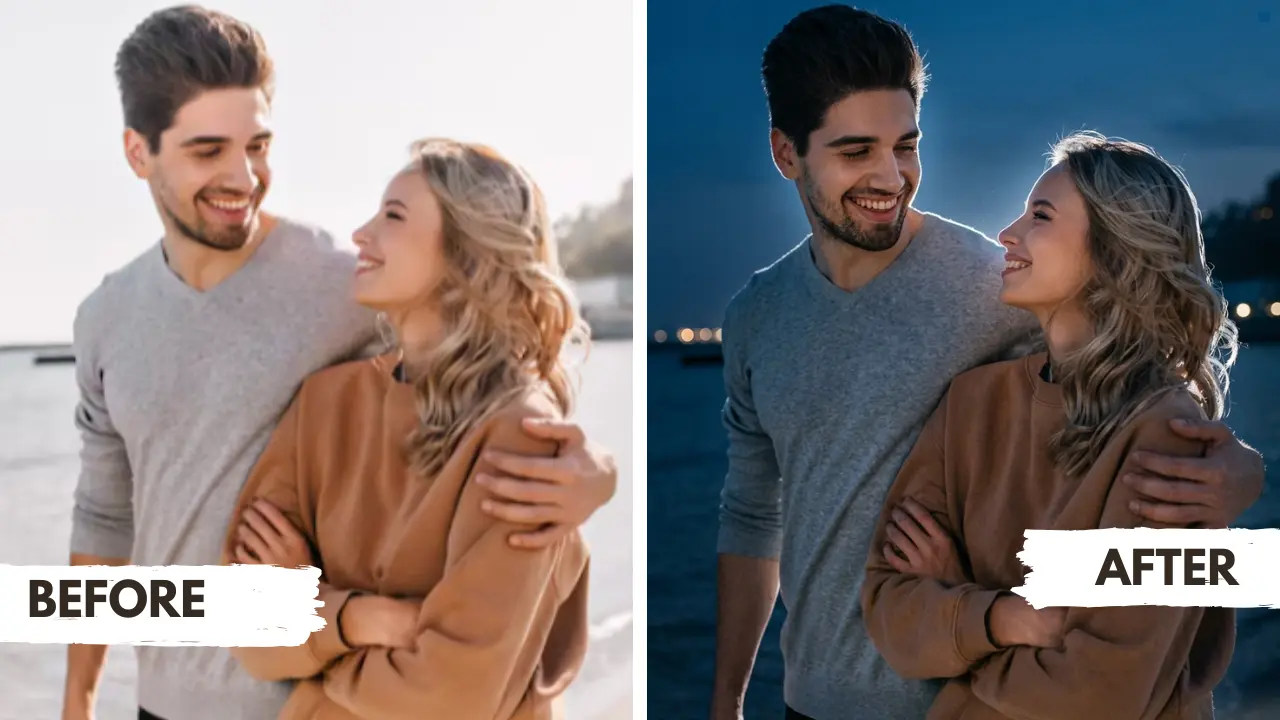
Google Gemini and other AI photo editing tools provide users with an easy way to edit images by simply providing a good, optimised prompt. It generates high-quality images with just one prompt. It saves time and produces high-quality, cinematic-style images, and can also change the atmosphere, camera angle, and focus. This is useful for both designers and people who don’t know anything about photo editing.
Using the Gemini AI photo prompt made image editing very easy, saving a lot of time. By copying and pasting the prompt, you can generate cinematic-style, professional-looking pictures, and there’s no need for any professional editing chops.
The key to better results for editing images in Gemini, ChatGPT, or another AI tool is an optimised prompt. When you give a detailed prompt telling each and everything, the Google Gemini gives better results. Your problem of writing a prompt is solved here. Just find your desired prompt, and we have written optimised prompts for you already.
The second important thing for editing images is the input image. You have to give a high-resolution and clear image. However, you should upload an image that has a simple background because it becomes easier for any AI tools to isolate the object properly.
Pick subject, style, mood — get a cinematic prompt for Gemini or ChatGPT in seconds.
Gemini AI photo prompts are text you can use for editing your images in Gemini or ChatGPT. These are optimized photo editing prompts that have each details in it so you can get the exact results
Yes, definitely, you can preserve your face. For this, you have to provide a clear reference picture that shows facial features clearly. And you can also mention in the prompt “maintain the character identity same” or “preserve the facial features that are in the reference image.
No, for using these prompts, you don’t need any photography or editing skills. You just have to copy the prompt from imagepromptlab and paste it in Gemini with the reference image you want to transform, and just wait for gemini result.
ImagePromptLab is providing a photo editing prompt for all the categories whether it is professional, traditional, festivals and many more. The best thing is all the prompts are optimized, detail oriented and preserve the identity of a person
Subscribe free and get the newest Gemini AI prompts every week. No spam, unsubscribe anytime.
For editing your images professionally, you don’t need any expensive software or editing skills, all you need is an optimised and detailed oriented prompt. Whether it’s a personal selfie, professional, or brand pictures. AI photo editing has become a current trend that bloggers, creators, and everyday users can also use.