Boy's Prompts
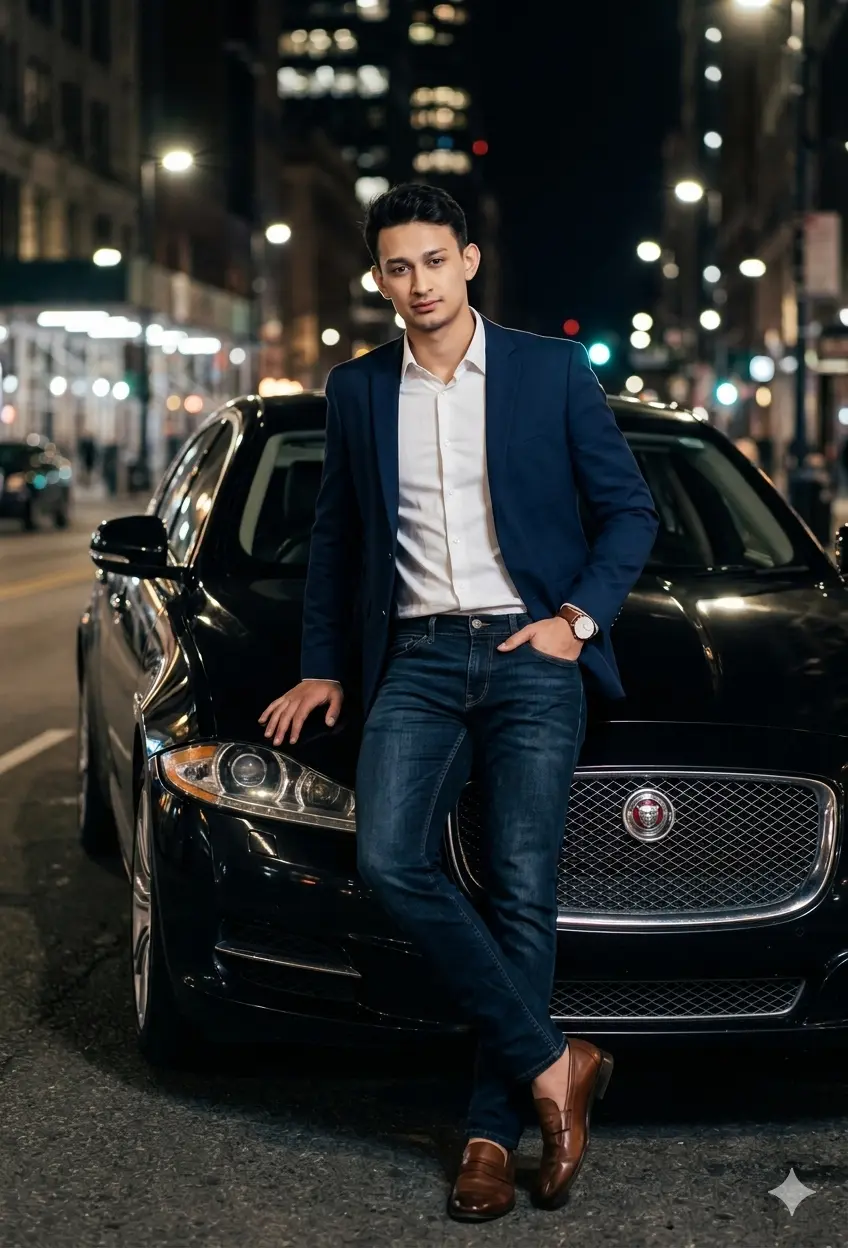
Boys Gemini Prompt With Jaguar Car
By Priya Sharma / April 10, 2026

Welcome to ImagePromptLab, a free library where every Gemini AI photo prompt is ready to copy and paste. Every gemini ai prompt here edits your real photo and keeps your face exactly yours, no random new face. Pick a look, paste it with your photo in Gemini or ChatGPT, and generate. Ai photo editing prompts for boys, girls, couples, birthdays and festivals.
Instead of browsing one long list, pick the category that matches what you want to create.
Generate stylish trending images for social media and events.
Create heartwarming AI photos with your younger and present self together.
Transform your selfies into romantic, emotion-rich couple photos for special moments.
Create elegant, Bollywood-style saree looks for weddings, festivals, and social media.
Create aesthetic, festival, and professional 4K HD portraits easily.
Generate stylish and professional images for social media and events.
New prompts added regularly, pulled straight from what people are searching for and creating right now.
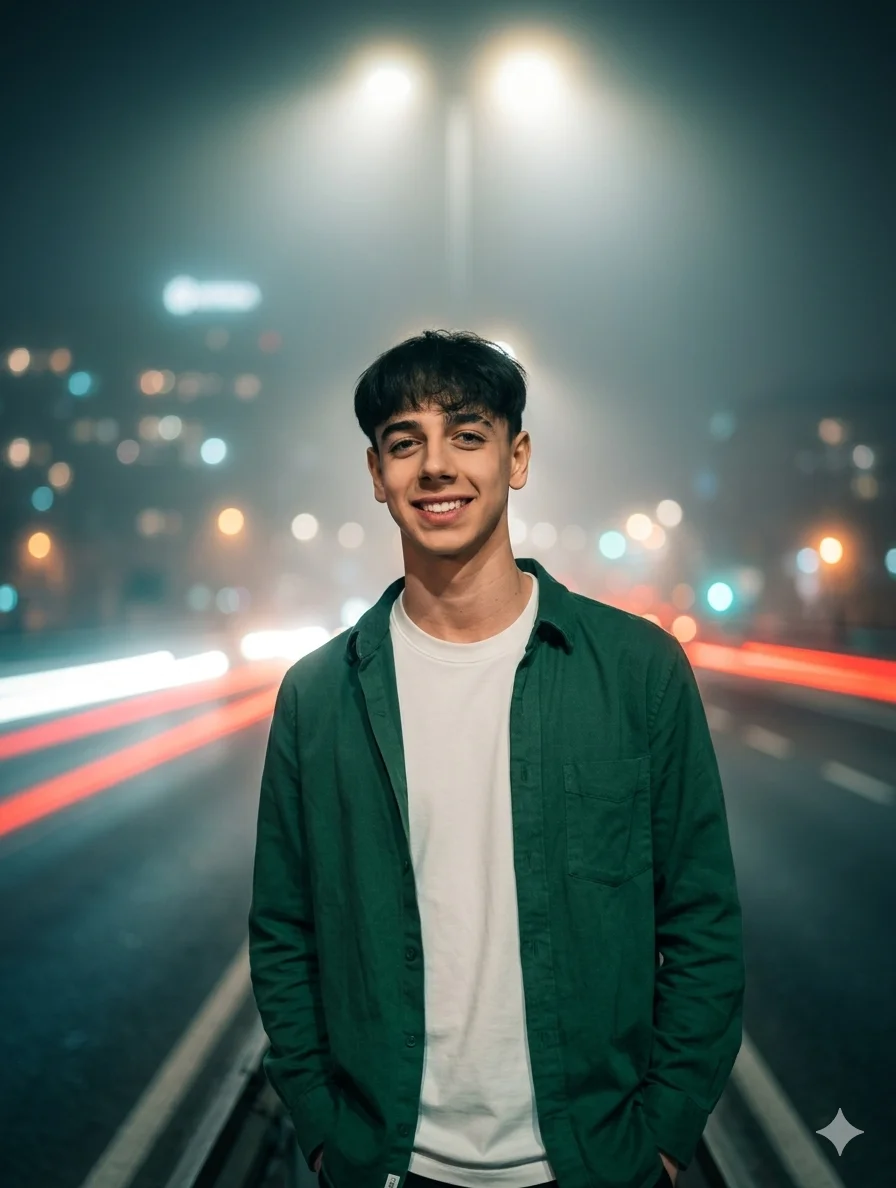
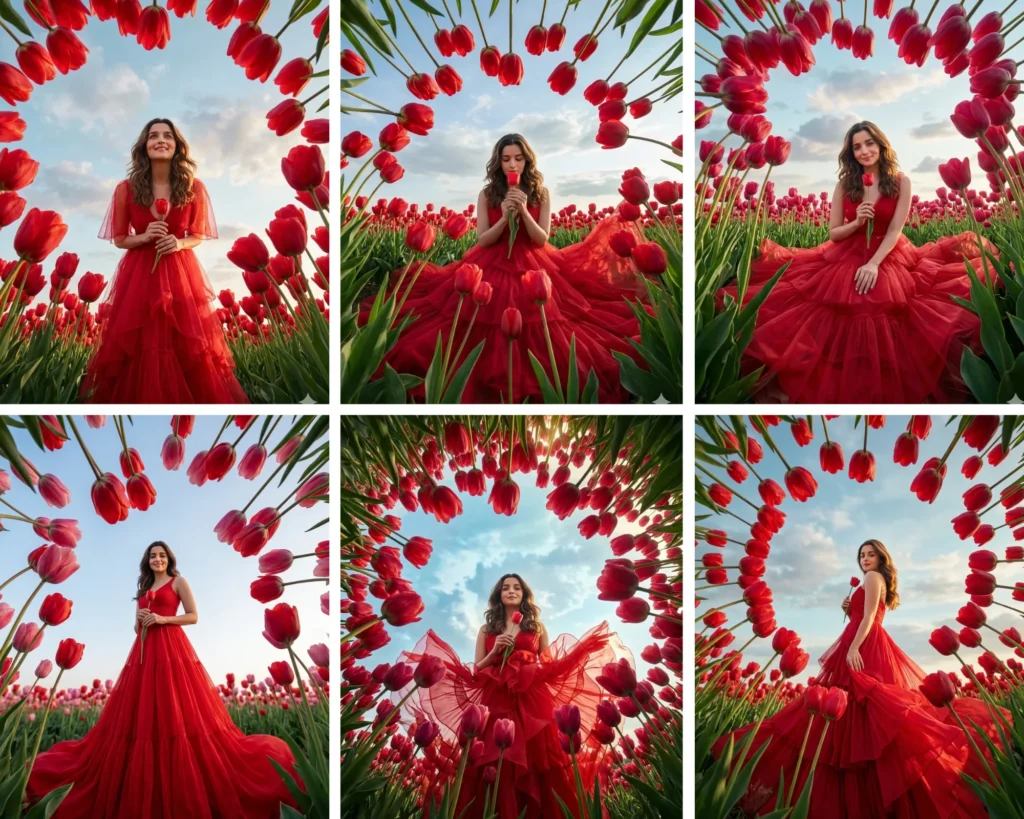
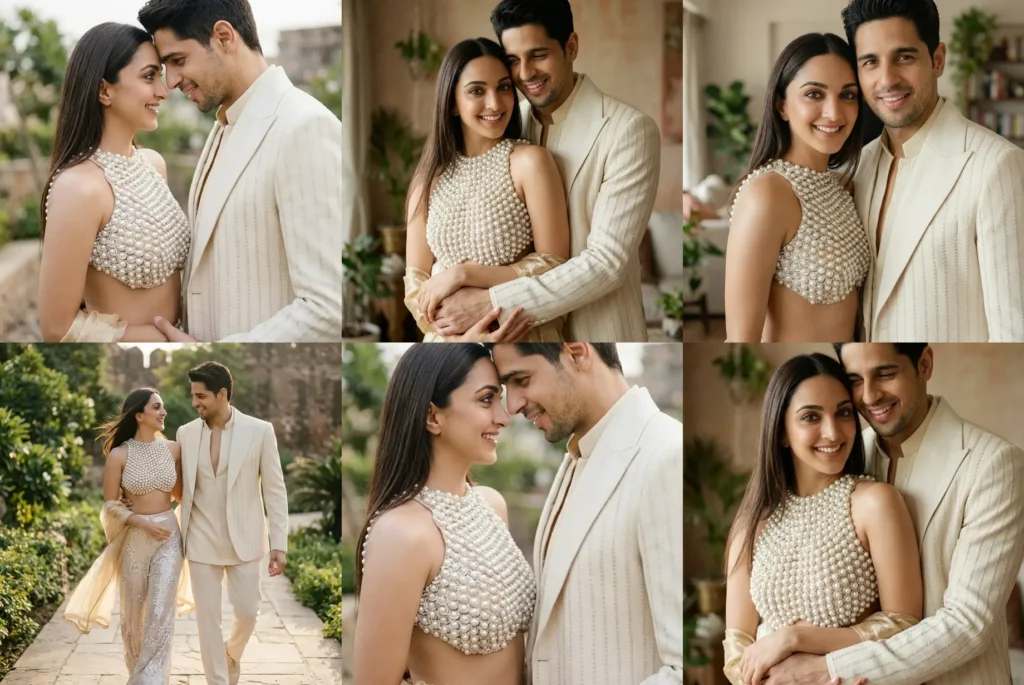
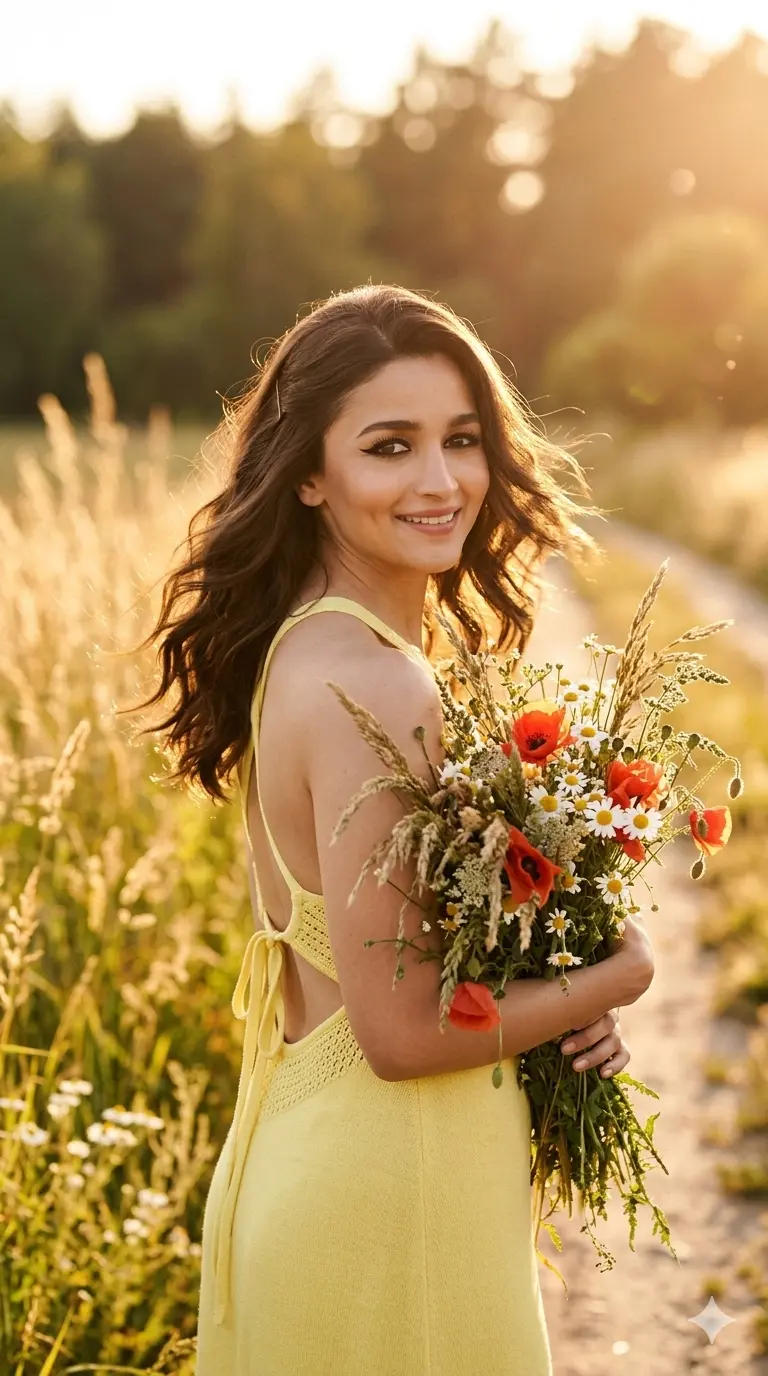
One library, endless styles. Pick the outcome you want.
Change what you are wearing while your face and body stay exactly the same.
Swap a plain wall or messy room for a beach, studio or festival setting.
Add movie style lighting and color grading to an ordinary photo.
Get the polished look of a magazine shoot without a studio.
Turn two separate selfies into one natural photo together.
Saree, sherwani and festival looks that keep the outfit details accurate.
Fix torn, faded or blurry family photos without losing the likeness.
Sharpen a blurry or low resolution photo so it looks clean.
Same app, two very different jobs. Here is which one you actually need.
Works on your own photo: you upload it, and Gemini changes the outfit, background or light while your face stays the same.
Starts from zero and creates a brand new image from words only. No photo of you is used, so the face in it will not be yours.
Most people searching for an editing prompt want the first one: your photo, your face, a better look around it.
Watch the full guide once, or follow the four steps below. No editor and no skill needed.
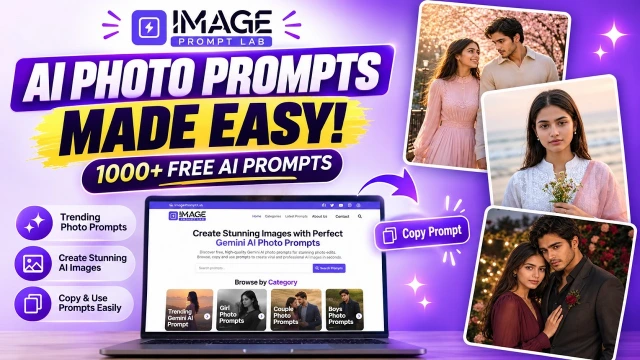
Open any prompt on this page and tap the Copy button.
Open the Gemini app, tap the plus button and upload a clear photo of your face.
Paste the prompt under your photo, exactly as you copied it.
Your edited photo is ready in a few seconds. Face looks different? Run it once more. The second try is often cleaner.
A Gemini AI photo prompt is a short written instruction that tells Google Gemini what to create or change in a picture. You give Gemini a photo and the prompt, and it returns a new version. Clear words bring a closer result. On this site, each prompt is written for editing real photos, so your face stays yours.
Subject: Who or what is in the photo.
Identity: The line that keeps your face unchanged.
Clothing: The outfit, with color and fabric.
Pose: Standing, sitting, or looking at the camera.
Background: The place behind the subject.
Lighting: Daylight, golden hour, or studio light.
Composition: Close up, half body, or full body.
Camera: Eye level, low angle, or a lens look.
Style: Cinematic, retro, editorial, or realistic.
Mood: Calm, joyful, bold, or confident.
Constraints: What Gemini must not change.
Learning how to write prompts for Gemini AI image generation is easier when you use the parts above in the right order. The five steps below show how to give a prompt to Gemini for photo editing without repeating the whole checklist.
Pick a clear, front facing photo in good light, with no heavy filter. Gemini copies what it sees, so a sharp photo gives a sharper result.
Write exactly what should change. "Change my shirt to a black blazer" works. "Make me look good" does not.
Use the checklist above and be specific. Name the outfit, background, lighting, framing, style and mood. "Red Banarasi saree, gold border, wedding hall" beats a plain "traditional look" every time.
Add this line: "Keep my face, skin tone and hairstyle exactly the same as the uploaded photo." Then add your negative prompt: no face change, no blurry skin, no cartoon look, no extra fingers.
If the first result is close but not right, send one small correction in the same chat, like "fix only the jawline". Small fixes beat starting over.
A one line prompt like "edit my photo" leaves too much to chance. Gemini fills the gaps with generic choices.
If the prompt does not say to preserve your face, Gemini may rebuild your features while it applies the style. Add the face lock line above. If the face still changes, use the next section.
Different AI tools read prompts in different ways. A prompt made for one tool may need small changes before it works well in another.
Most people leave a prompt after one try. A short follow up instruction usually fixes the problem faster than restarting.
Gemini creates a new image from your photo and your words. It does not edit the original pixels one by one. If you do not clearly ask it to keep your identity, it may shift your facial proportions, skin tone or expression while it applies the rest of your request.
Add a specific line such as:
This single instruction is one of the most effective fixes for identity drift.
Run the same prompt again, since results vary slightly each time. If the issue continues, send a short follow up message describing exactly which feature does not match.
Most unrealistic results come from missing or unclear detail in one of these five areas.
Skin can look too smooth or plastic when the prompt does not ask for natural skin texture.
Hands are still hard for AI to render in busy poses. Simple, clearly visible hands usually give a cleaner result.
The photo looks fake when the light on the person does not match the place behind them.
Fabric folds, patterns and jewellery can look simplified when the outfit is not described clearly.
A background looks made up when the place is too perfect or too vague. Name a real place and a few real details.
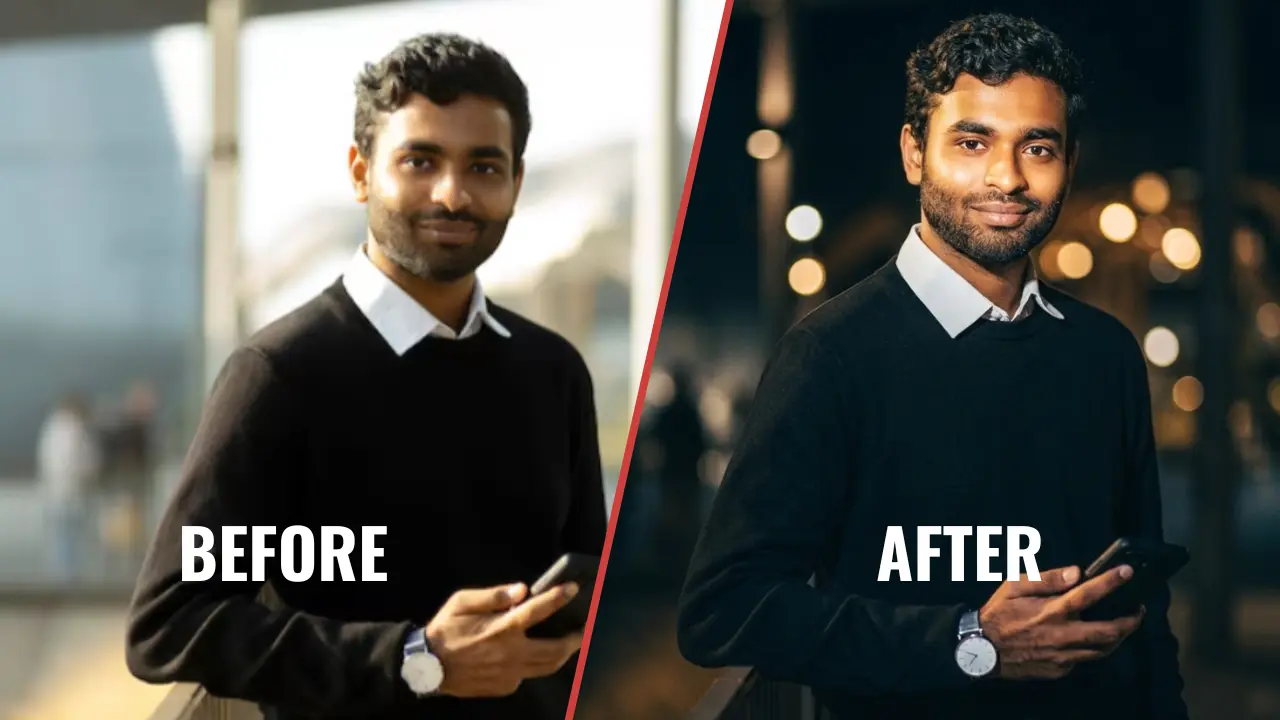
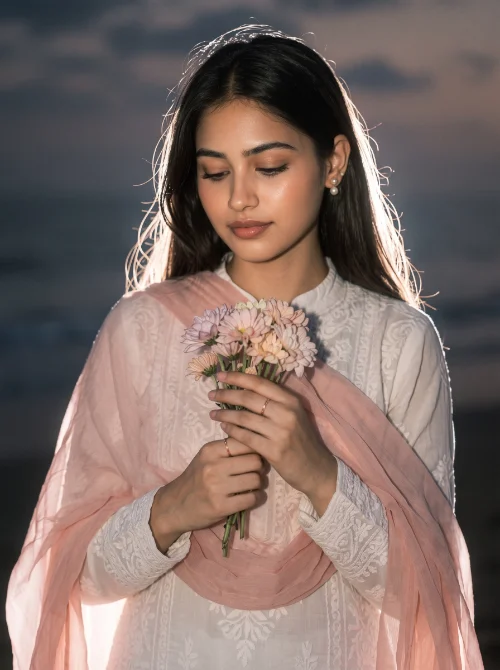
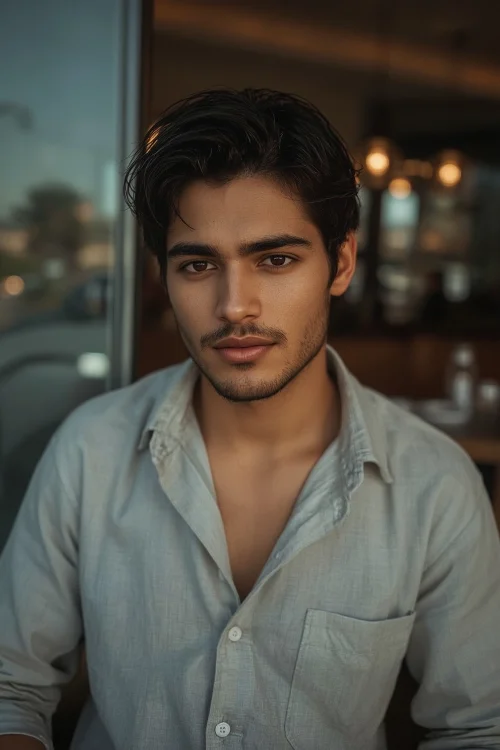
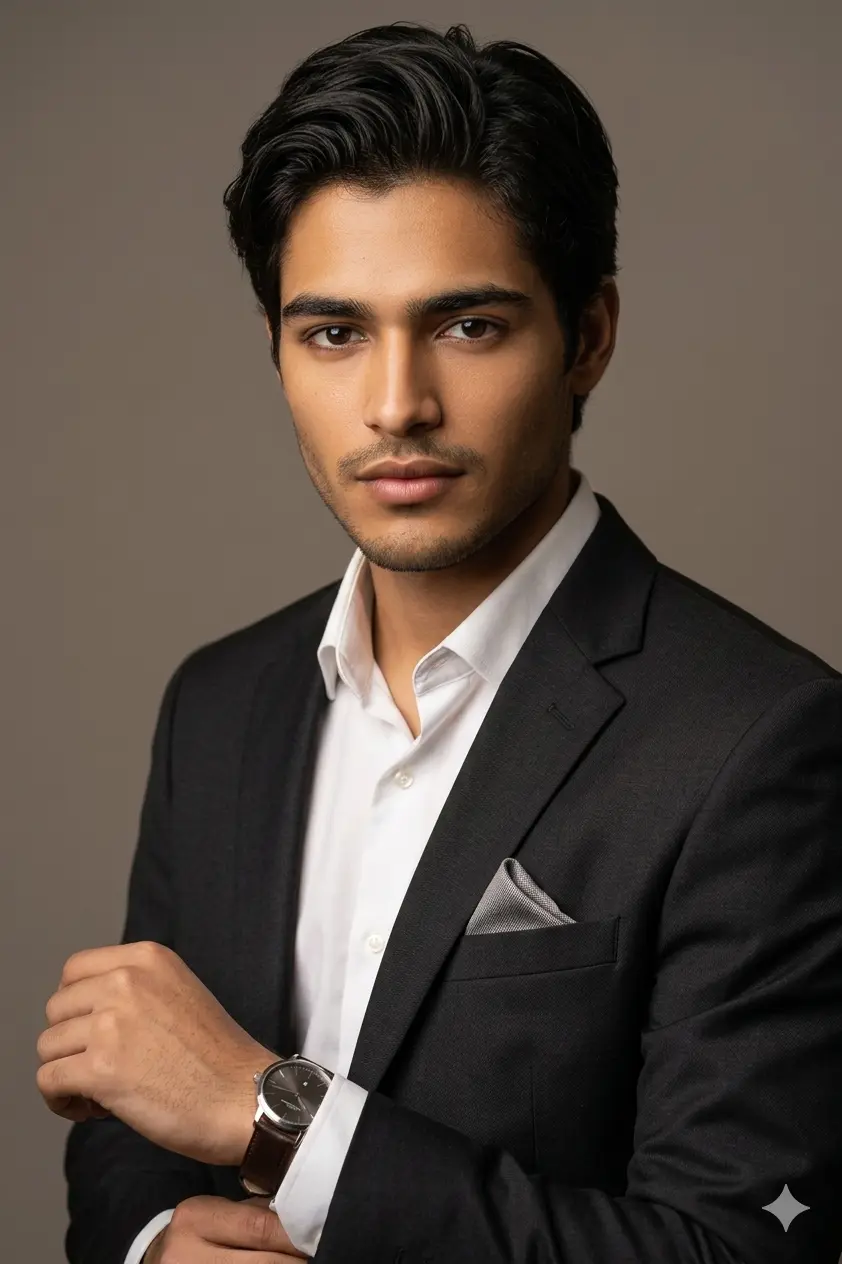
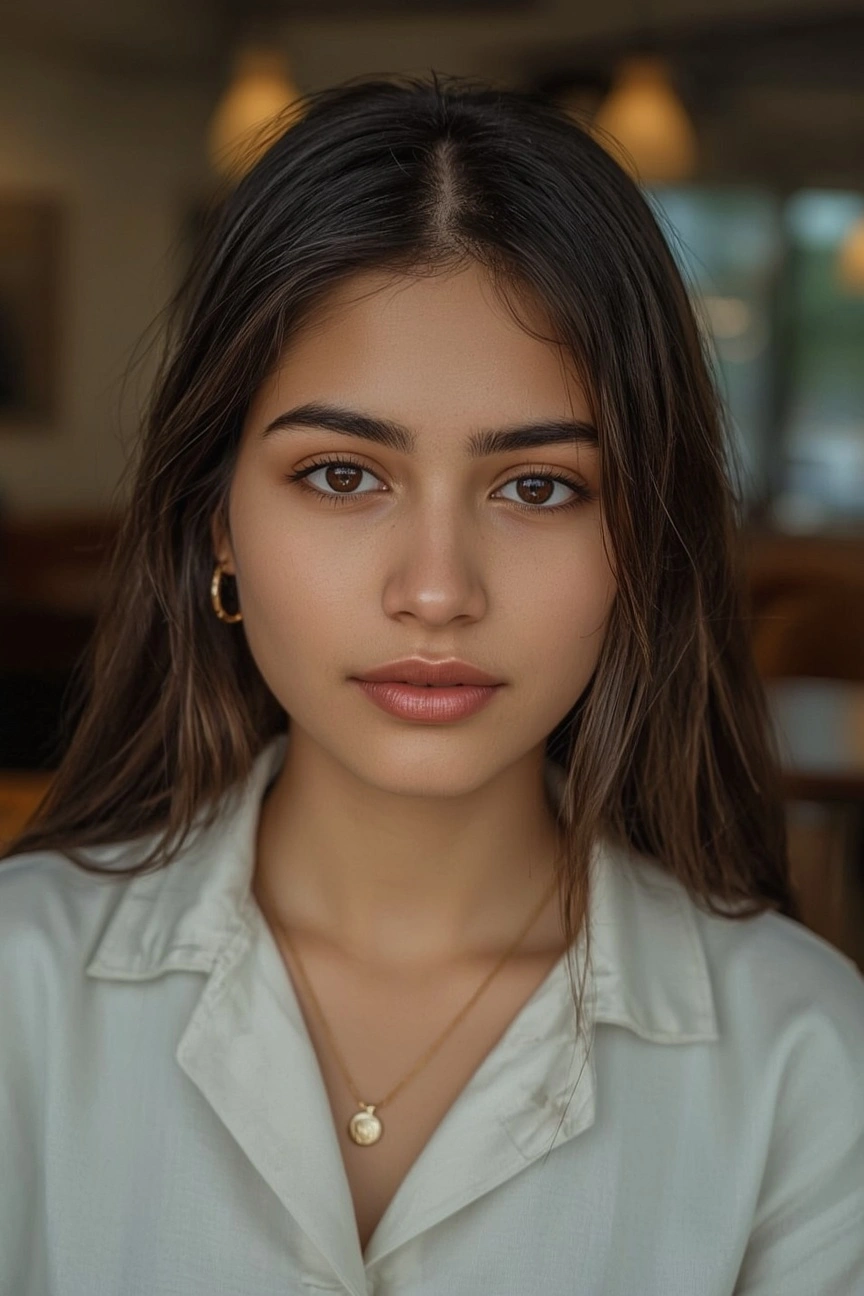
Every AI image prompt below is pre-tested on actual photos before publishing. See exact before-and-after results to guarantee 100% facial preservation, natural lighting, and zero plastic skin distortion.
Short, honest answers to the questions people ask before their first edit.
Tap Copy on any prompt on this site, then open the Gemini app or website. Tap the plus button, upload a clear photo of your face, paste the prompt under it and tap Generate. Your new photo is ready in a few seconds. Not happy with it? Generate once more. The second try is often better.
Add one clear face lock line at the top of your prompt: "Keep my face exactly the same. Do not change my facial features, eyes, nose or skin tone." Then upload a clear, front facing photo with no sunglasses or heavy filter. Still changing? Your prompt may be describing a new face somewhere. Remove those words and run it again.
You do not have to write one from zero. Copy a ready prompt from this library, change the outfit, place and style words to match your idea, and paste it under your photo in Gemini. If you write your own, name the subject, look, lighting, background and face rule. That is a full prompt.
Right here. Every prompt on this site is free to copy, with no signup and no payment. Pick a category: boys, girls, couple, birthday or festival. Open the prompt, copy it and paste it in Gemini under your photo. Prompts copied from reels are often incomplete, so check the full prompt before you run it.
The best one is clear about four things: your face stays the same, the outfit is named, the place is named, and the light is named. Cinematic portraits, retro looks, birthday studio shots and couple prompts work best for most people. A short prompt with these four things beats a long prompt full of random style words.
You do not need paid software or editing skills. Pick one clear photo, copy one prompt and make your first edit. If you want to build a look of your own, try the Gemini AI prompt generator.
Free forever No signup Your face stays yours