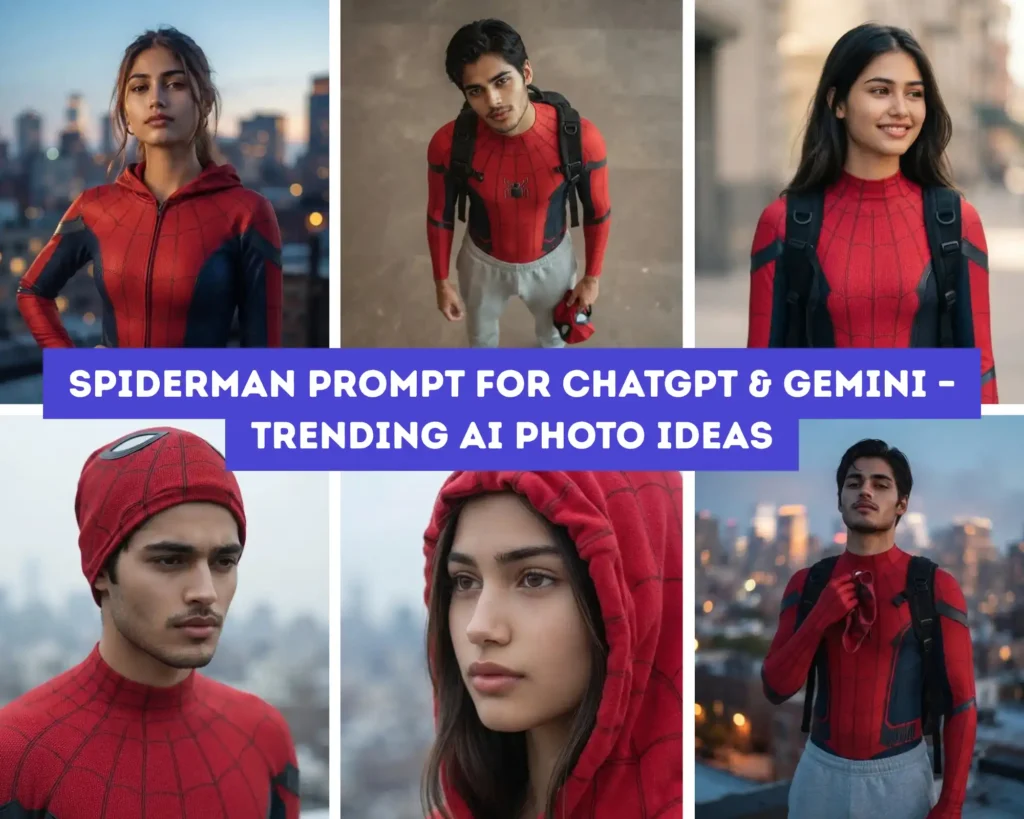
The trending spiderman prompt everyone’s copy-pasting into Gemini and ChatGPT right now isn’t one single prompt — it’s a full suit-and-pose formula that keeps your face untouched while the AI builds the costume, lighting, and city backdrop around it. To get the viral spider man prompt look, you need three things locked in: a clear front-facing reference photo, a detailed suit description with fabric texture (not just “spiderman suit”), and a specific camera angle instruction — skip any of these and Gemini tends to flatten the face or blur the web-texture pattern.
We tested a full set of spider-man prompt variations across ChatGPT and Gemini — top-down candid shots, dramatic poster-style portraits, rooftop skyline photos, and close-up hood-rolled looks — built specifically for both men and women who want to try the spiderman prompt trend without needing photoshop skills or a real costume. Every prompt below uses the same identity-lock structure, so your actual face carries through cleanly regardless of which suit style or setting you pick.
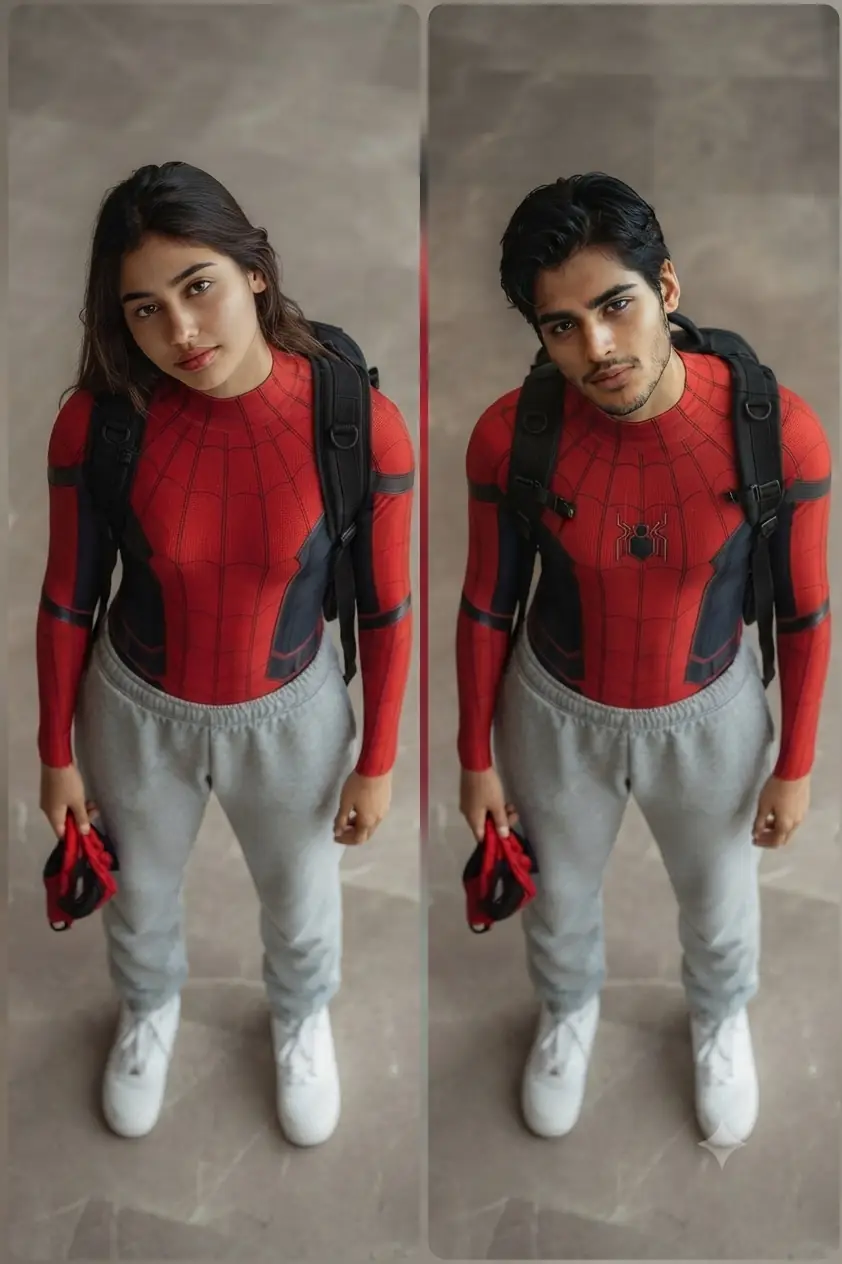
Spiderman Prompt for ChatGPT & Gemini – Top-Down Candid Suit Photo For Girls & Boys
Use my uploaded photo as reference for exact facial identity, skin tone, and features — preserve these unchanged. Generate a body wearing an original red-and-navy skintight superhero suit with a fine spider-web texture pattern across the chest, shoulders, and arms, no logos or copyrighted emblems, dark navy side panels along the torso, paired with a black tactical backpack with straps visible over both shoulders. Bottom half: light grey sweatpants and white sneakers. Pose: standing upright, chin tilted slightly up toward the camera, head tilted a touch to one side, relaxed shoulders, one hand down at the side holding a matching red-and-black mask by its edge. Camera angle: shot from directly above and slightly in front, a high elevated bird’s-eye angle looking down, similar to a phone held above head height, full body in frame from head to shoes. Setting: plain polished stone or marble tile floor in neutral warm grey tones, minimal empty space around the subject, no other objects in frame. Lighting: soft, even, diffused overhead lighting with no harsh shadows, slightly cool-neutral tone, looks like ordinary indoor ambient light. Camera: Canon EOS R5, 85mm f/1.4 lens (simulated for a phone-style top-down candid shot), natural sharp focus throughout. Mood: casual, confident, everyday candid moment rather than an action pose. 8K ultra realistic, professional photography quality, human-taken feel, sharp focus, masterpiece.
Gemini AI Prompt
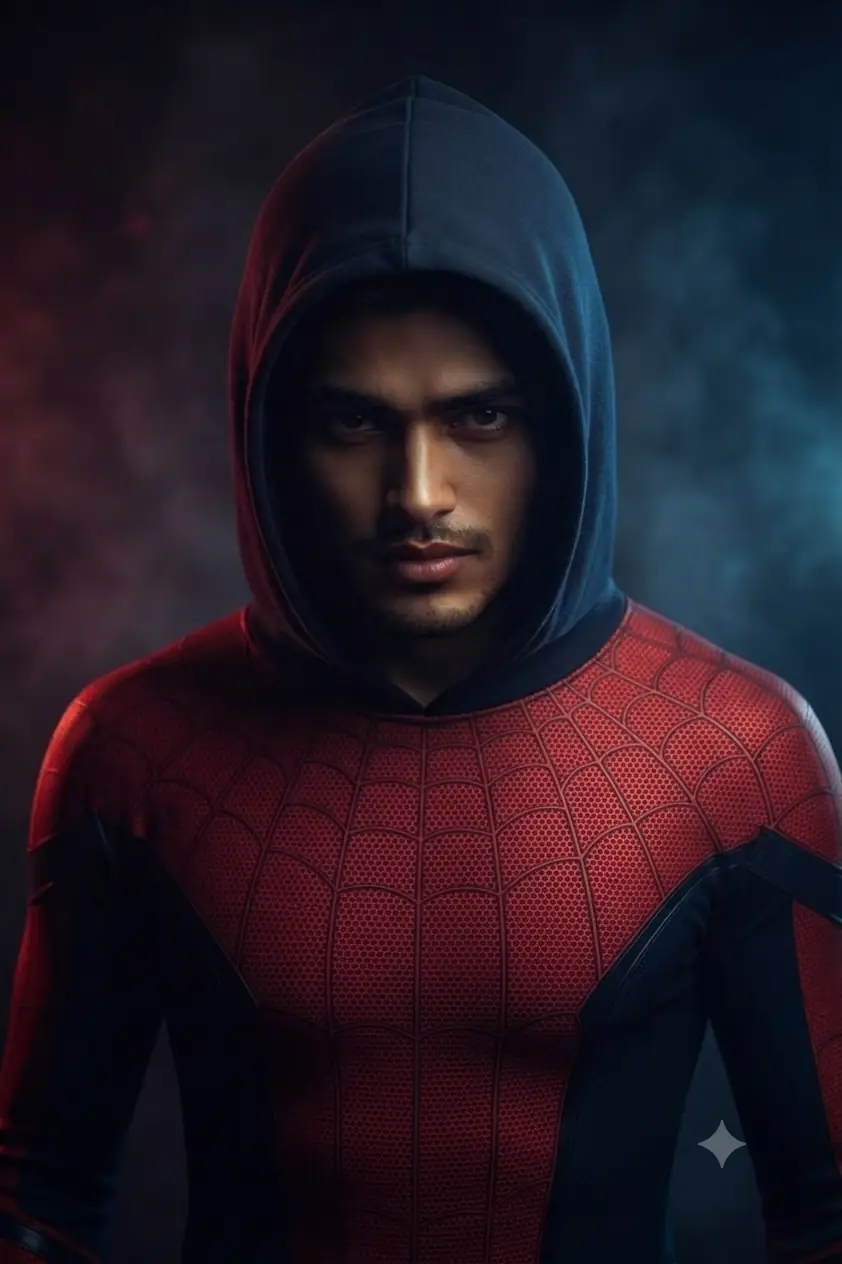
Trending Spiderman AI Prompt – Dramatic Blockbuster Style Photo Editing
Use my uploadeGenerate a body wearing an original red-and-navy superhero suit with a fine spider-web texture pattern across the chest, shoulders, and arms, no logos or copyrighted emblems, dark navy side panels along the torso, hood fully on with an open face cutout revealing the entire face and eyes naturally. Pose: head tilted slightly down, eyes looking up intensely into camera, moody serious expression. Setting: dark smoky background with faint red and blue lighting accents. Lighting: cinematic two-tone rim lighting, red on one side, blue on the other, deep shadow in the center. Camera: Canon EOS R5, 85mm f/1.4 lens, shallow depth of field. Mood: dramatic, poster-worthy, blockbuster energy. 8K ultra realistic, professional photography quality, human-taken feel, sharp focus, masterpiece.
Gemini AI Prompt
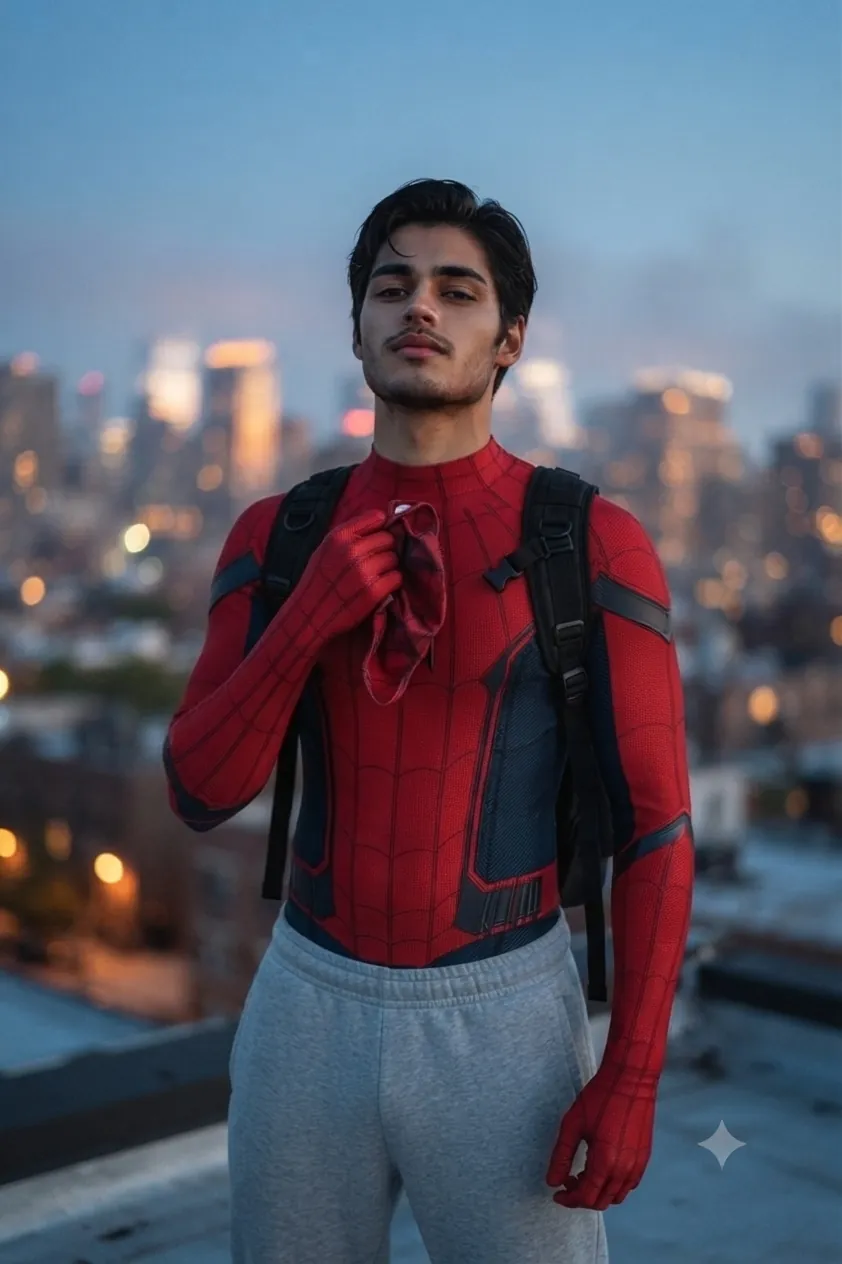
Viral Spiderman Prompt for Gemini & ChatGPT – Rooftop Photo Idea 2026
Use my uploaded photo as reference for exact facial identity, skin tone, and facial features — preserve these unchanged. Generate a body wearing an original red-and-navy skintight superhero suit with a fine spider-web texture pattern across the chest, shoulders, and arms, no logos or copyrighted emblems, dark navy side panels along the torso, paired with a black tactical backpack with straps visible over both shoulders. Bottom half: light grey sweatpants and white sneakers. Pose: standing confidently, chin slightly lifted, shoulders relaxed, one hand raised into frame holding a matching mask near chest height. Framing: tight half-body composition, chest-up or waist-up, face and upper body as the clear focal point. Setting: urban rooftop at dusk, city skyline glowing softly out of focus behind, faint haze in the air. Lighting: cool blue dusk tones blended with warm amber city glow, soft rim light along the shoulders and jawline. Camera: Canon EOS R5, 85mm f/1.4 lens, shallow depth of field, skyline softly blurred behind a sharp, well-lit subject. Mood: quietly heroic, cinematic, calm confidence. 8K ultra realistic, professional photography quality, human-taken feel, sharp focus, masterpiece.
Gemini AI Prompt
Spiderman Mask Pulled Half Off — AI Photo Prompt for ChatGPT & Gemini
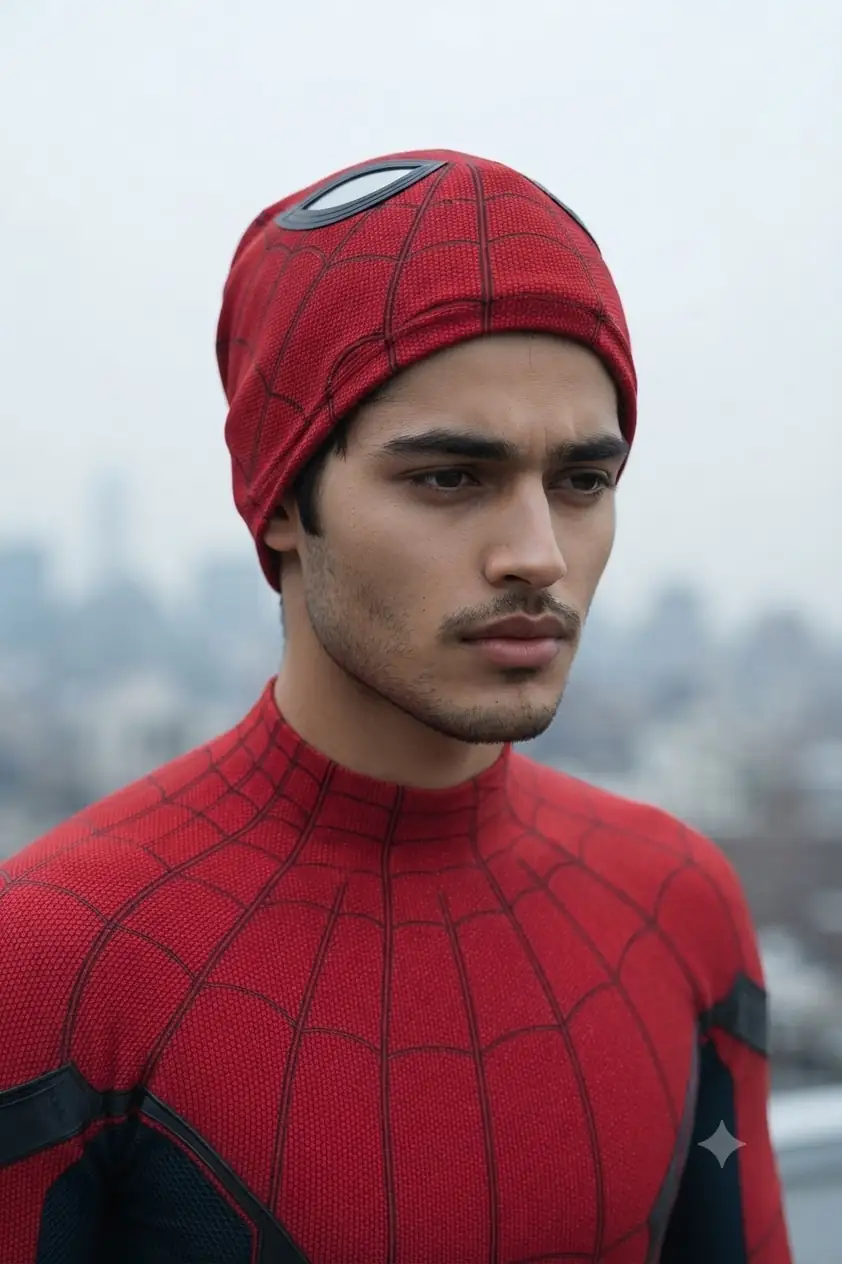
Use my uploaded photo as reference for exact facial identity, skin tone, and facial features — preserve these unchanged. Generate a half-body close-up shot wearing an original red skintight superhero spiderman hood/mask pulled up and off the face, resting on top of the head, revealing the full face and forehead, with a fine black web-texture stitching pattern across the hood, no logos or copyrighted emblems. Paired with a matching red-and-navy suit visible on the shoulders and chest, same fine web-stitch texture continuing down. Pose: head turned slightly to one side, eyes looking down and off to the side, serious focused expression, slight furrow of concentration. Framing: tight close-up to mid-chest crop, face as the clear focal point. Setting: hazy city skyline softly visible out of focus in the background, overcast daylight. Lighting: soft, flat, natural outdoor daylight, slightly cool tone, minimal shadow contrast. Camera: Canon EOS R5, 85mm f/1.4 lens, shallow depth of field, background softly blurred. Mood: serious, weary, quietly determined. 8K ultra realistic, professional photography quality, human-taken feel, sharp focus, masterpiece.
Gemini AI Prompt
Spiderman AI Prompt for Women — Candid City Street Photo
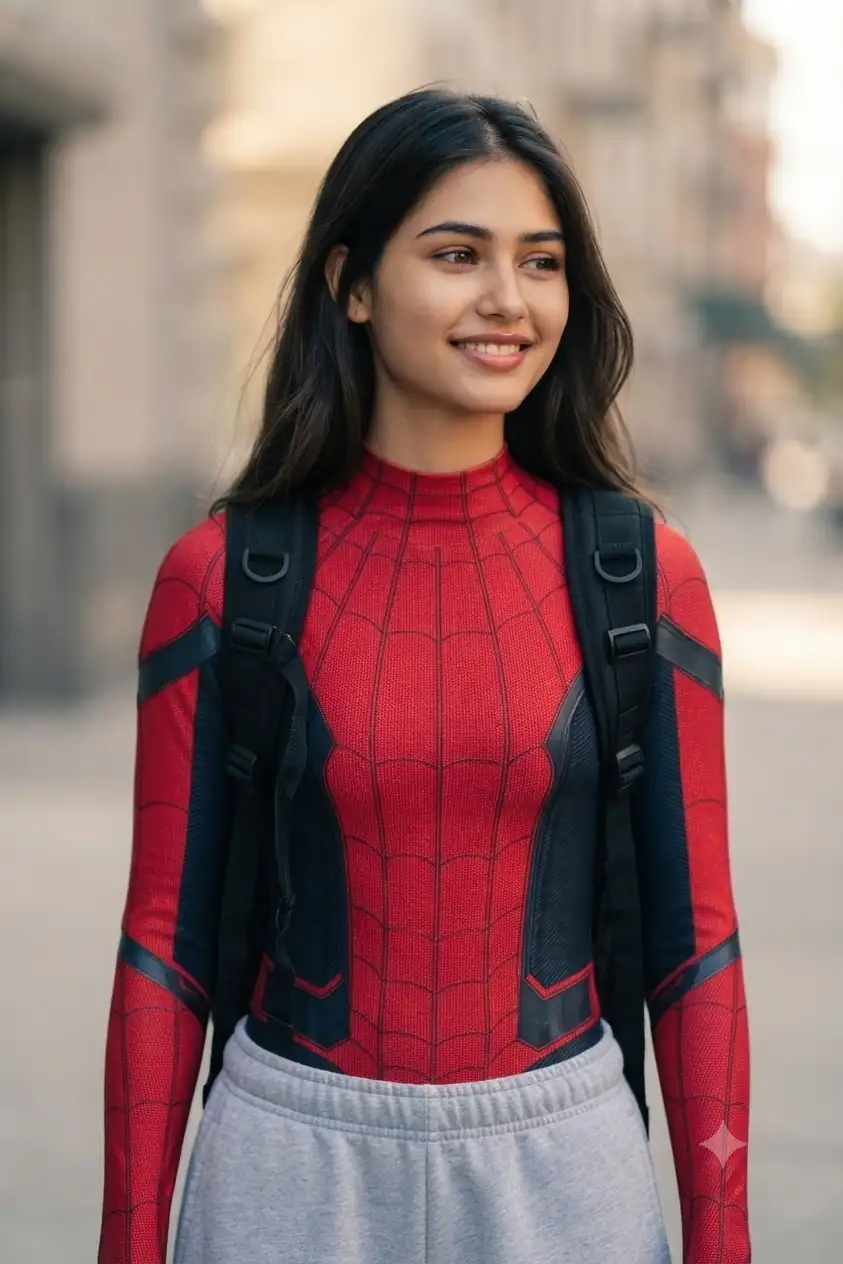
Use my uploaded photo as reference for exact facial identity, skin tone, and facial features. Generate a casual half-body shot wearing the G original red-and-navy superhero suit with a fine spider-web texture pattern across the chest, shoulders, and arms, no logos or copyrighted emblems, dark navy side panels along the torso, paired with a black tactical backpack with straps visible over both shoulders, hair falling naturally around the shoulders, backpack strap over one shoulder. Bottom half: light grey sweatpants. Pose: candid, head tilted slightly smile, natural unposed feel. Setting: simple city street backdrop, softly blurred. Lighting: soft natural daylight, warm and casual tone. Camera: Canon EOS R5, 85mm f/1.4 lens, shallow depth of field. Mood: joyful, relatable, trending candid energy. 8K ultra realistic, professional photography quality, human-taken feel, sharp focus, masterpiece.
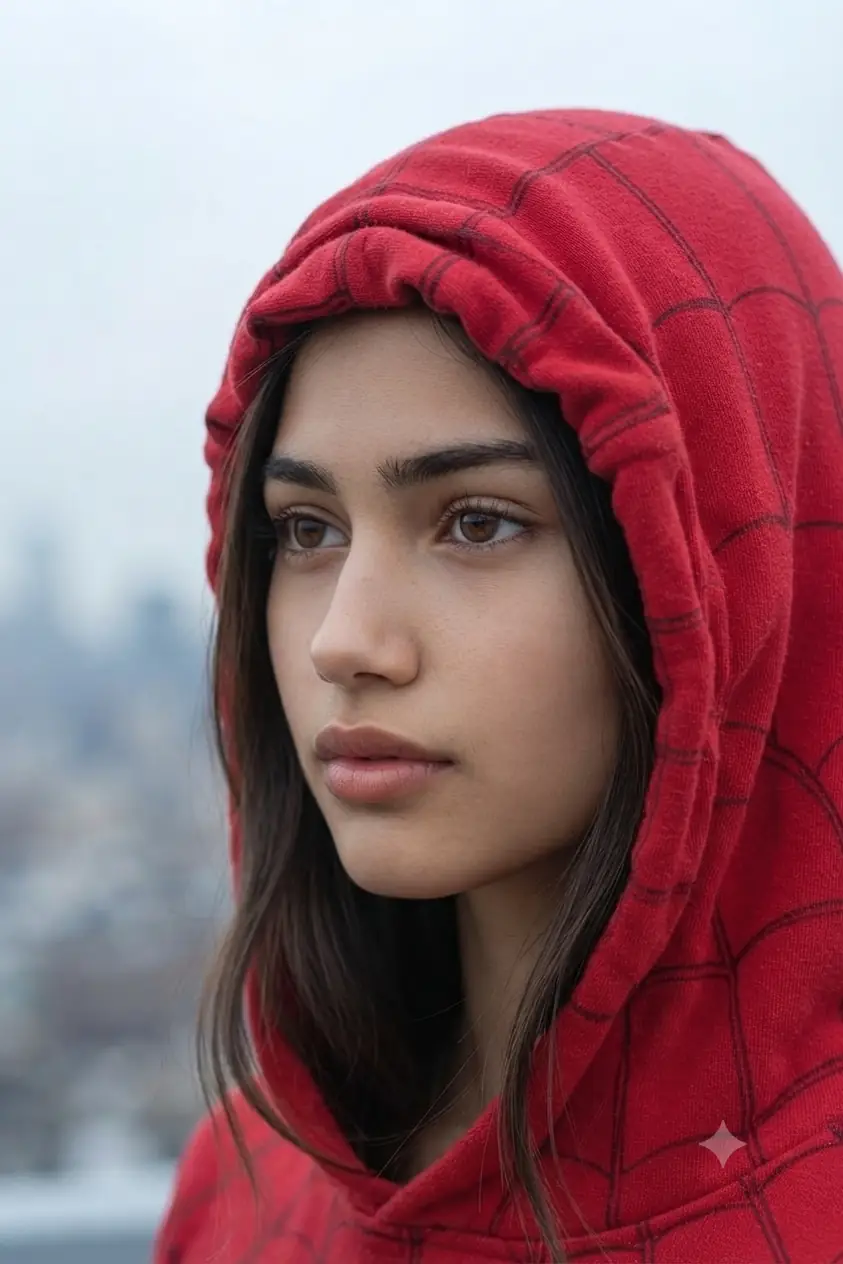
Use my uploaded photo as reference for exact facial identity, skin tone, and facial features, eyes fully visible and natural. Generate a close-up shot wearing a red web-stitched hood rolled up and bunched naturally off the forehead, soft fabric folds visible, face fully exposed with natural skin texture. Pose: three-quarter angle, eyes looking softly off to the side, gentle serious expression. Setting: hazy city skyline blurred in the background, overcast pale sky. Lighting: soft flat daylight, cool neutral tone, gentle light wrap around the face. Camera: Canon EOS R5, 85mm f/1.4 lens, shallow depth of field. Mood: calm, elegant, quietly intense. 8K ultra realistic, professional photography quality, natural skin texture, human-taken feel, sharp focus, masterpiece.
Gemini AI Prompt
Spiderman Prompt for Women — Confident Rooftop Dusk Photo Idea
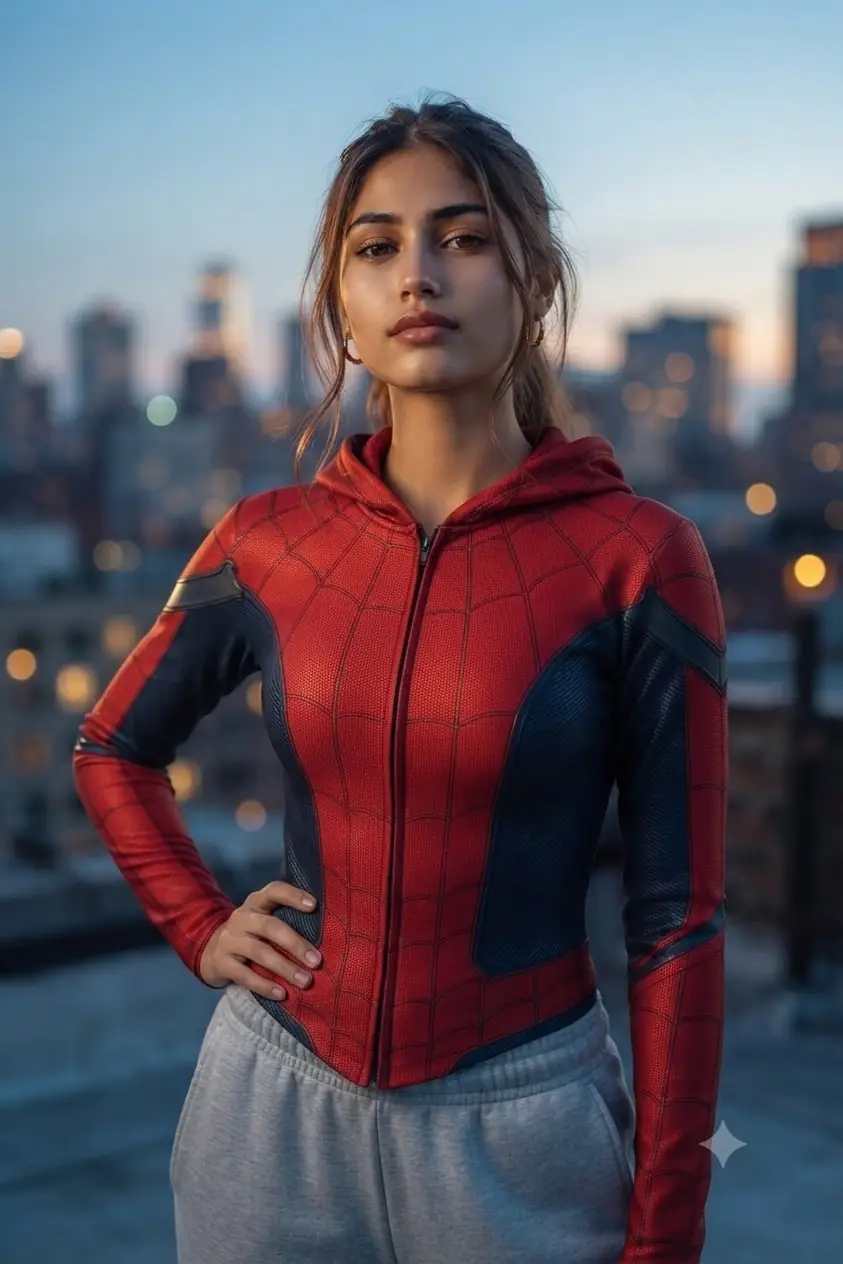
Use my uploaded photo as reference for exact facial identity, skin tone, and facial features — preserve these unchanged. Generate a half-body shot wearing an original red-and-navy spiderman superhero suit not too tight with a fine web-texture stitching pattern across the chest and shoulders, hood rolled up off the forehead with face and eyes fully visible, soft hair strands framing the face naturally. Bottom half: light grey sweatpants. Pose: standing confidently, chin slightly lifted, one hand resting on the hip, calm assured expression. Setting: urban rooftop at dusk, city skyline glowing softly behind. Lighting: cool blue dusk tones blended with warm amber city glow, soft rim light on the hair and shoulders. Camera: Canon EOS R5, 85mm f/1.4 lens, shallow depth of field. Mood: quietly powerful, cinematic, calm confidence. 8K ultra realistic, professional photography quality, human-taken feel, sharp focus, masterpiece.
How to Use This Spider Man Prompt on Gemini & ChatGPT
Upload one clear, front-facing, well-lit photo — the identity-lock instruction in every prompt below depends on the AI having an unobstructed view of your face, so avoid sunglasses, hats, or side angles in your reference photo.
For the top-down candid prompt, mention your actual floor type if it’s different from marble/stone (e.g., wood, carpet) so the AI doesn’t default to an odd texture.
For the rooftop and dusk-lit prompts, if your first result comes out too dark, add “increase ambient fill light on the face” to the end of the prompt — Gemini sometimes over-commits to the moody rim-lighting and underexposes the face.
For the hood/mask-rolled-up prompts, if the fabric fold looks unnatural, re-run once — this is the trickiest detail across the whole set since it needs the mask to look physically bunched, not just erased.
Tips to Get the Best Results With Your Spider-man AI Prompt
The dramatic two-tone (red/blue) poster-style prompt gives the most consistent “movie poster” look on Gemini, but ChatGPT sometimes mutes the color contrast — if that happens, add “boost red and blue rim light saturation” to the prompt.
Full-body prompts (top-down, rooftop) hold face identity better than tight close-ups when the reference photo is slightly lower resolution — if your photo is a phone screenshot, start with a full-body prompt first.
Run the women-specific prompts (candid street, hood close-up, rooftop confident) back-to-back for a consistent 3-photo set — the lighting tone (warm daylight → cool overcast → warm dusk) creates a nice visual progression if you’re posting as a series.
FAQs
Q: Will the spiderman prompt work if I only have a Halloween costume photo, not the AI-generated suit?
A: You don’t need a costume photo at all — the prompt builds the entire suit from text, so a plain photo of your face works fine. If you do have a Halloween costume photo, it can still work as a reference, but the AI will replace the suit details with the ones described in the prompt regardless.
Q: Why does the rooftop city skyline sometimes look blurry or unrealistic?
A: The rooftop prompts intentionally ask for a shallow depth of field, so the skyline is meant to be softly out of focus behind you — that’s the cinematic effect, not an error. If you want a sharper skyline, remove “shallow depth of field” from the prompt and it will render both you and the background in sharper focus.
Q: Can the same spiderman prompt be used for both a solo photo and a couple’s photo?
A: Yes — swap “my uploaded photo” for “our uploaded photos” and change “a body” to “two people” in any prompt, and the same suit, lighting, and setting details carry over cleanly for a couple version.
Try the Spiderman Prompt Trend Today — Share Your AI Photo
That’s the full trending spiderman prompt set for Gemini and ChatGPT — from dramatic poster shots to casual rooftop and street-style photos, all built to keep your real face intact while the AI does the rest. Pick whichever mood fits you best, tweak the setting if you want something more personal, and you’ll have a shareable spider-man look in under a minute. Try a few of these out and tag us on Instagram @image_promptlab — we’d love to see your results and might feature them.