
Introduction
The trending Gemini couple photo prompt for romantic floral portraits works because it does one thing most AI couple edits get wrong: it keeps both faces looking like the real people in your photo while still delivering that soft, cinematic, flower filled aesthetic everyone is saving on Pinterest right now. To get this look, feed Gemini or ChatGPT a clear reference photo of both people along with a prompt that locks identity first, then layers in the floral setting, lighting, and outfit details.
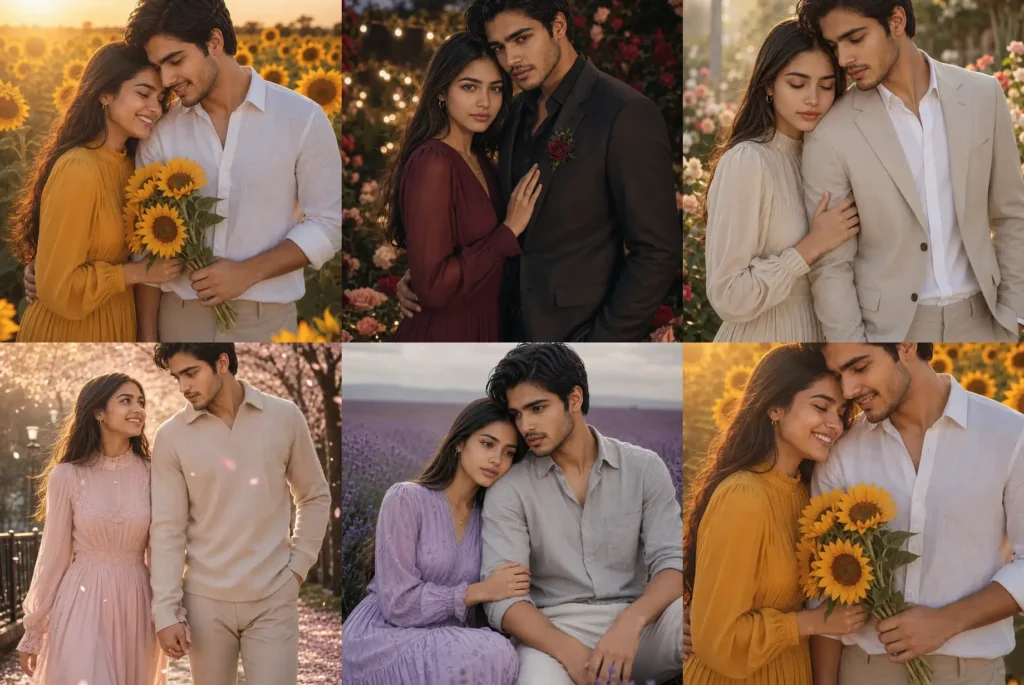
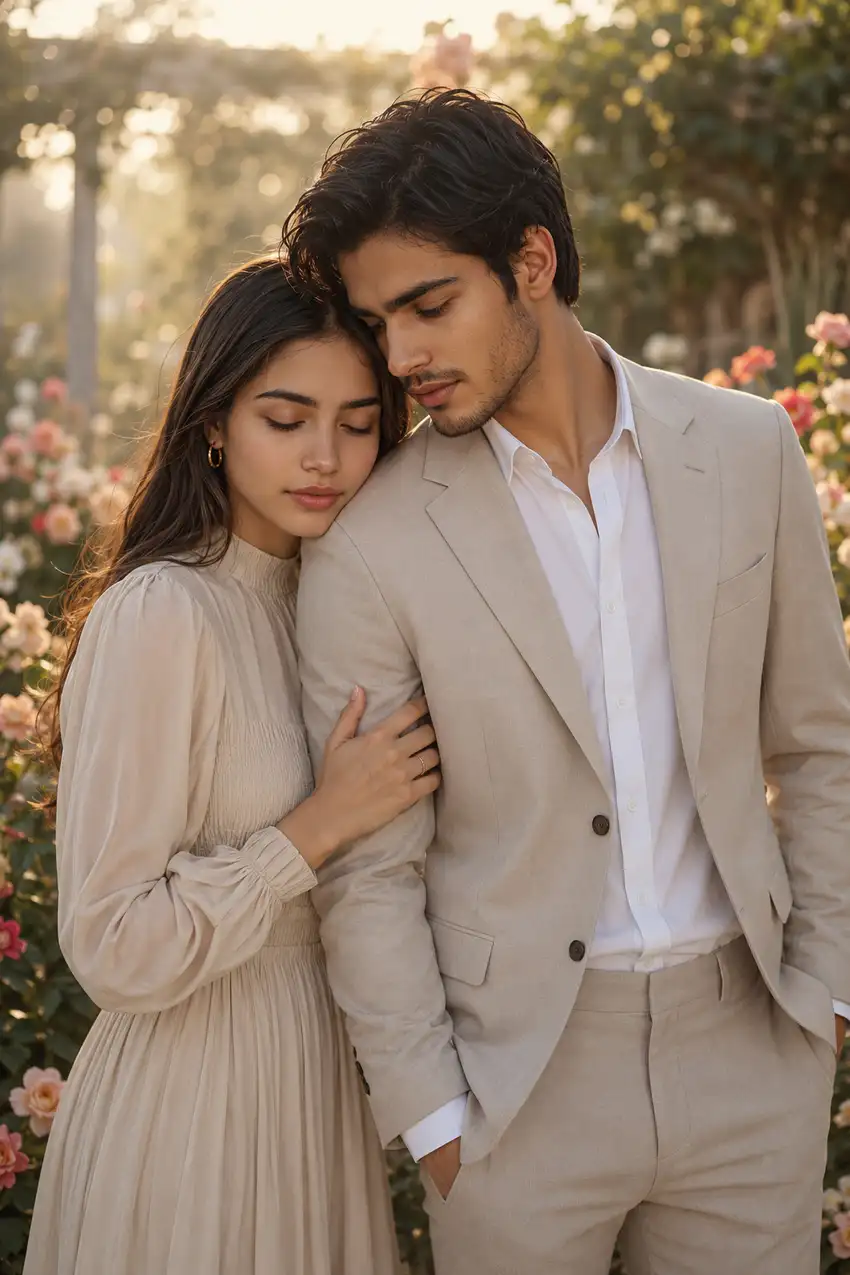
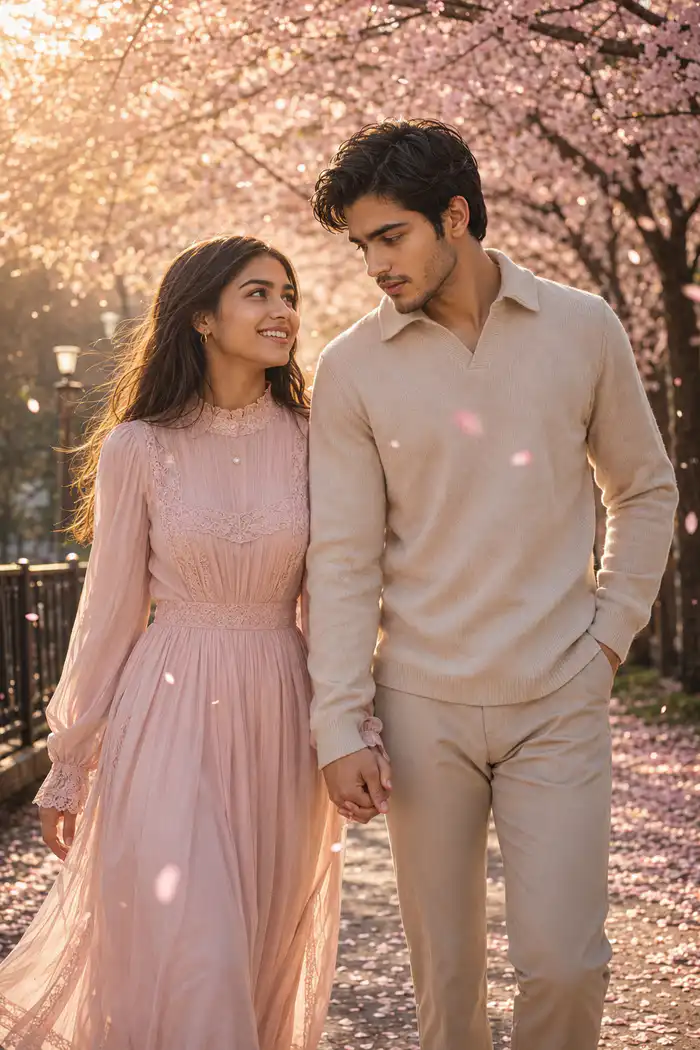
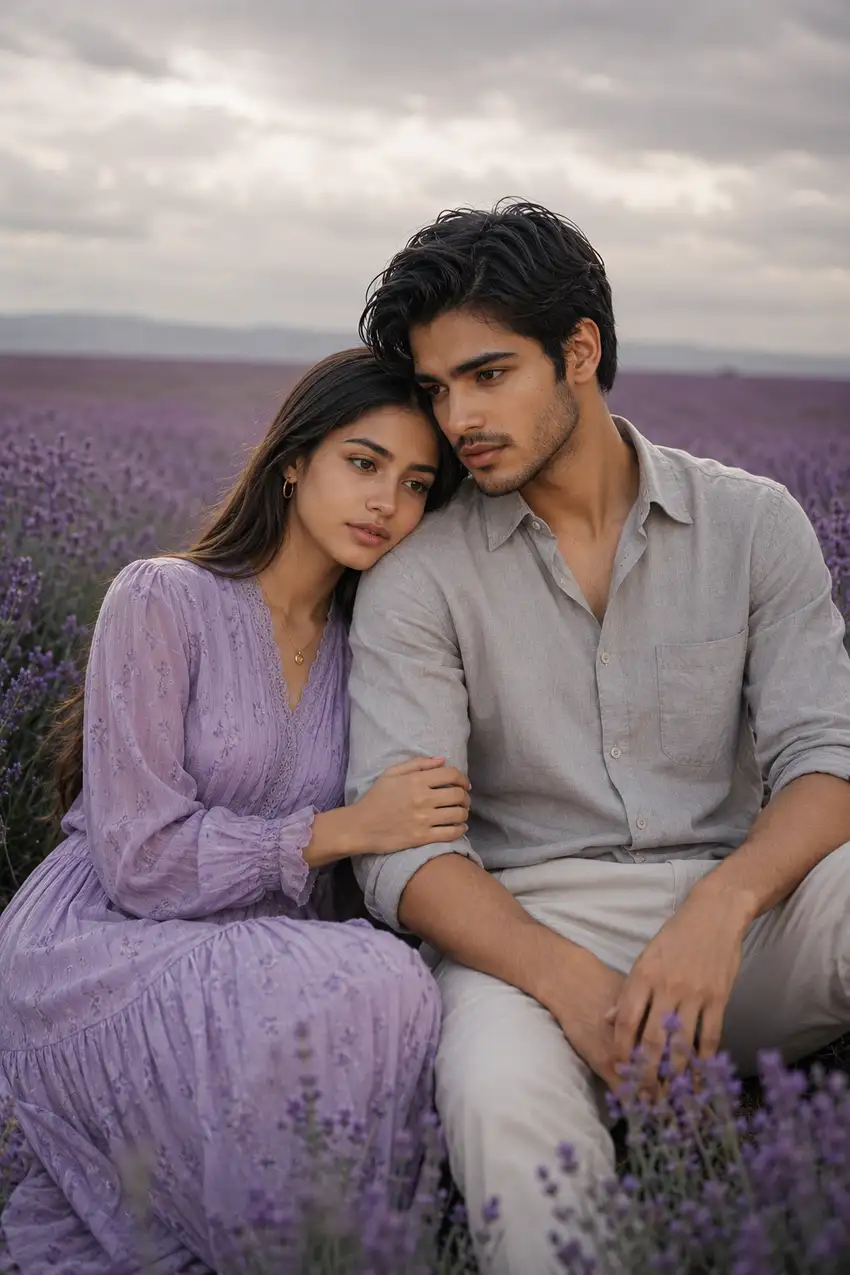
This post has five variations of that same trending couple photo prompt: a blooming garden sunrise, a cherry blossom walkway, a moody rose garden at dusk, a lavender field, and a golden sunflower field. Each one is built around a different background, lighting mood, and pose so you’re not just recycling the same shot with a new filter. Every version keeps outfits modest and fully covered, which also happens to suit how these prompts perform when tested across different reference photos, since AI models tend to render tailored, structured clothing more accurately than loose or skin baring fits.
If you’ve tried a generic “make us a couple photo” prompt on ChatGPT or Gemini before and gotten a face that only sort of looks like you, the difference here is the identity lock instruction combined with a highly specific scene description. That combination is what pushes the output from “AI generated” toward “photorealistic couple portrait.”
Prompt 1: Couple Photo Prompt for Blooming Garden Sunrise Portraits
Prompt 2: Couple Photo Prompt for Cherry Blossom Portrait
Prompt 3: Couple Photo Prompt for Moody Rose Garden Portraits

Prompt 4: Couple Photo Prompt for Dreamy Lavender Field Portraits
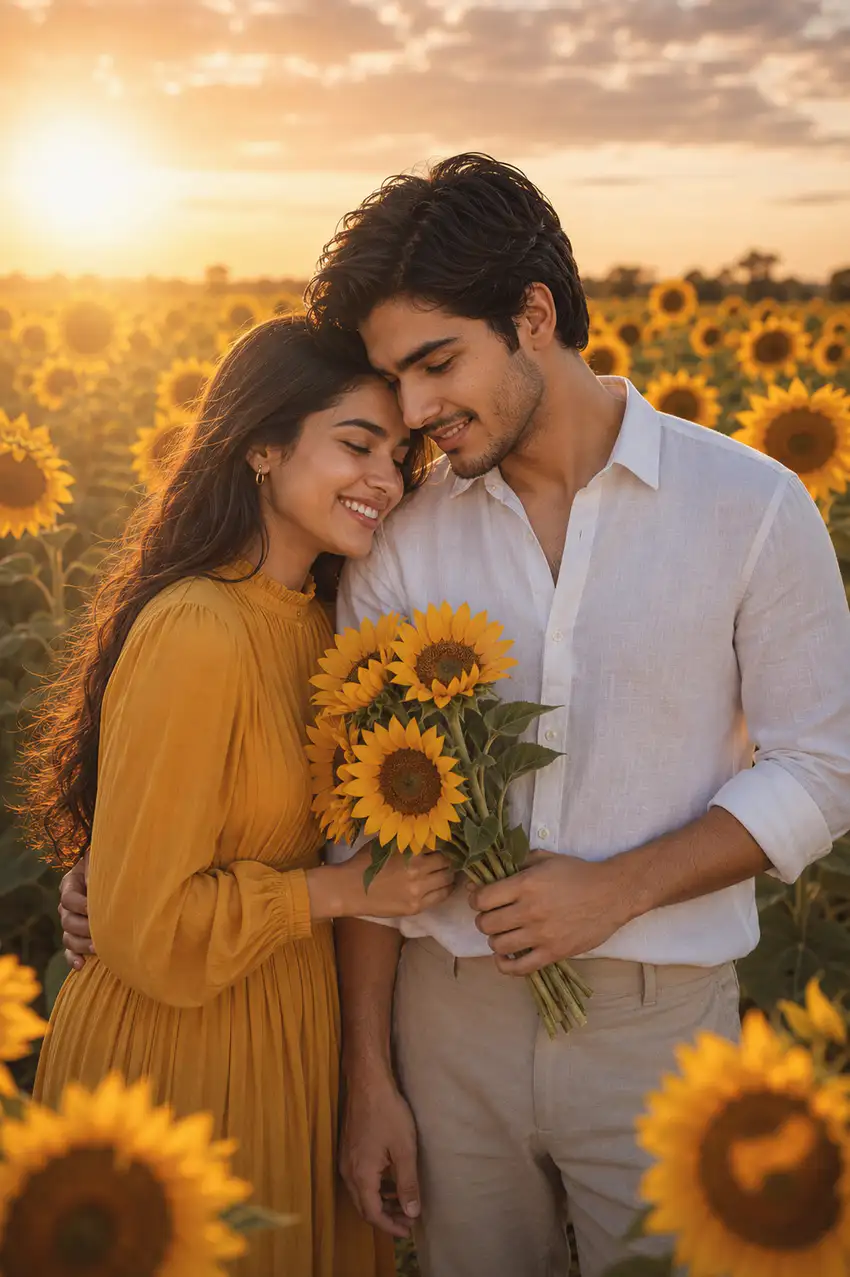
Prompt 5: Couple Photo Prompt for Golden Sunflower Field Portraits
How to Use
- Upload one clear, well lit reference photo of each person (front facing, good resolution). Gemini and ChatGPT need this to hold onto facial structure through the floral background changes.
- Pick the prompt that matches your desired mood: Prompt 1 (garden sunrise) and Prompt 5 (sunflower field) work best if you want bright, warm energy; Prompt 3 (rose garden dusk) suits a more intimate, evening event feel.
- Paste the prompt exactly as written. Trimming the lighting or fabric details is usually what causes Gemini to default to generic backgrounds.
- For Prompt 2 (cherry blossom), a reference photo with visible hair and shoulders helps, since the prompt relies on petals and breeze interacting with hair for realism.
- For Prompt 3, if your reference photo is in flat daytime lighting, expect Gemini to need a couple of regenerations to get the warm string light ambiance right. It’s rendering an artificial dusk on top of a bright original.
8. Tips for Best Results
- Prompt 4 (lavender field) tends to come out most consistent on the first try since the lighting is soft and diffused, which is forgiving for identity preservation. Good one to start with if you’re testing this prompt set for the first time.
- Prompt 5 (sunflower field) occasionally renders the held sunflowers a bit oversized or floating. If that happens, regenerate once or add “flowers held naturally at waist height” to the prompt.
- Across all five, keep the identity lock and realism closing lines untouched even if you’re customizing outfit colors. That’s the part actually doing the work of keeping faces accurate.
FAQs
Why does the cherry blossom prompt sometimes make the petals look too heavy or unrealistic?
This usually happens when the reference photo has a busy or cluttered background, which confuses how Gemini blends the falling petals into the scene. Using a plainer original background photo gives cleaner, more natural petal placement.
Can I swap the rose garden dusk lighting for daytime instead?
Yes, you can edit the prompt to say “soft daylight” instead of “dusk with warm string lights,” but keep every other line the same, since the pose and outfit details are calibrated for that romantic, low light mood.
Will the sunflower field prompt work well with a photo taken indoors?
It can, but outdoor or natural light reference photos generally transfer skin tone and shadow direction more accurately into the golden hour sunflower setting than indoor, artificially lit photos.
For classic studio romance, see these romantic couple photo prompts, and for an outdoor shoot, the garden couple photo prompts.
Conclusion
These five Gemini and ChatGPT couple photo prompts give you a full range of romantic floral looks, from a soft garden sunrise to a moody rose garden at dusk, without losing what actually matters, which is that the couple in the photo still looks like themselves. Pick the mood that fits your relationship right now, upload a clear reference photo, and paste the prompt as is for the best results. If you create a portrait using any of these, we’d love to see it, so tag us on Instagram @image_promptlab and we’ll share it. Try a couple of variations too, since the lighting shift alone can make the same two people feel like a completely different photoshoot.
Planning your wedding look? These wedding couple photo prompts turn one couple photo into bridal, Nikah, Haldi, Mehndi and reception looks.