
Introduction
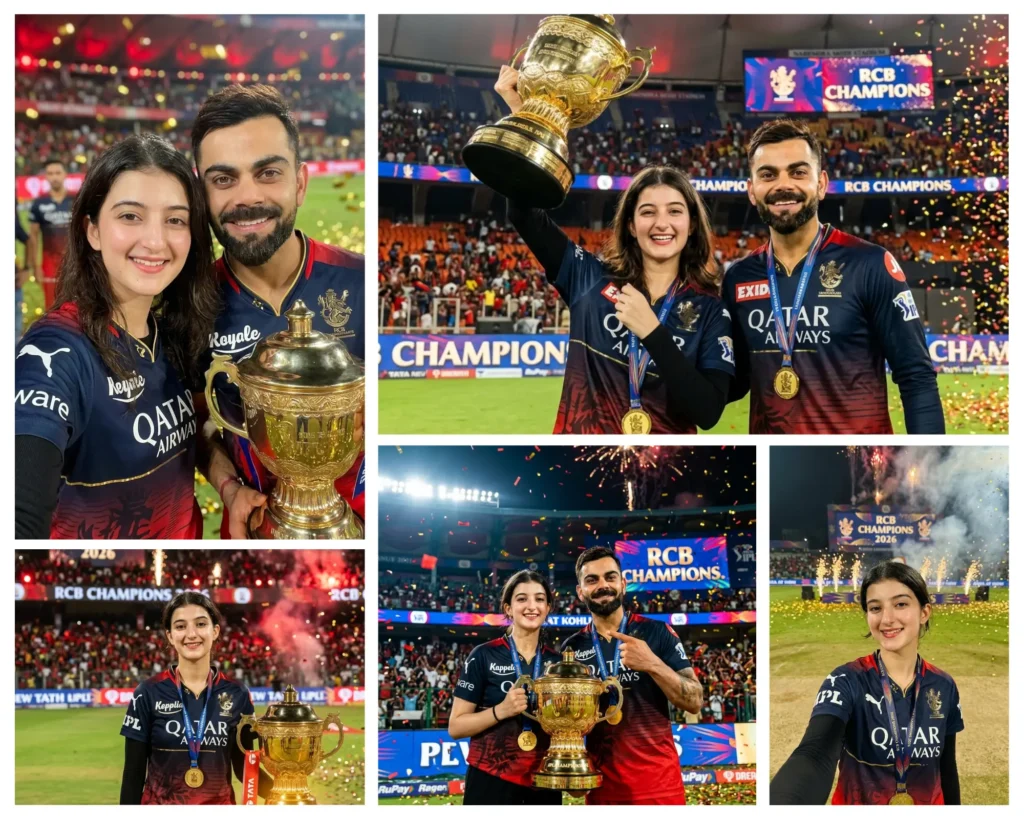
If you have ever watched RCB lift the IPL trophy and wished you could be part of that moment, these Gemini AI girl RCB IPL trophy prompts are going to feel like a dream come true. Each prompt in this collection is designed to place your face into a fully cinematic, hyper-realistic championship scene, from raising the trophy alongside Virat Kohli to taking a selfie on the pitch with your medal around your neck. You upload one clear photo of yourself, paste the prompt into Gemini AI, and within seconds you get a professional-quality image that looks like it was shot by a real sports photographer on the field. Whether you are a die-hard RCB fan or just want a stunning AI photo for Instagram, this collection has something for everyone.
Trophy Lift with Virat Kohli
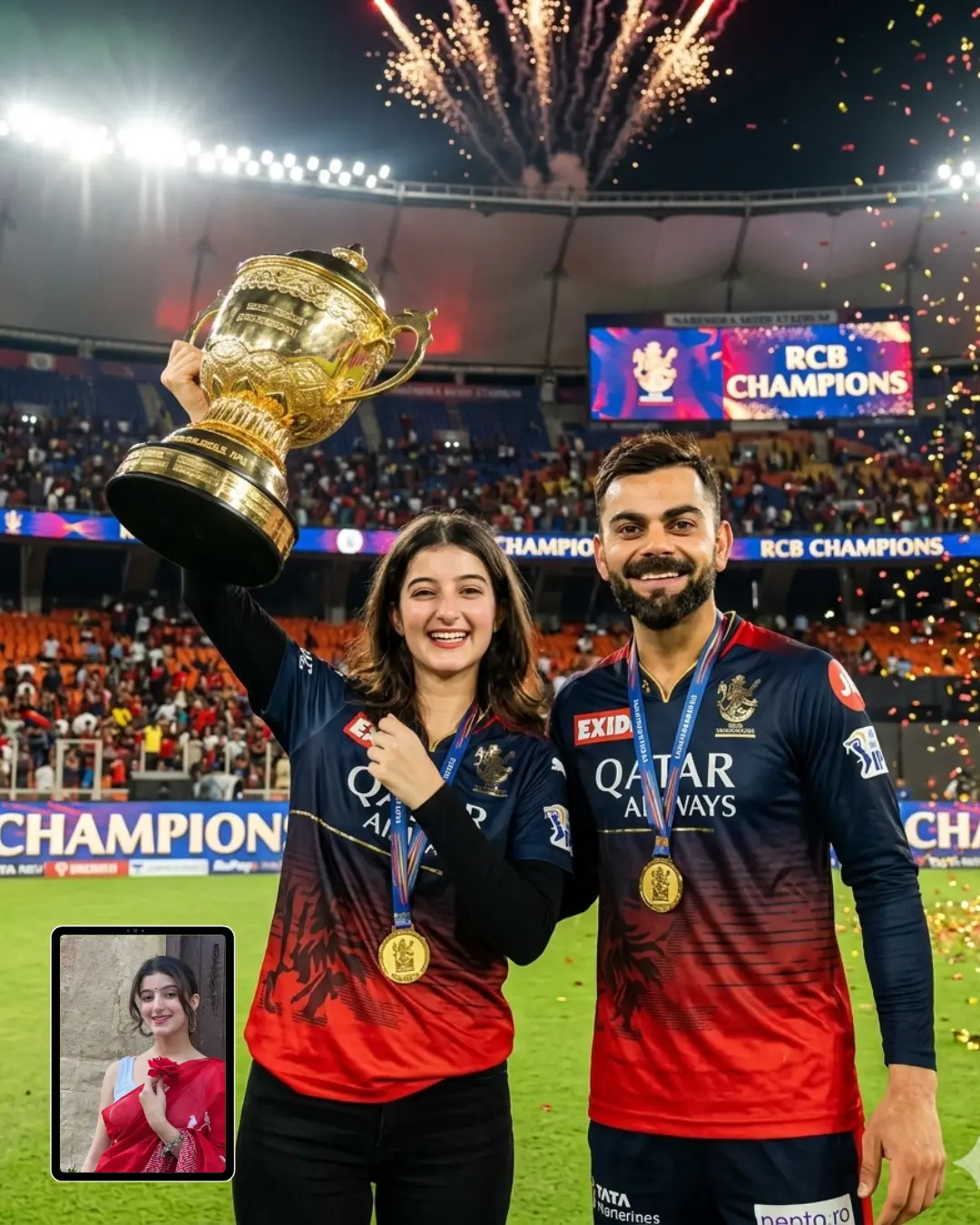
Championship Poster with Virat Kohli
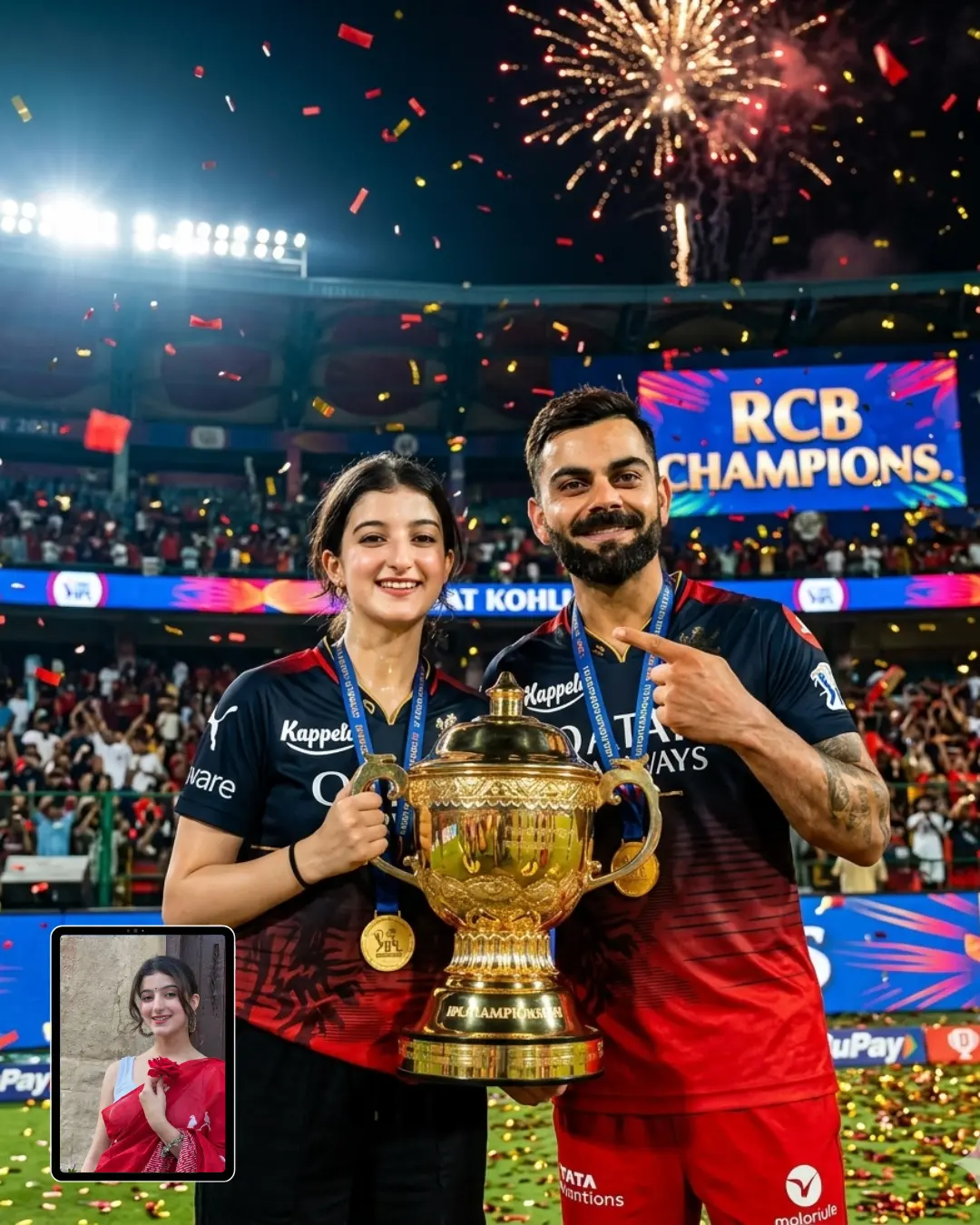
Selfie with Virat Kohli Holding the RCB Trophy
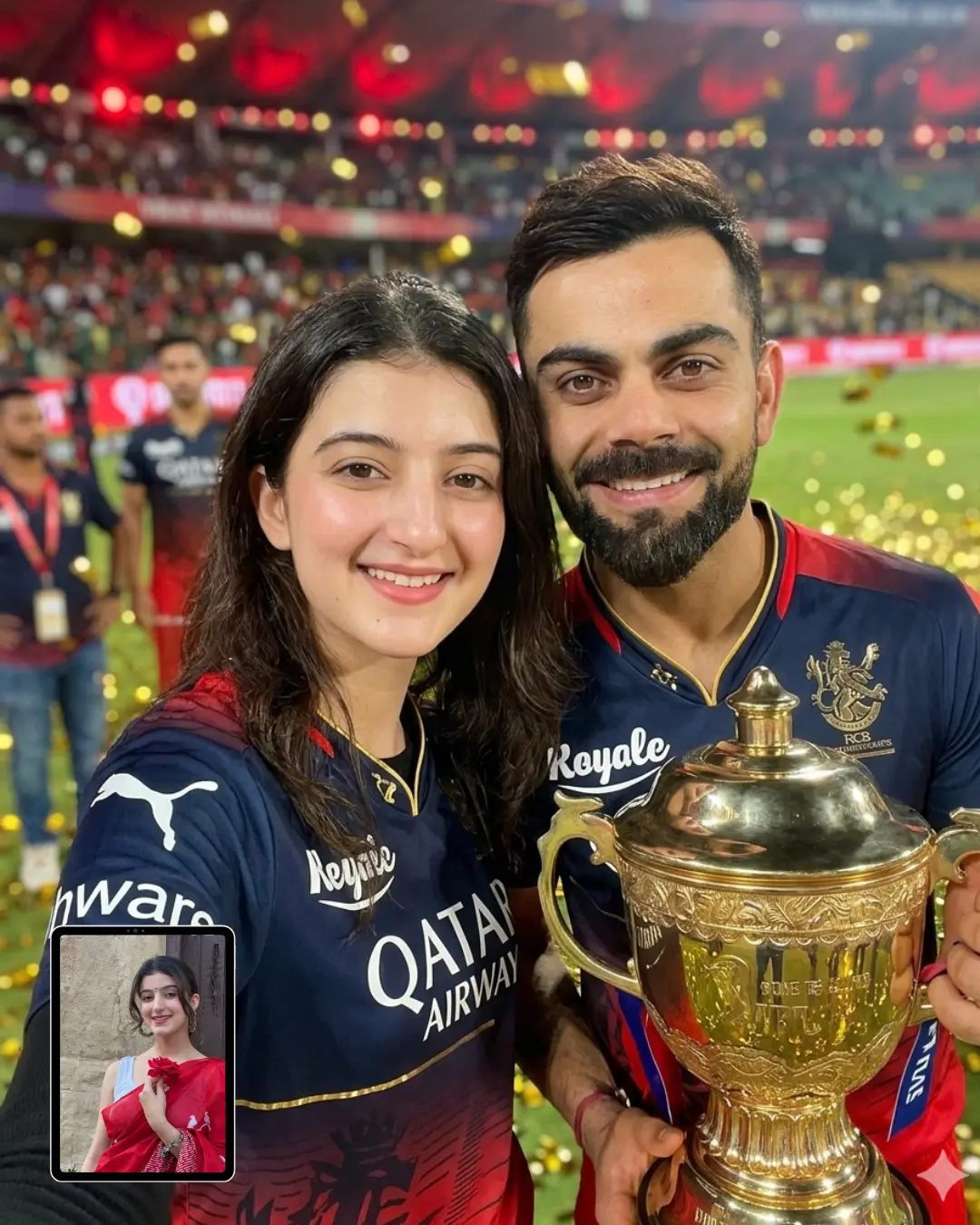
Pitch Selfie with RCB Medal
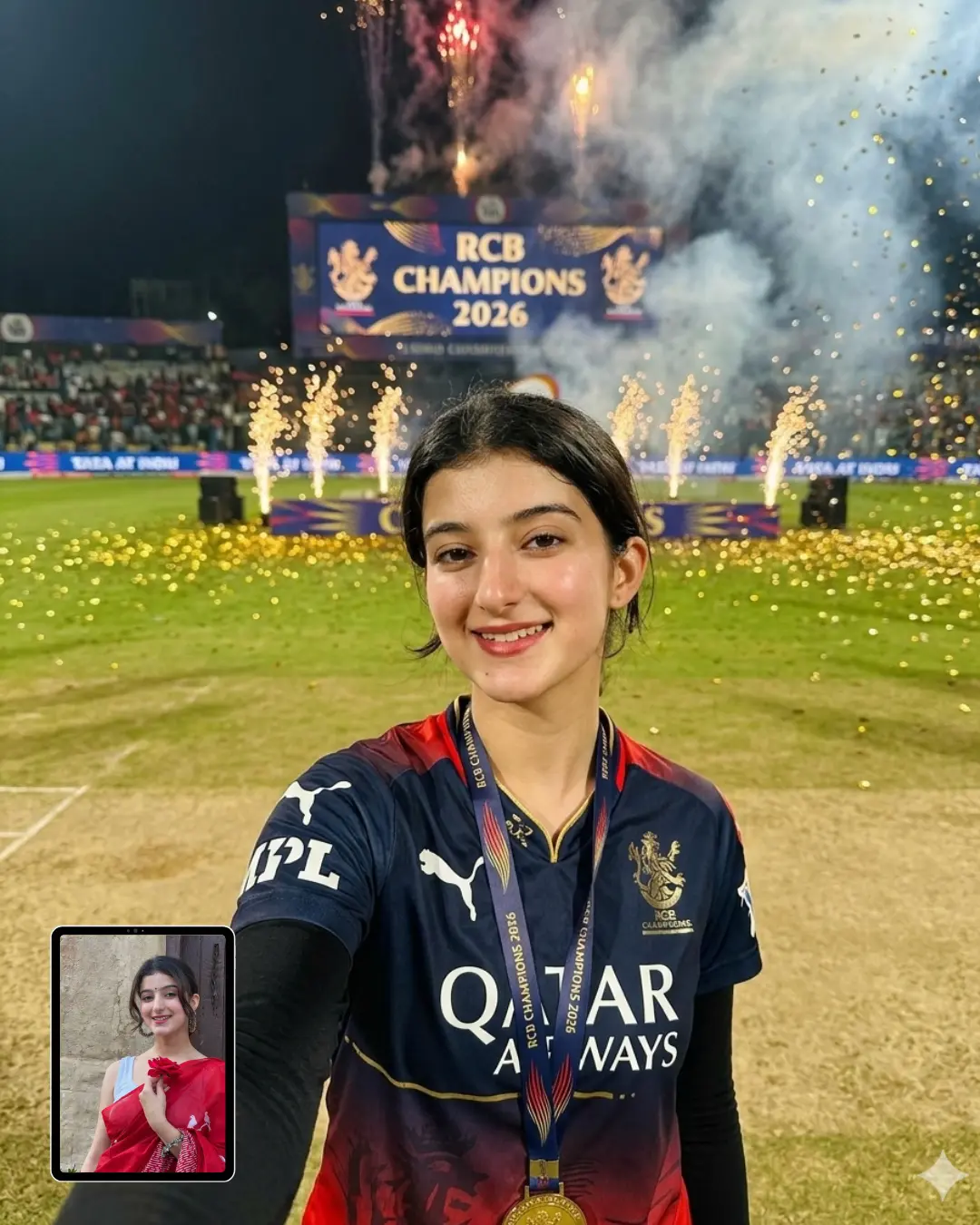
A hyper-realistic professional sports photograph, Canon EOS R5, 85mm f/1.4 lens, shallow depth of field, shot at night inside a packed cricket stadium. The subject is a young woman standing confidently at the center of the cricket pitch, posing naturally for the camera. Her face, skin tone, bone structure, and gender must match the uploaded reference photo with 100% accuracy — zero beautification, zero AI skin texture, zero facial reconstruction, zero gender alteration. She has a genuine warm closed-mouth smile — relaxed, joyful, real.
She is wearing a match-worn official RCB Puma cricket jersey — navy-to-red gradient with gold sponsor logos and gold trim detailing, worn over a fitted black full-sleeve undershirt, paired with full-length black trousers. Jersey shows realistic fabric texture, slight sweat marks, worn-in match feel. Official IPL championship gold medal hanging around her neck. The IPL trophy is positioned beside her on the ground, slightly angled, catching warm golden light and casting a soft glow upward onto her face and lower body.
Background completely blurred into rich red and gold bokeh — tens of thousands of fans in the stands, stadium floodlights creating halo effects, giant LED scoreboard visible in background reading “RCB CHAMPIONS 2026” in bold lettering, distant fireworks bursting in the night sky, celebratory red and gold smoke drifting across the air. Golden and red confetti pieces suspended and falling through the air across the entire environment — none landing on her body or jersey.
Lighting: primary strong cool-white overhead stadium floodlights creating sharp highlights on her face and shoulders with deep natural shadows. Secondary warm golden uplight from the trophy casting soft amber glow on her chin, cheeks and chest. No flat lighting, no overexposed face, no fill flash look.
Photography feel: authentic documentary sports photography, slight natural film grain, true-to-life colors, no HDR, no AI glow, no digital painting look. Sharp focus locked on her face and eyes. The image must feel like it was taken by a human sports photographer on the field. 8K resolution, 4:5 portrait format, masterpiece.
How to use these Gemini AI RCB trophy prompts step by step
These prompts work inside Google Gemini, which is free to use at gemini.google.com. Here is exactly how to do it, even if you have never used Gemini before:
- Open your browser and go to gemini.google.com. Sign in with your Google account.
- Click the image upload icon (the small photo icon in the text box) and upload a clear, well-lit photo of your face. Make sure your face is fully visible, not covered by sunglasses or a cap.
- Copy the full prompt text from whichever style you want to try below, from the title all the way to the last word.
- Paste the prompt into the Gemini text box, right after uploading your photo.
- Press Enter and wait a few seconds for the image to generate.
- Review the result. If your face looks slightly altered or smoothed, type a follow-up message like: “Regenerate using the uploaded reference photo more closely. Do not change my face, skin tone, or features.”
- Download your favourite result and share it wherever you like.
If you want a prompt built around your own outfit color and pose preference, use our free Custom Prompt Generator on this page.
Tips for best results
1. Upload the clearest photo you have.
Use a photo taken in good natural light, with your full face visible and no filters applied. A photo taken near a window during daytime works better than a low-light indoor shot. The clearer and more neutral your reference photo, the more accurately Gemini can preserve your actual face.
2. Keep your face front-facing and unobstructed.
Avoid photos where your face is at a strong angle, partially covered by hair, or wearing sunglasses. Gemini works best when it can clearly read your facial structure, skin tone, and features from the reference.
3. If Gemini changes your face, push back.
This happens sometimes, especially if your photo has soft lighting or a filter. Type this follow-up in the chat: “Please regenerate. Use the uploaded photo as a strict reference. Do not alter my face, skin tone, or features in any way.” Most of the time, a second or third generation fixes it.
Related prompts you might also like
If you enjoyed these prompts, here are some other styles you might love:
Fans who enjoy the IPL theme will find even more creative ideas in the ChatGPT prompt with RCB IPL trophy collection, which includes 10 different cinematic photo ideas for boys standing with the trophy, perfect if you also use ChatGPT alongside Gemini. If you love the idea of standing next to a sporting legend, the Gemini AI boys FIFA 2026 prompt lets you place yourself in a photo with Ronaldo, Messi, and more from the FIFA World Cup. And if you are in the mood for something softer and more personal, the Gemini AI soft cozy pastel sticker portrait prompt gives you six dreamy, illustrated portrait styles that work beautifully for profile pictures and stories.
Frequently asked questions
How do I use a Gemini AI girl RCB IPL trophy prompt to put myself in the photo?
Go to gemini.google.com, upload a clear photo of yourself, then paste the full prompt from this page into the text box and submit it. Gemini will generate a new image placing your face into the RCB championship scene. If the result does not look right the first time, try regenerating once or twice while keeping the same photo uploaded.
Why does Gemini keep changing my face even though I uploaded my photo?
This happens when the reference photo is too small, too dark, or has a strong filter on it. Gemini AI works best with a plain, well-lit, filter-free close-up of your face. Try uploading a different, cleaner photo. You can also add the line “do not alter my face, skin tone, or features” at the end of the prompt for extra reinforcement.
Which photo should I upload to get the best result with these RCB trophy prompts?
Use a front-facing photo taken in daylight or bright indoor light, with no sunglasses, no cap covering your forehead, and no heavy editing. A simple portrait selfie taken near a window is ideal. The more clearly Gemini can read your face in the reference photo, the more accurately it will appear in the final result.
Can I change the outfit in these Gemini AI RCB prompts to a different color or style?
Yes, you can edit any part of the prompt before pasting it. Find the outfit description section and change the jersey color or undershirt details to whatever you prefer. If you would rather have a customized prompt built from scratch around your preferences, the free Custom Prompt Generator on this page will do that for you in seconds.
How do I share my RCB trophy photo on Instagram after generating it?
Download the image from Gemini by clicking the download icon on the result. For Instagram, the 4:5 portrait format specified in most of these prompts fits perfectly in the feed. You can post it as a photo post or add it to your Stories. Tag it with RCB fan hashtags to get it in front of other supporters.
Conclusion
You now have five fully written, ready-to-use Gemini AI girl RCB IPL trophy prompts covering every kind of championship moment, from a stadium selfie with Kohli to a solo pitch portrait with the trophy glowing beside you. Each prompt has been written with specific camera, lighting, outfit, and identity-preservation instructions so that the final image looks genuinely realistic rather than obviously AI-generated. Pick the style that excites you most, upload your photo, and paste the prompt. If you want something more personalised to your own look and preferences, the free Custom Prompt Generator is right here on this page. Try it out and drop your favourite result in the comments or tag us on Instagram. We would love to see your championship moment.