
Introduction
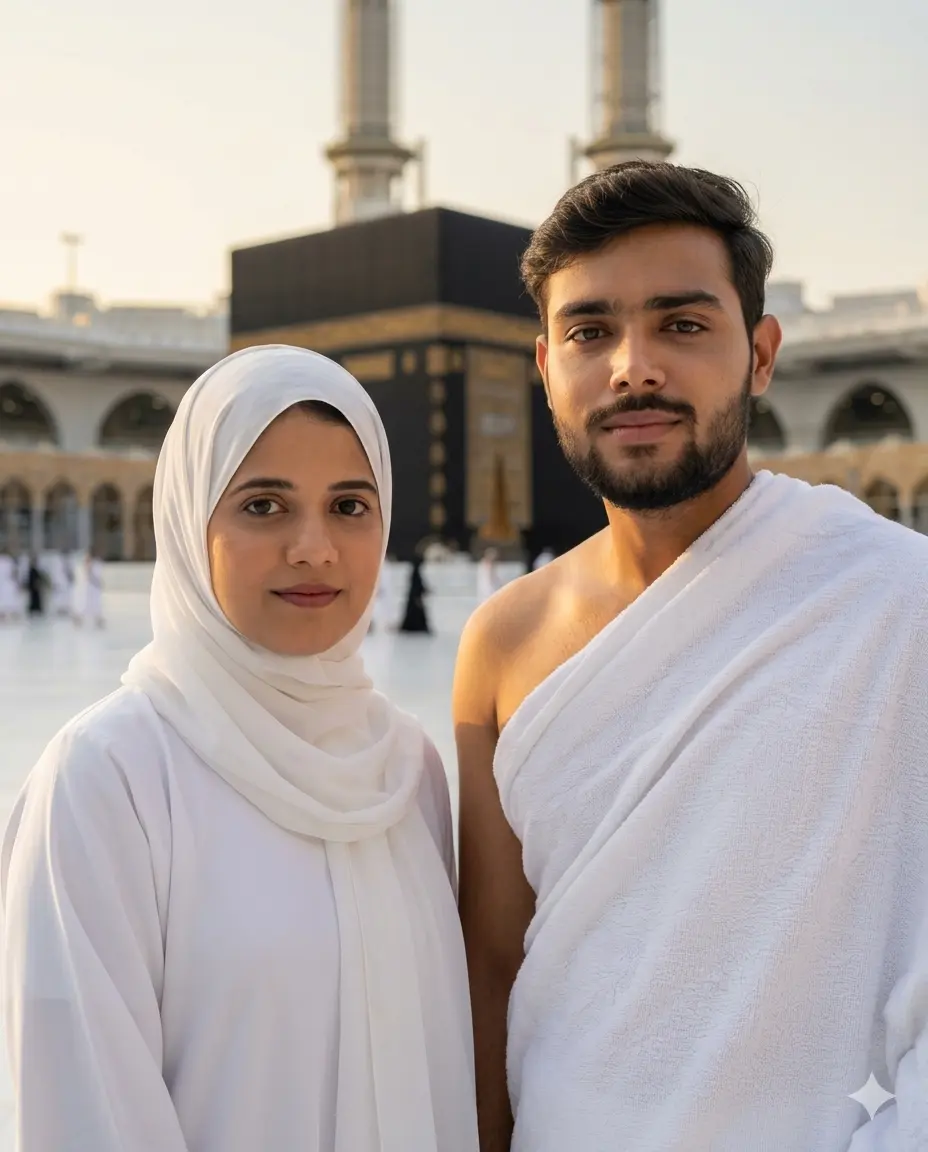
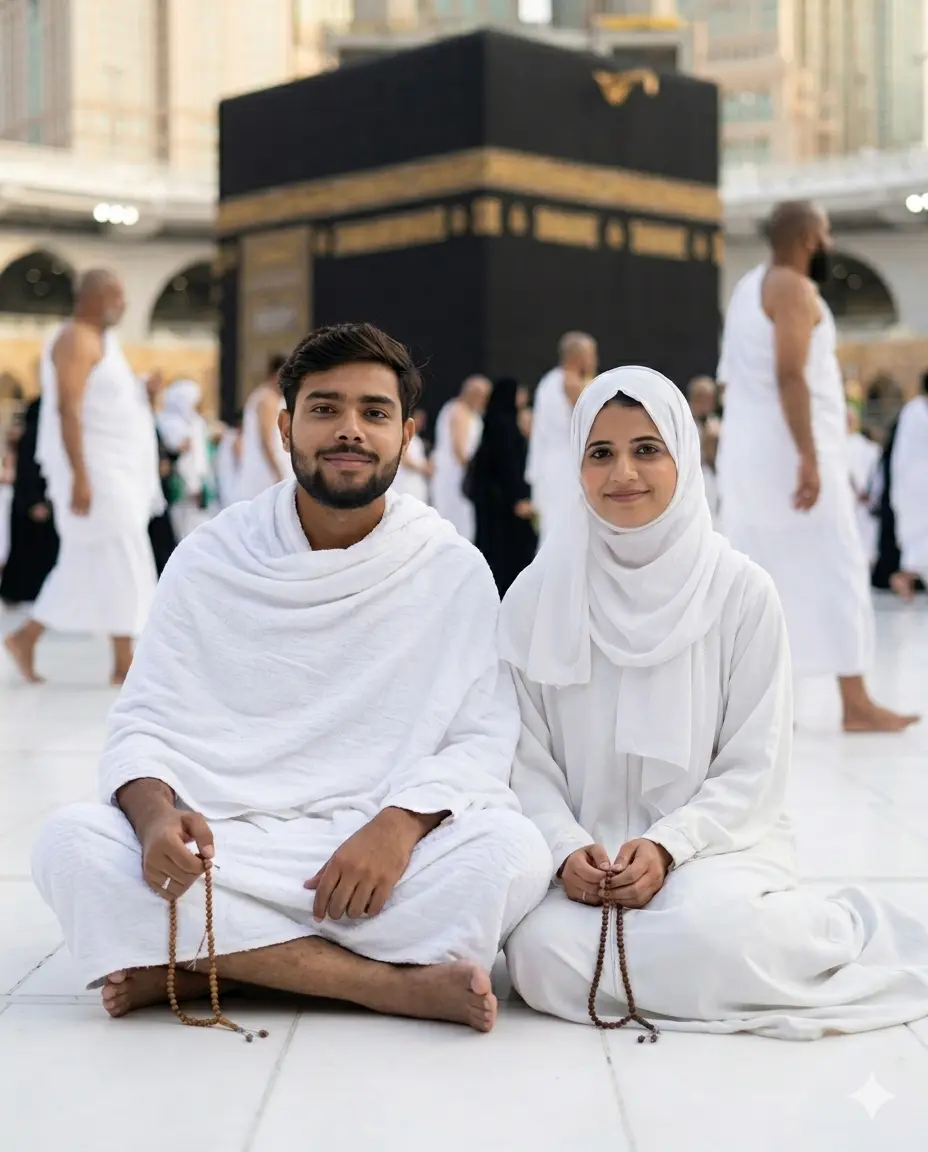
If you and your spouse have performed Hajj or Umrah together, you know how rare it is to have a proper photo that truly captures the weight and beauty of that journey. Most couples come back with blurry phone shots or rushed pictures taken by strangers. With these Gemini AI couple Hajj prompts, you can recreate those sacred moments as clean, clear, natural-looking couple portraits where both faces are preserved exactly as they are. No photographer, no studio, no touch-ups that erase who you really are. These Hajj prompts for couples are built to work with Gemini’s image generation feature, and each one places you and your spouse in an authentic Masjid al-Haram setting with the right attire, the right posture, and the right light.
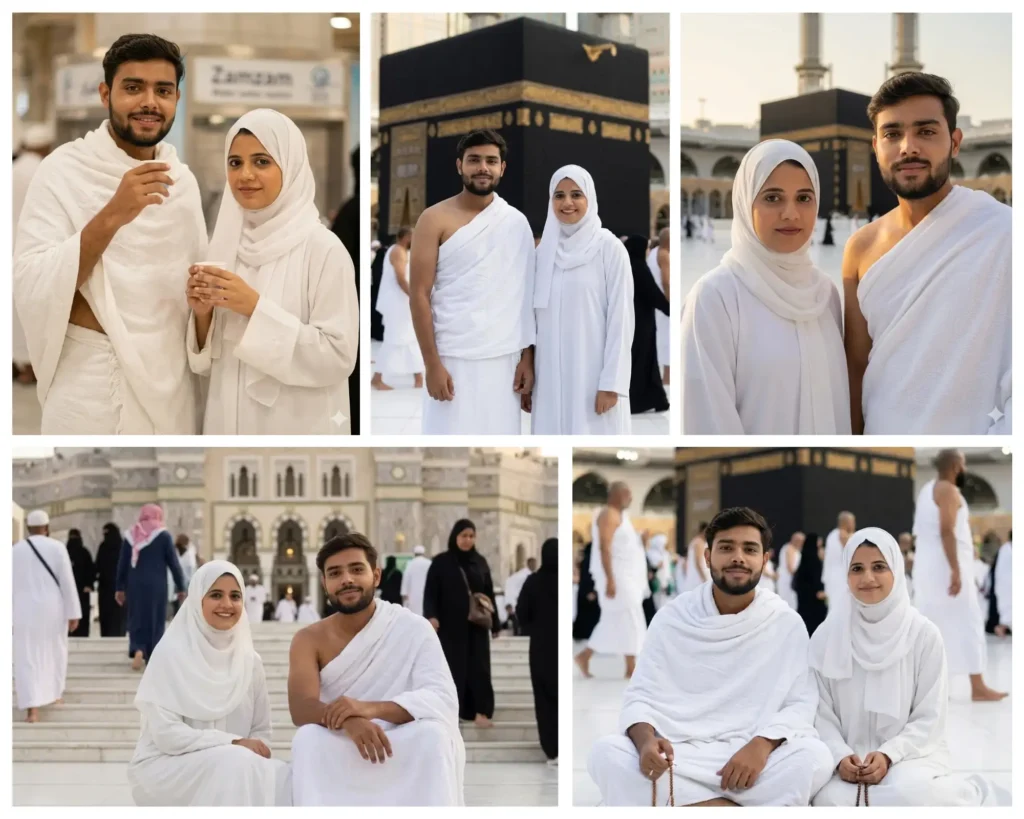
Standing Before the Kaaba
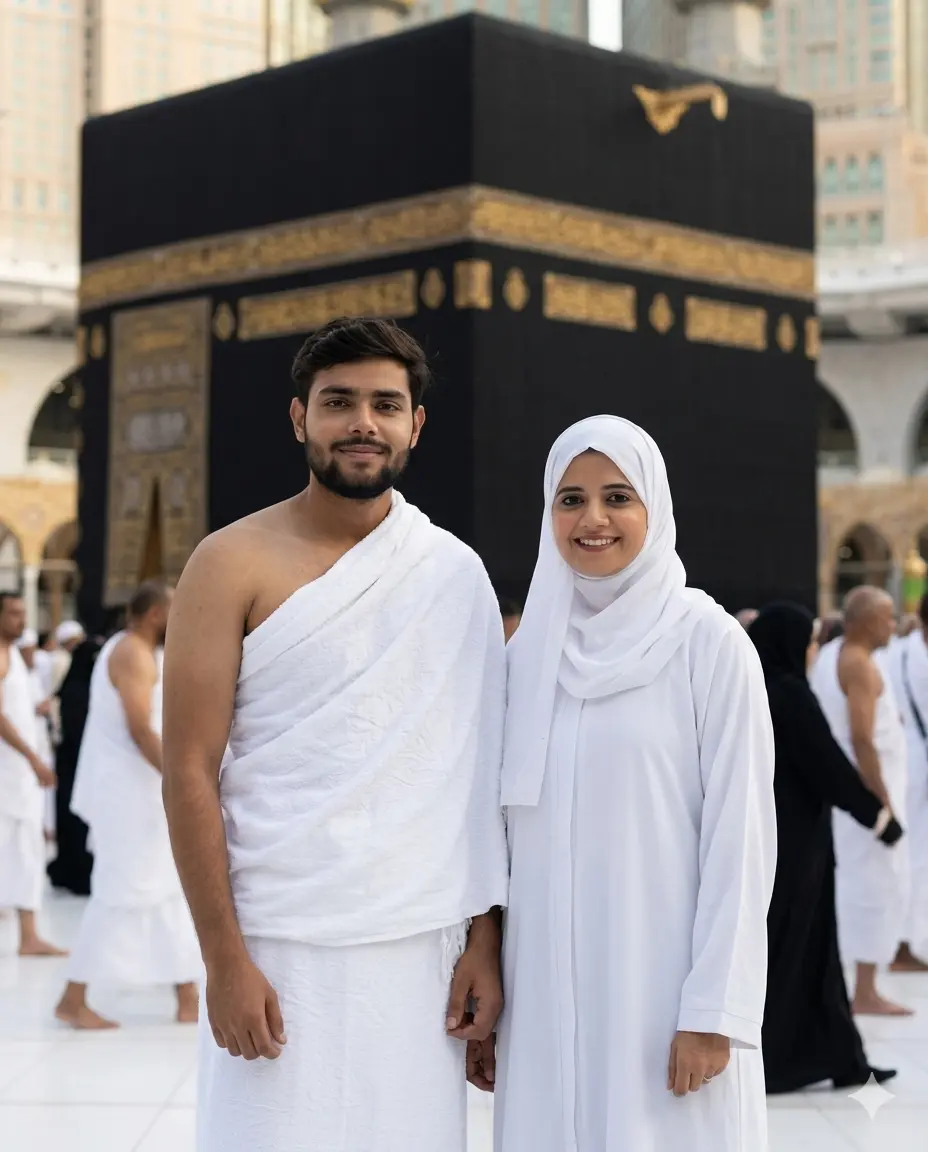
Drinking Zamzam Water
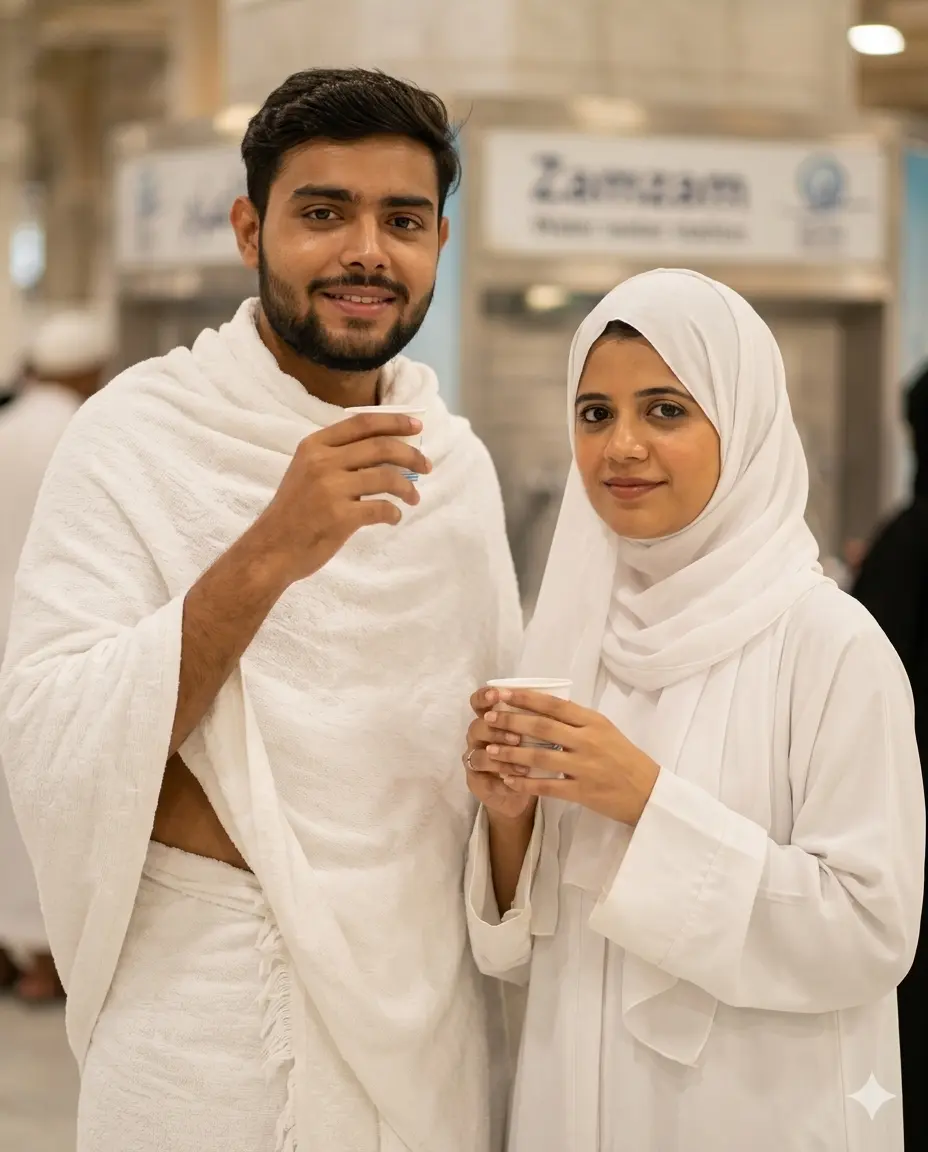
Sitting on the Staircase
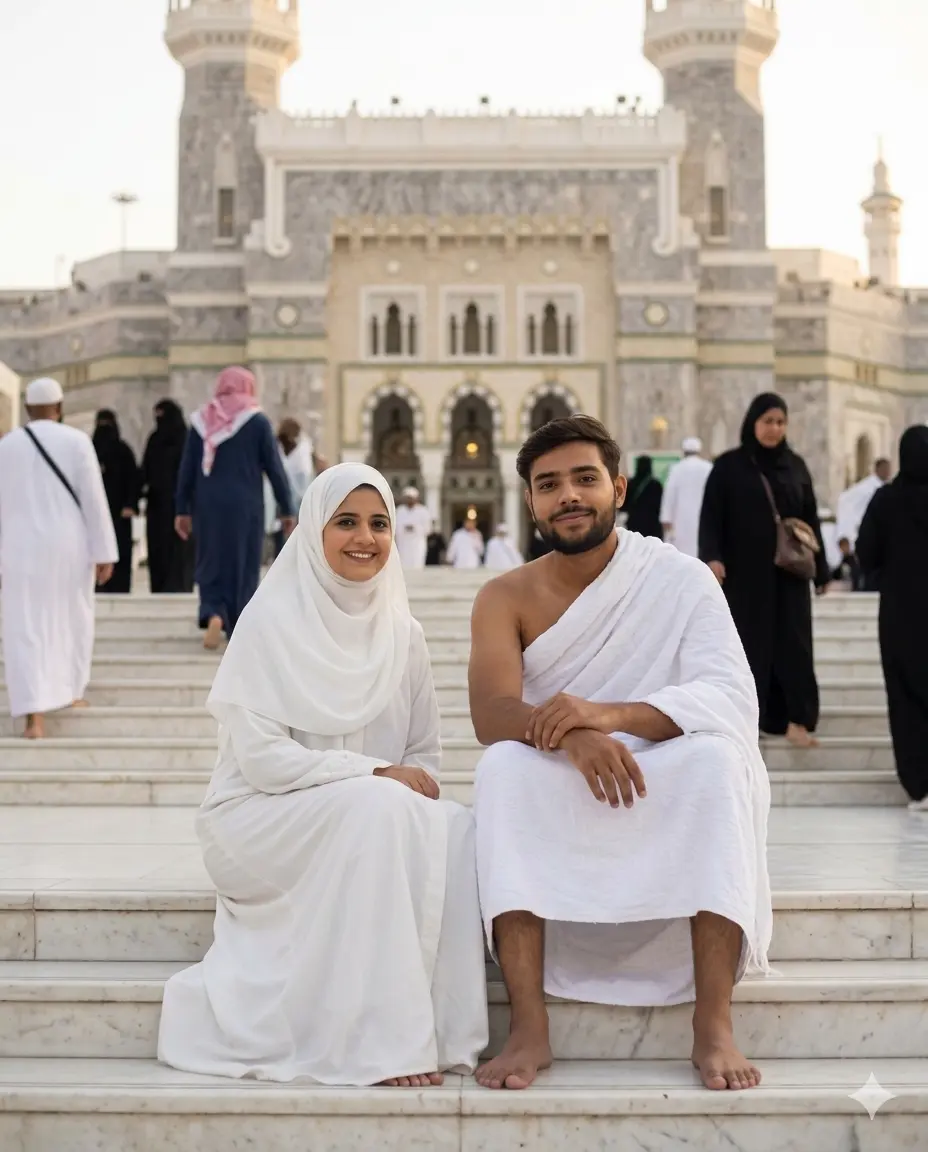
In the Light of Fajr
Resting on the Marble Floor
How to use these prompts in Gemini
Getting a good result from Gemini is less about technical skill and more about following a few simple steps in the right order. Here is exactly what to do:
- Open Gemini. Go to gemini.google.com and sign into your Google account. Make sure you are using Gemini Advanced or the image generation version, as the basic version may not support image creation.
- Prepare two photos. Choose one clear, well-lit photo of the husband and one of the wife. Both photos should show the face fully, front-facing if possible. Avoid sunglasses, heavy shadows, or cropped faces.
- Upload both photos. Click the image/attachment icon in the Gemini chat input and upload the husband’s photo first, then the wife’s photo. Wait for both to upload before typing anything.
- Copy and paste the prompt. Copy the full prompt text from whichever scene you want above, and paste it into the Gemini chat box after your uploaded images.
- Submit and wait. Hit enter and give Gemini a few seconds. The result will appear in the chat.
- Review the faces carefully. Compare the generated faces to your original photos. If either face looks altered or smoothed, type a follow-up like “Keep both faces exactly as in the reference photos, do not beautify or change any features.”
- Download and save. Once you are happy with the result, right-click or long-press the image to save it.
If you want a prompt built around your own outfit color and pose preference, use our free Custom Prompt Generator on this page.
Tips for best results
1. Use a high-quality, well-lit reference photo. The clearer your uploaded face photos, the better Gemini can preserve the actual features. Avoid selfies taken in dim light or photos where part of the face is in shadow. A simple daylight photo taken near a window works perfectly.
2. Keep the face fully visible and unobstructed. Do not upload photos where the face is partially covered by hair, a scarf edge, sunglasses, or a hand. The more clearly Gemini can see the full face in your reference image, the more accurately it will reproduce it in the generated scene.
3. Refine the prompt if Gemini changes the outfit or setting. If the generated image shows the wrong clothing color or background, go back to the prompt and add one specific line at the top: for example, “The woman is wearing a navy blue abaya, not white.” Small, specific edits work better than rewriting the whole prompt.
Related prompts you might also like
If you enjoyed these prompts, here are some other styles you might love:
For husbands looking to create solo Hajj portraits in Ihram with powerful sacred settings, the Gemini AI Boys Hajj Photo Prompt 2026 pack has 10 different moments that work beautifully with a single reference photo.
If you want to create a similar set for wives or daughters making Umrah or Hajj, the Gemini AI Hajj Prompts for Girls collection covers 10 modest and deeply atmospheric scenes, from Tawaf to quiet dua moments.
And if your family uses ChatGPT rather than Gemini, the ChatGPT Hajj Photo Prompt 2026 guide walks you through creating cinematic Ihram portraits at the Kaaba using a slightly different workflow.
FAQ
How do I use a Gemini AI couple Hajj prompt with my own photos?
Open Gemini Advanced, upload one clear photo of the husband and one of the wife, then paste the full prompt text below those images and hit send. Make sure both face photos are well-lit and front-facing before you upload. The prompt instructs Gemini to keep both faces identical to the references, so the quality of your input photos directly affects the output.
Why does Gemini keep changing my face even when I use a couple Hajj prompt?
Gemini sometimes applies its own beautification filters or smooths out facial features, especially if your reference photo is small or slightly blurry. To fix this, add a follow-up message after the image generates: “Do not alter either face. Keep both faces 100% identical to the reference photos with no beautification.” Higher resolution input photos also help significantly.
Which photo should I upload for the best Hajj couple prompt result?
Use a clear, daytime photo where the full face is visible without sunglasses, heavy shadows, or hair covering the face. A simple portrait-style photo taken outdoors or near a window works best. Avoid group photos, tilted selfies, or any image where the face is partially cropped.
Can I use these Umrah prompts to change the abaya color from white to a different color?
Yes. Simply add one line at the very top of the prompt before pasting the rest: for example, “The woman is wearing a light grey abaya instead of white.” Gemini responds well to specific, direct overrides. You can do the same for the hijab color or the setting if you want a slightly different look.
How do I share my Hajj AI photo on Instagram after generating it?
Download the generated image from Gemini by right-clicking on desktop or long-pressing on mobile, then save it to your camera roll. On Instagram, post it as a regular photo post or a Reel cover. A simple caption mentioning the AI tool you used, the scene, and a prayer for all Hajjis tends to do well. Many people in the Muslim community are sharing these portraits during Hajj with great response.
Conclusion
These five Gemini AI couple Hajj prompts give you a way to honor one of the most meaningful journeys a husband and wife can take together, even if your actual photos from that trip did not come out the way you hoped. Each prompt is built to preserve both faces exactly, place the couple in an authentic Masjid al-Haram setting, and produce a clean, modest, and natural-looking portrait. If you want to customize any of these for your own outfit color or preferred scene, try the free Gemini Prompt Generator on this page to build your own version in minutes. If you try one of these prompts and love the result, drop your photo in the comments or tag us on Instagram. We would love to see the sacred moments you bring to life.