
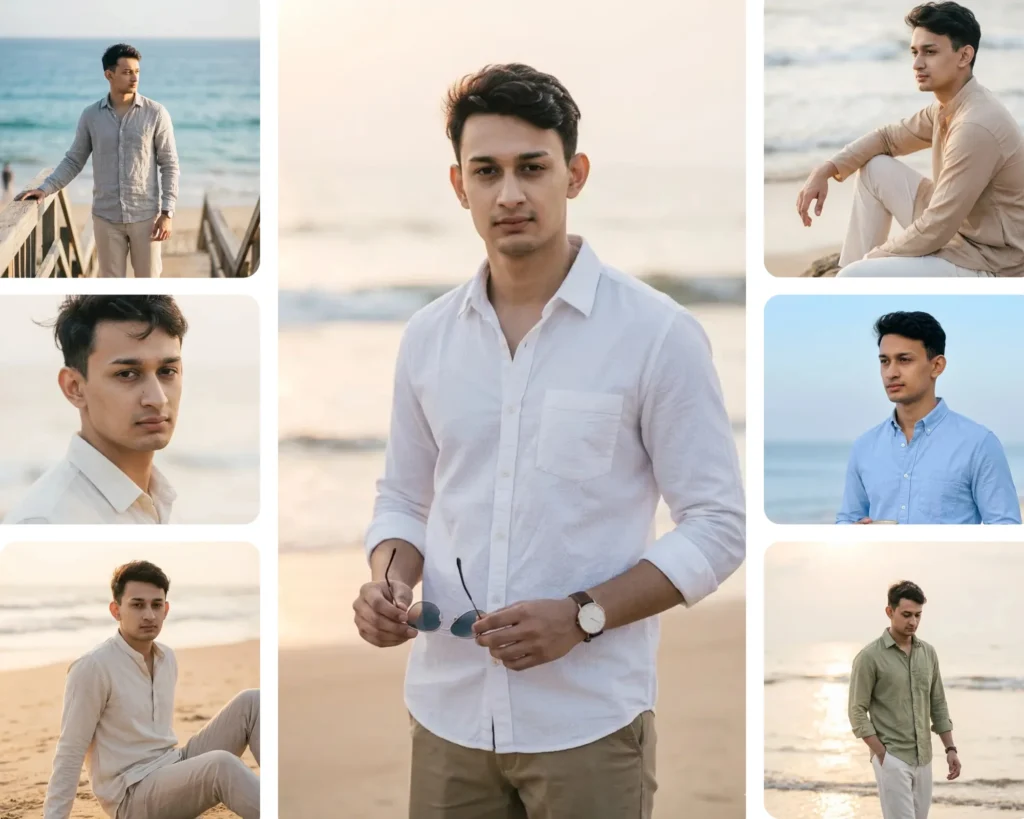
Boy's Prompts
Gemini AI Boys Beach Prompt: 10 Realistic Beach Photo Edits You Can Try Right Now
By Priya Sharma / May 29, 2026
Turn any photo into a viral portrait without losing your original facial identity. ImagePromptLab provides copy-paste AI photo prompts for LinkedIn headshots, couples, sarees, weddings, and cinematic looks—100% tested on real photos before publishing.
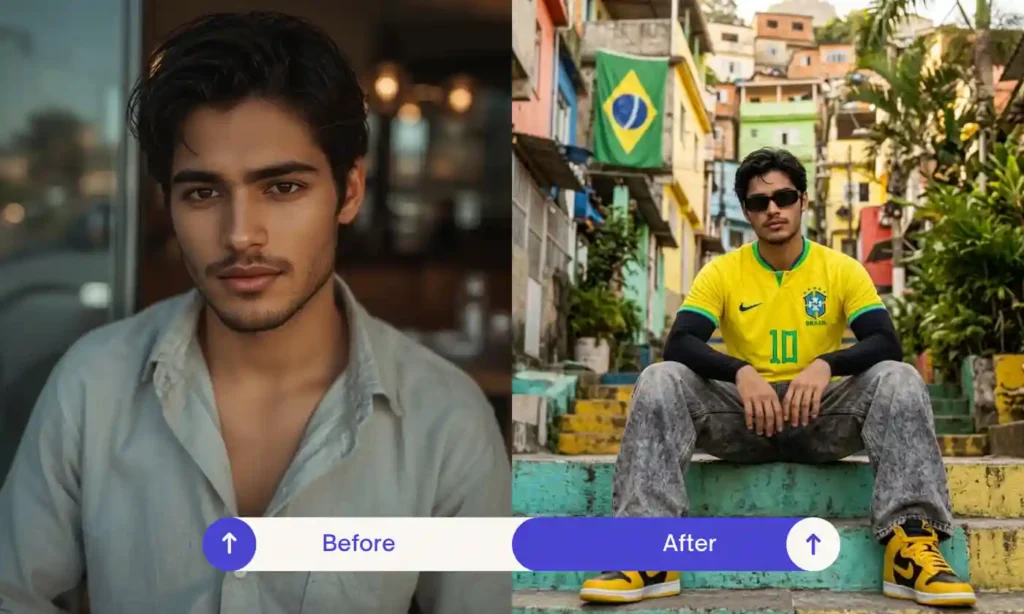
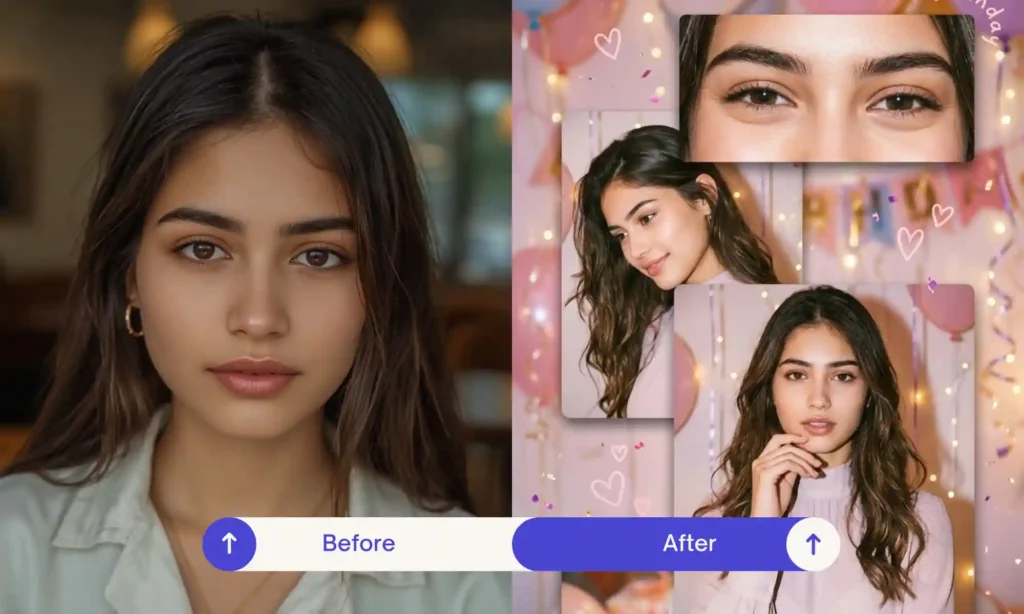
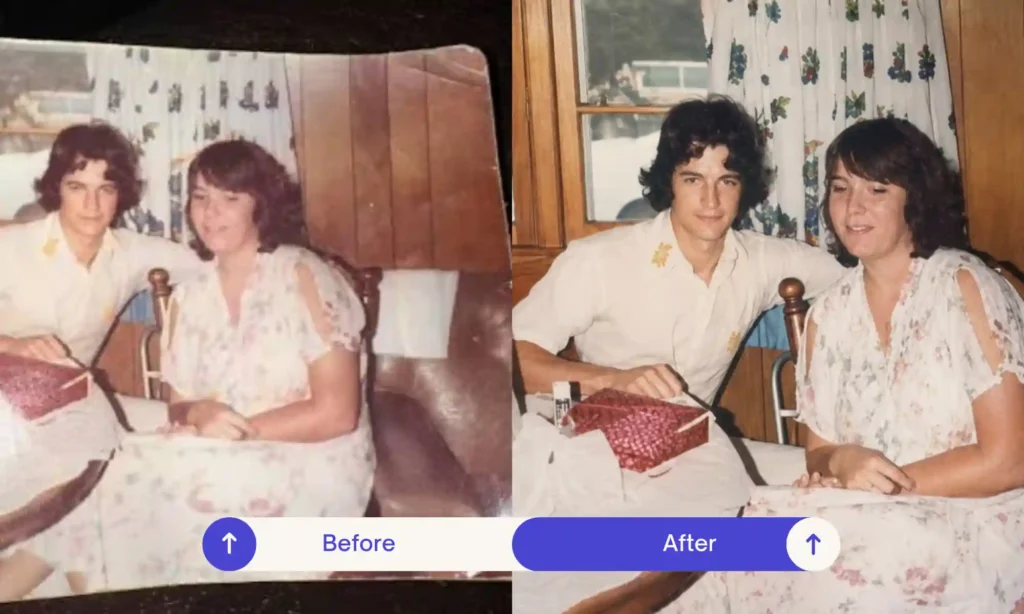
Instead of browsing one long list, pick the category that matches what you want to create.
Generate stylish trending images for social media and events.
Create heartwarming AI photos with your younger and present self together.
Transform your selfies into romantic, emotion-rich couple photos for special moments.
Create elegant, Bollywood-style saree looks for weddings, festivals, and social media.
Create aesthetic, festival, and professional 4K HD portraits easily.
Generate stylish and professional images for social media and events.
New prompts added regularly, pulled straight from what people are searching for and creating right now.
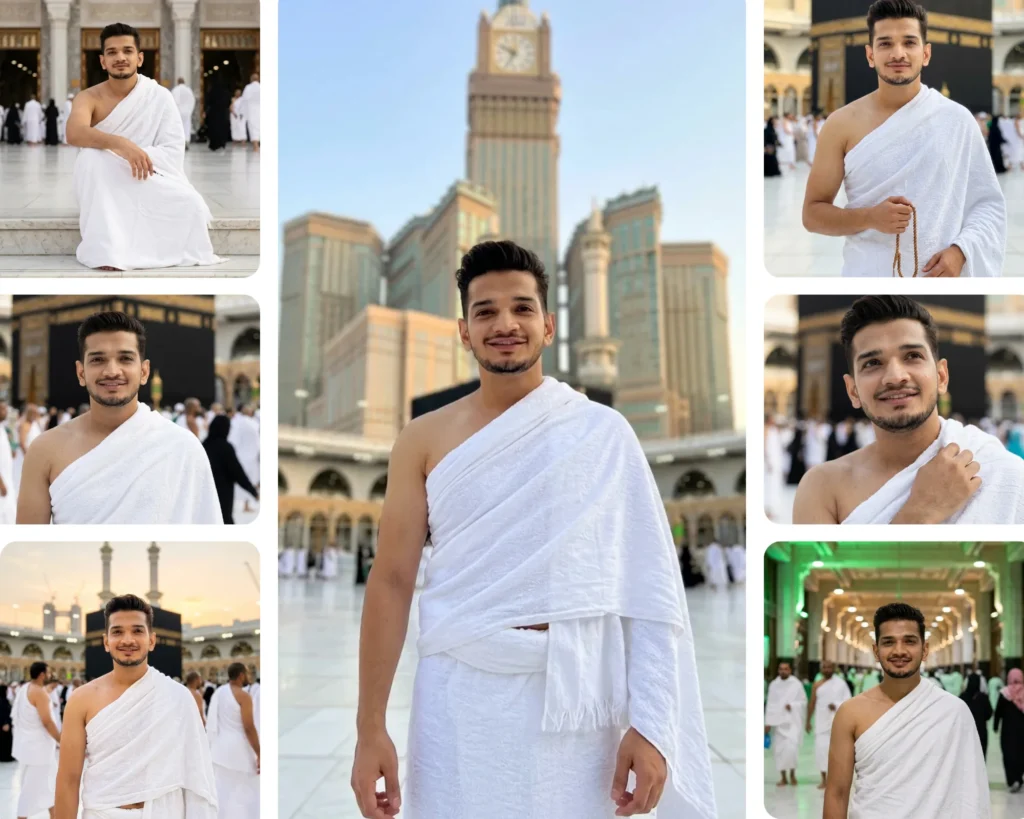
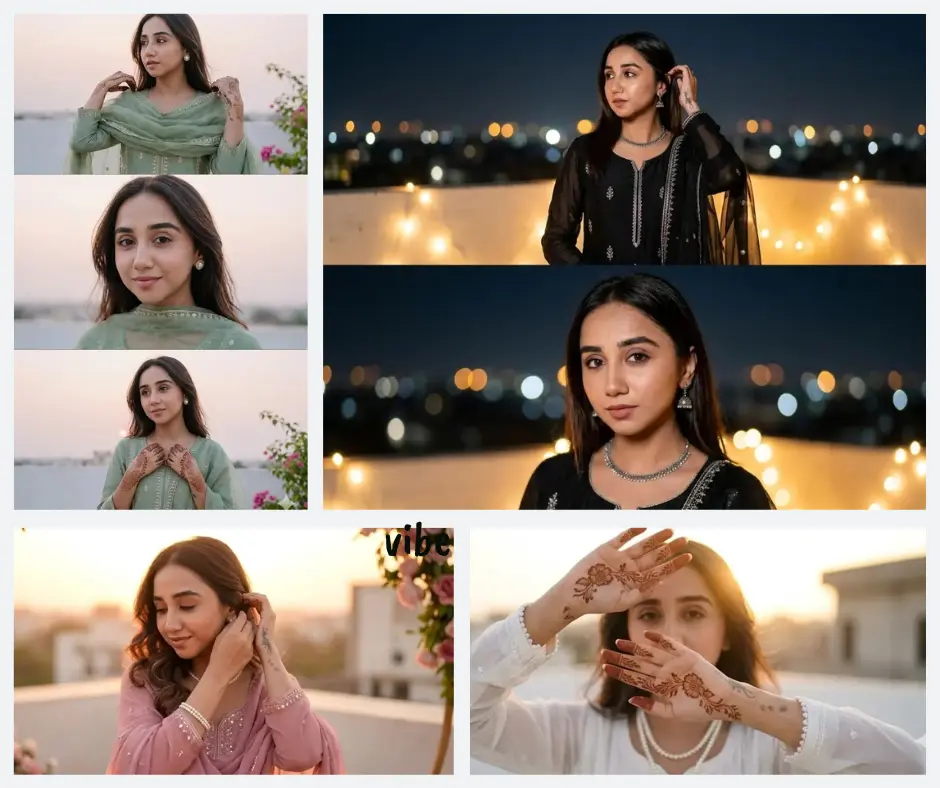
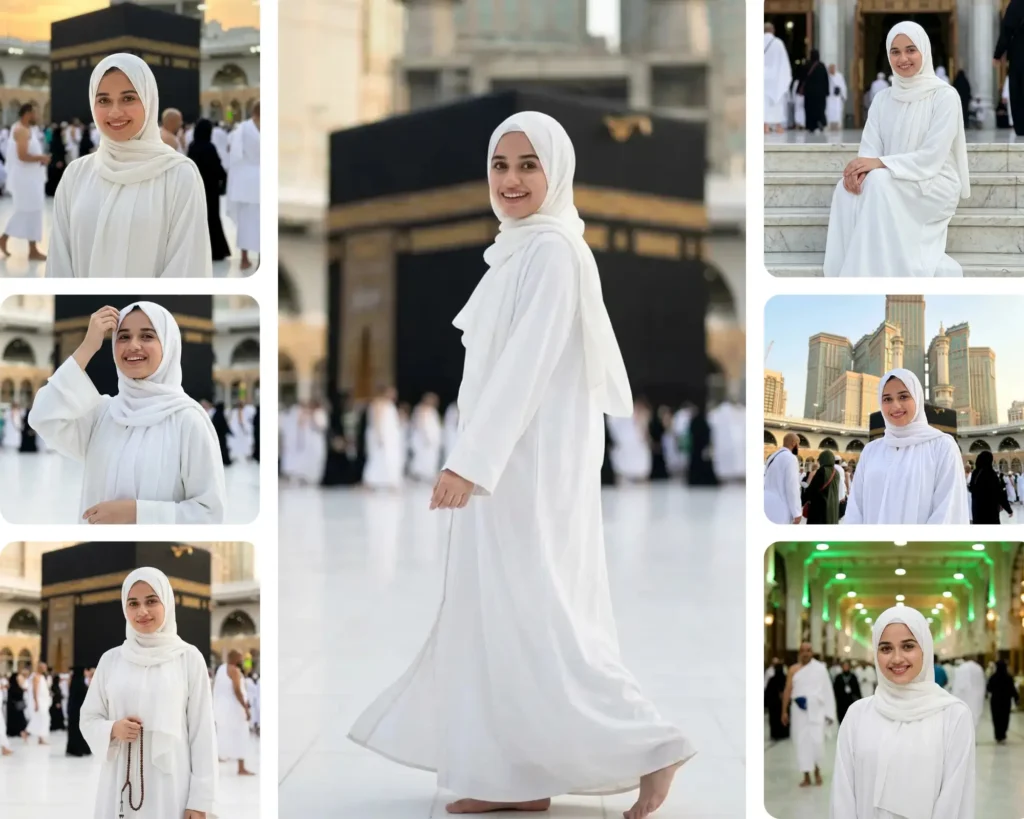
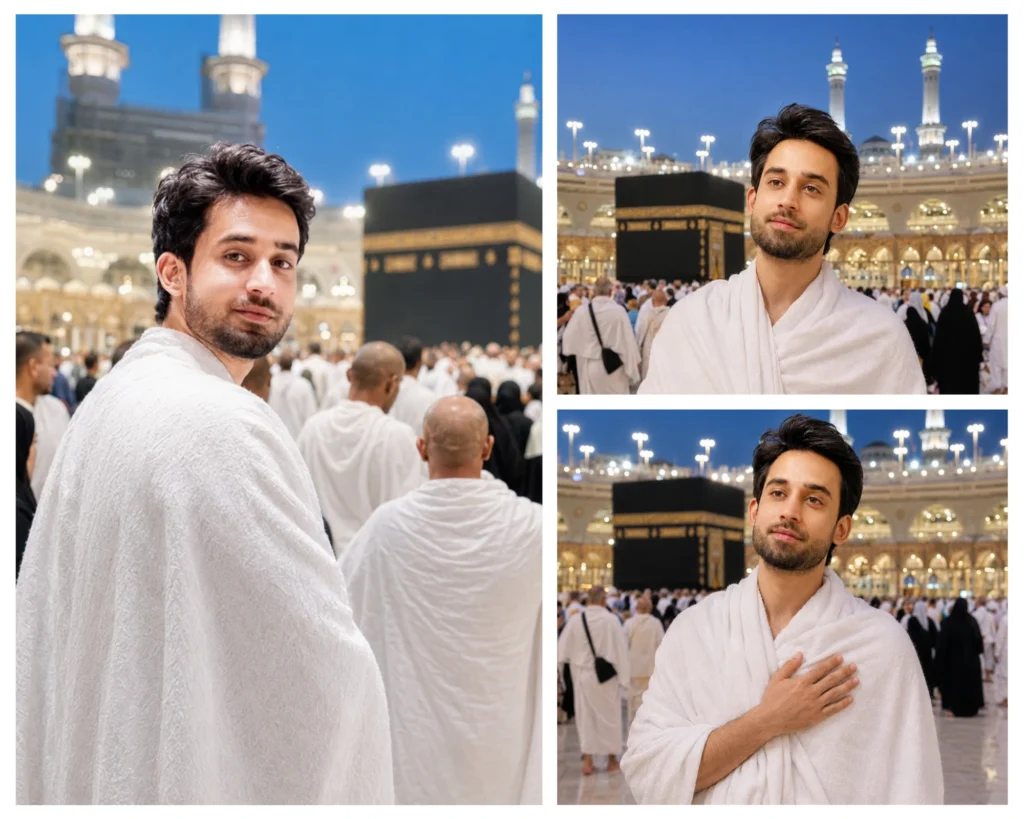
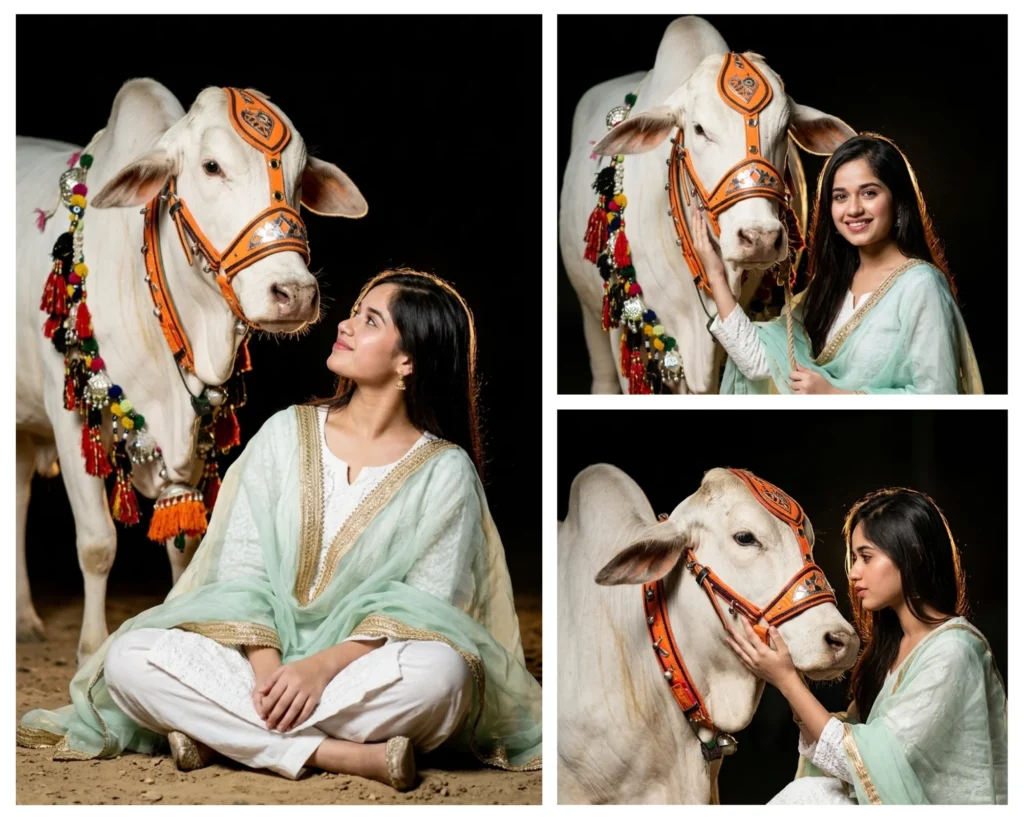
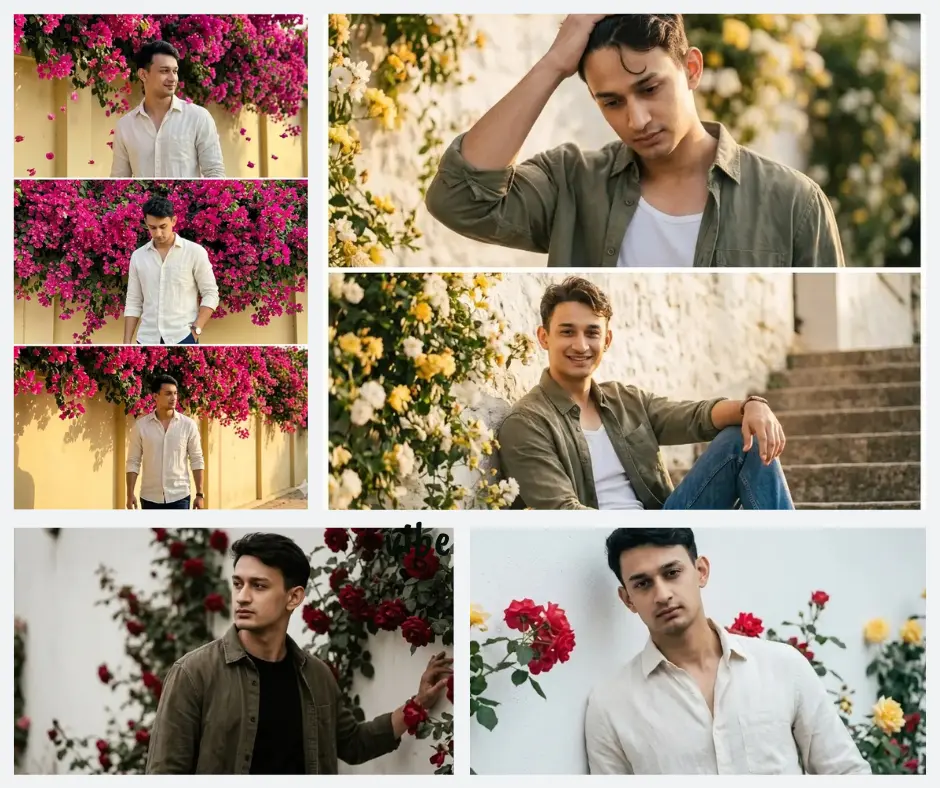
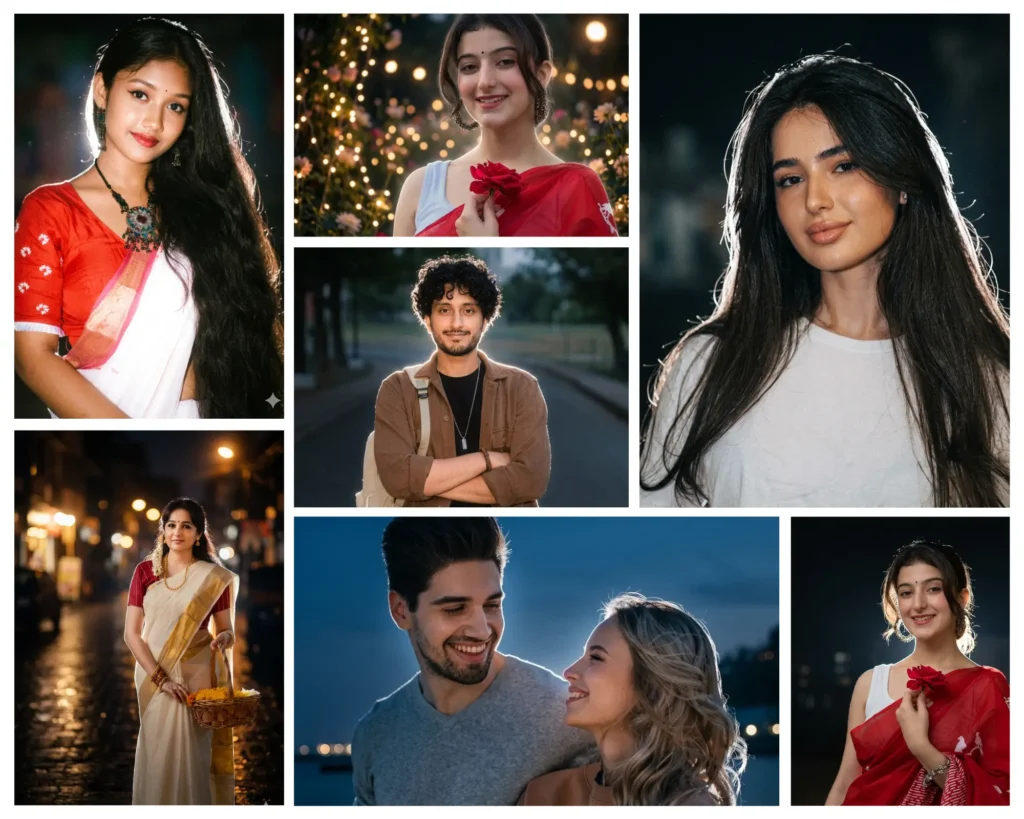
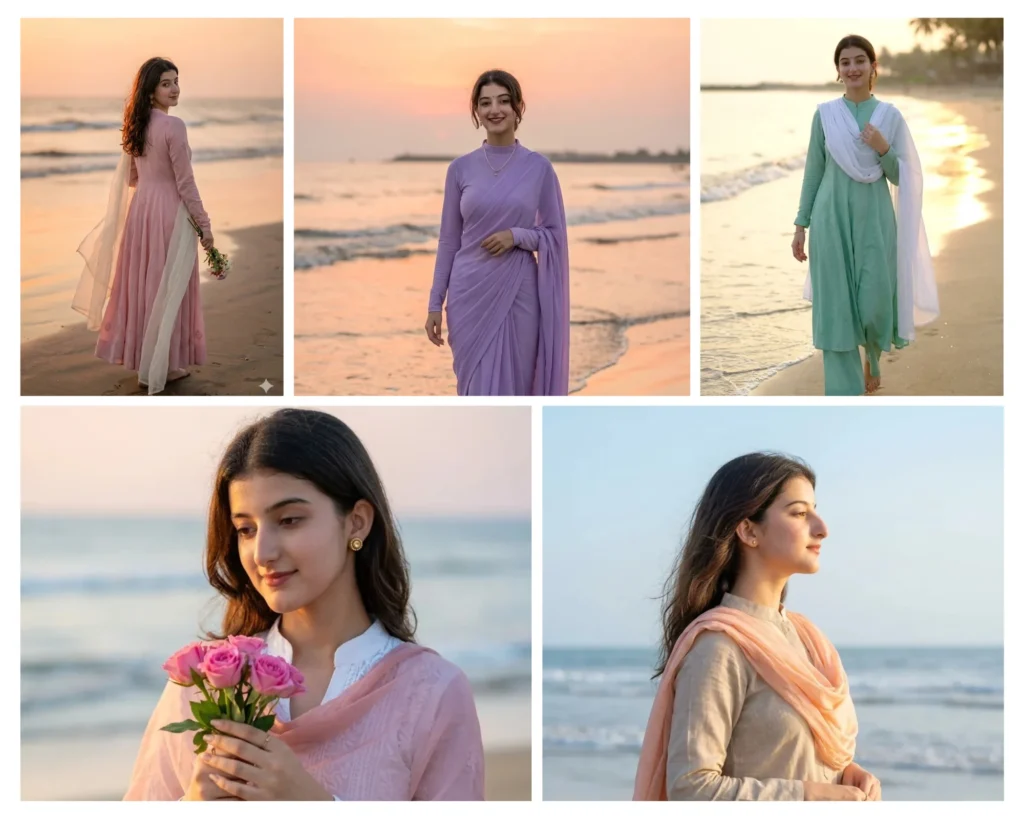
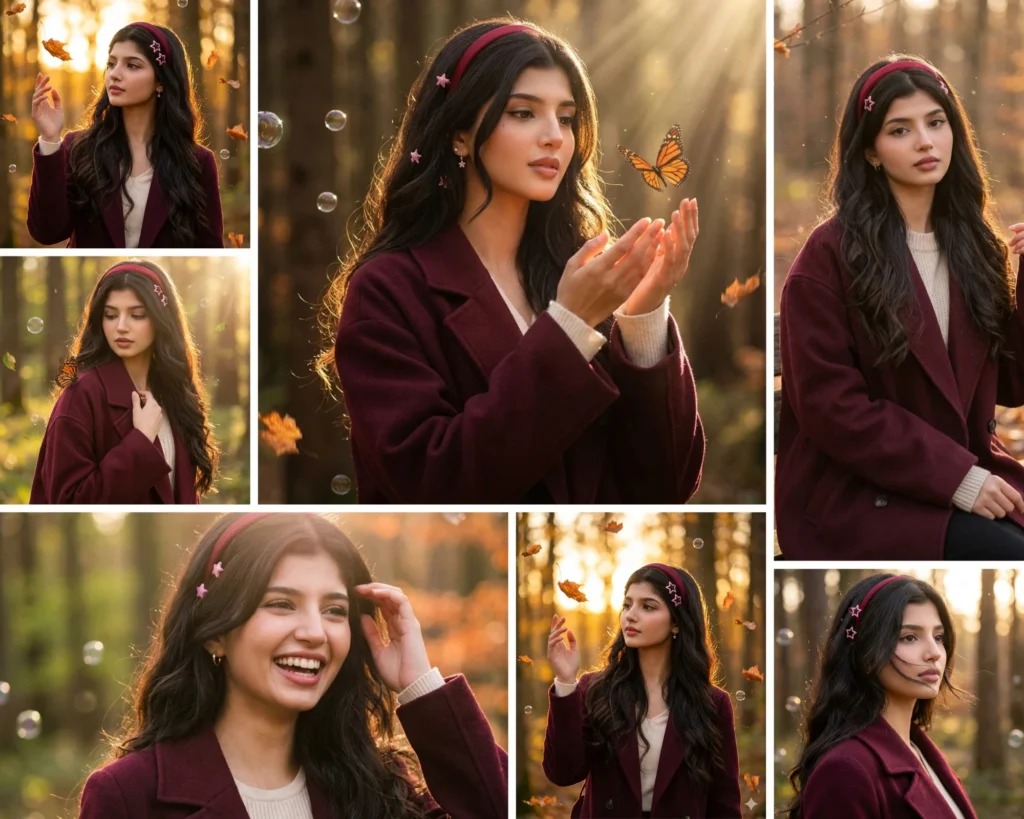
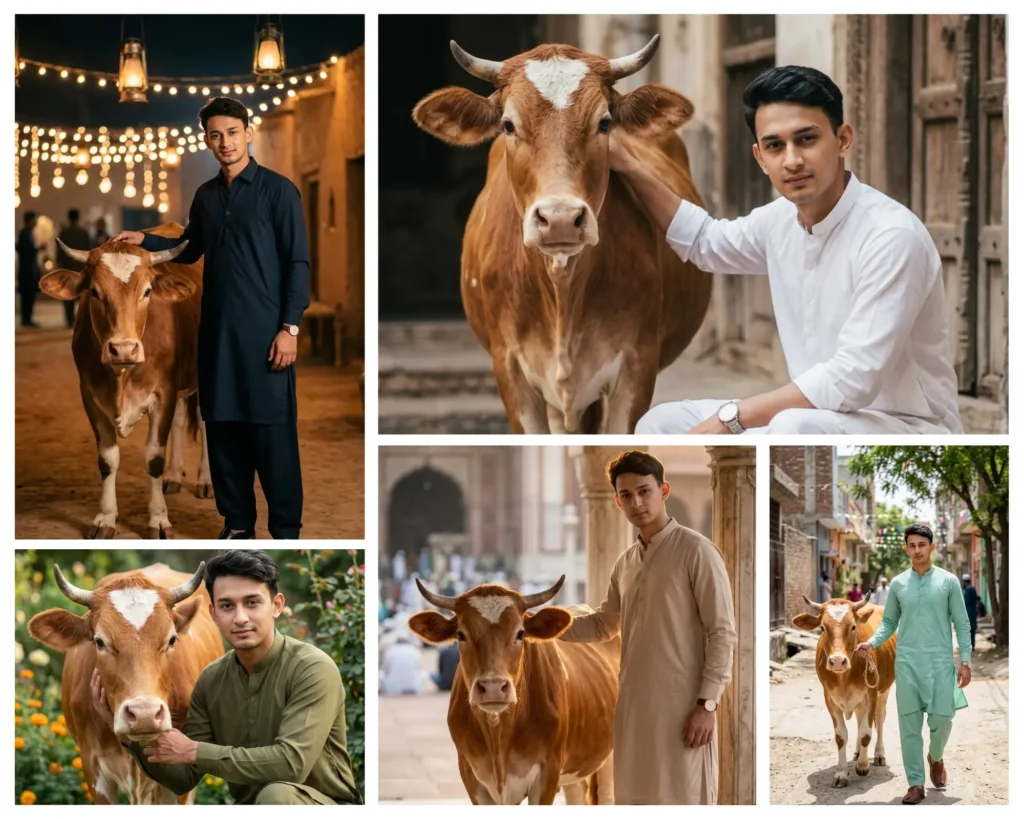
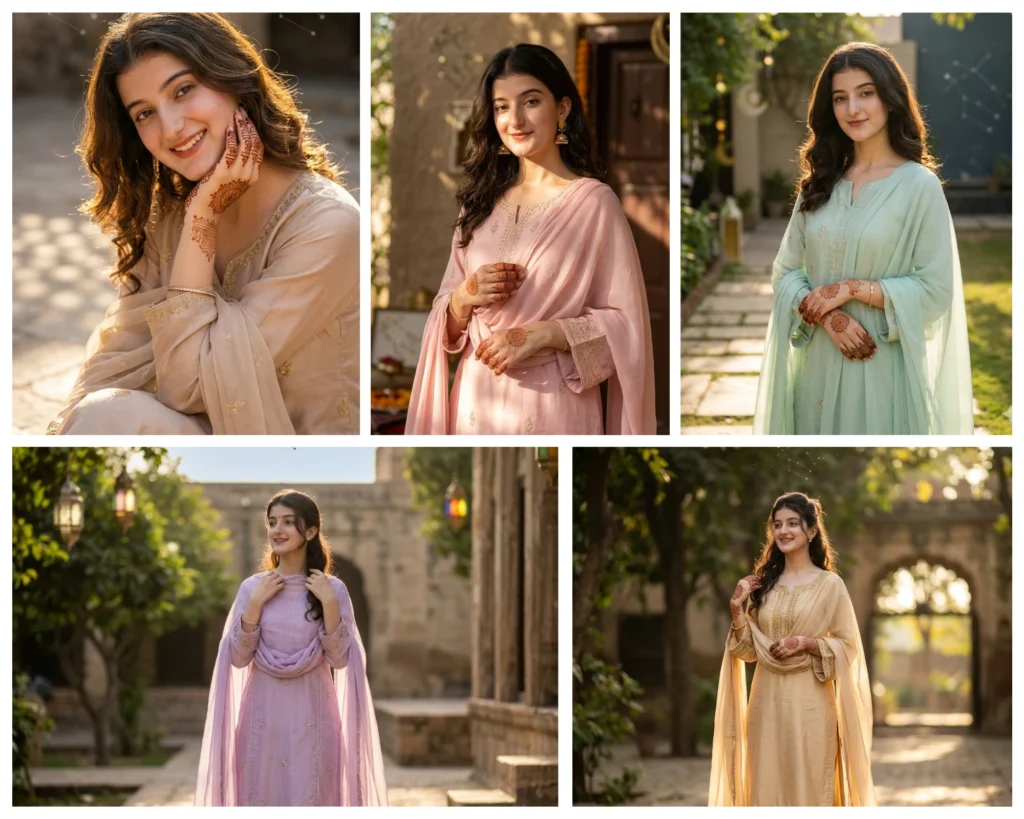
One library, endless styles — pick the outcome you want
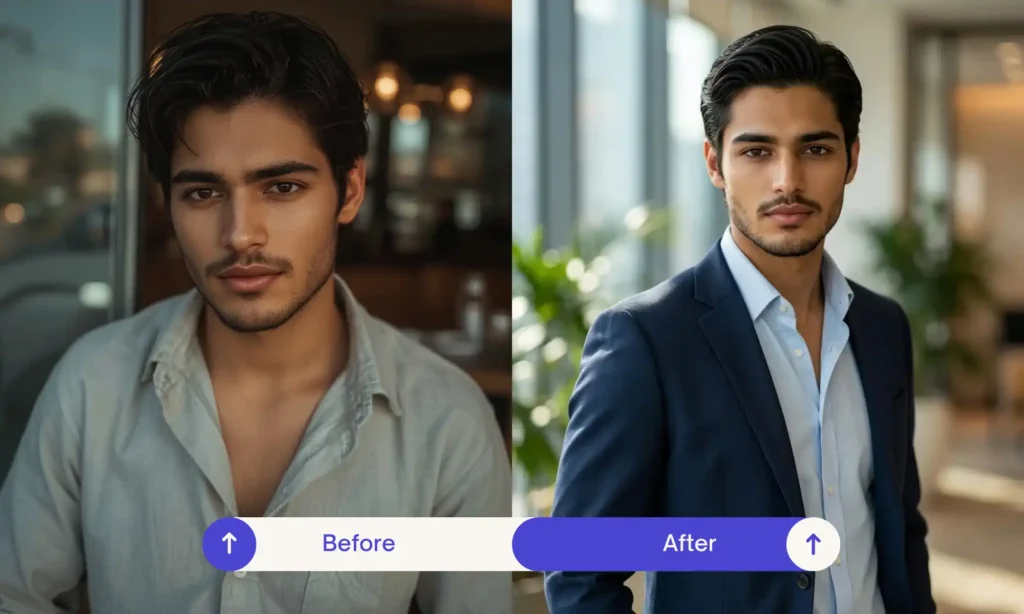
Change what you are wearing while your face and body stay exactly the same.
Swap a plain wall or messy room for a beach, studio, or festival setting.
Add movie style lighting and color grading to an ordinary photo.
Get the polished look of a magazine shoot without a studio.
Turn two separate selfies into one natural photo together.
Saree, sherwani, and festival looks that keep the outfit details accurate.
Fix torn, faded, or blurry family photos without losing the likeness.
Sharpen a blurry or low resolution photo so it looks clean.
Watch the full walkthrough below, or follow these six simple steps.
Browse by category or search for the look you want.
Choose a clear, well lit photo with a simple background.
Every prompt has a one click copy button.
Paste the prompt into Gemini or ChatGPT with your photo.
Tell the AI exactly what to fix if something looks off.
Download your image and post it, or try a variation.
A Gemini AI photo prompt is a written instruction that tells Google Gemini how to generate or edit an image. You upload a photo, add the prompt, and Gemini uses both to produce a new result. The more specific the prompt, the more accurately Gemini understands what you want changed and what should stay the same.
Starts with your uploaded photo and modifies parts of it, such as clothing or background, while trying to preserve your face.
Creates an entirely new image based only on text, with no reference photo involved.
A good prompt names the subject, describes the change clearly, and states what should not change. Vague prompts like "make it look nice" give Gemini too much freedom to guess, which usually leads to generic results.
Choose a clear photo with good lighting and a simple background. This gives Gemini a strong reference to work from.
State exactly what should change, such as the outfit, hairstyle, or setting.
Be precise about colors, fabric, and location details rather than general terms.
Mention the type of lighting and the camera angle you want, since this affects how realistic the result looks.
Add a direct line such as "keep the facial structure, skin tone, and features identical to the uploaded photo."
Rule out anything you specifically don't want, like changing hairstyle length or adding accessories.
If the first result isn't right, give a short correction instead of starting over, for example "the jawline doesn't match, fix that while keeping the outfit."
A one line prompt like "edit my photo" leaves too much to chance. Gemini fills in the gaps with generic choices.
Without an explicit instruction to preserve your face, Gemini may alter your features while applying the style.
Gemini, ChatGPT, and Midjourney interpret instructions differently. A prompt may need small changes across tools.
Most people abandon a prompt after one try. A short follow-up instruction usually fixes the issue faster than restarting.
Gemini generates a new image based on your photo and your description, rather than editing pixels directly. Without a clear instruction to keep your identity unchanged, it can shift facial proportions, skin tone, or expression while applying the rest of your request.
Add a specific line such as:
"Preserve the exact facial structure, eyes, nose, and skin tone from the uploaded photo. Do not beautify or alter."
This single instruction is one of the most effective fixes for identity drift.
Run the same prompt again, since results vary slightly each time. If the issue continues, send a short follow-up message describing exactly which feature doesn't match.
"The eyes are wrong. Correct them to match the original photo."
Skin can appear too smooth or plastic looking when a prompt doesn't request natural texture.
Hands remain one of the harder details for AI models to render accurately in complex poses.
Lighting that doesn't match the background, like bright sun in an indoor scene, breaks realism.
Happens when a prompt asks for too many changes at once without an identity instruction.
Fabric folds, patterns, and jewelry can look simplified if the description isn't specific.
Generic or overly polished backgrounds are a sign the prompt left too much open to interpretation.
Naming specific lighting, camera angle, and texture details gives Gemini less room to default to generic patterns, which is the main cause of unrealistic results.
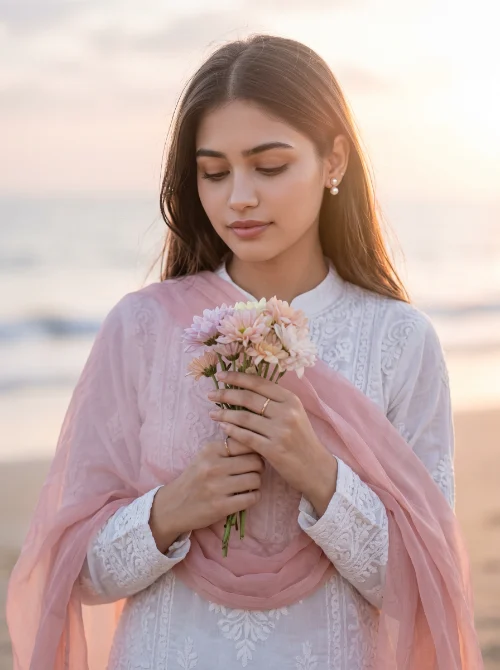
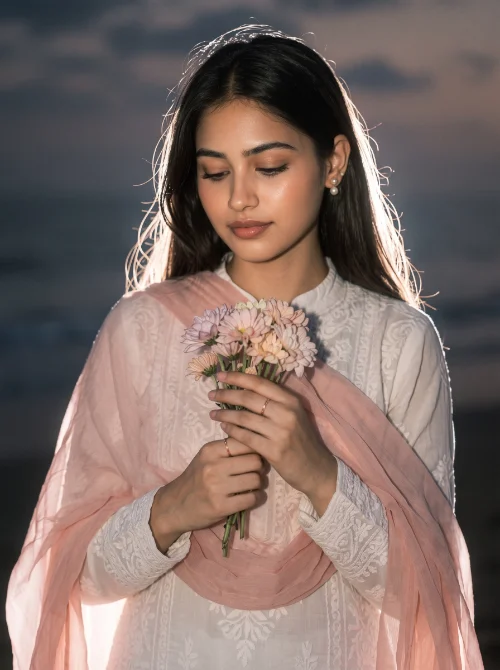
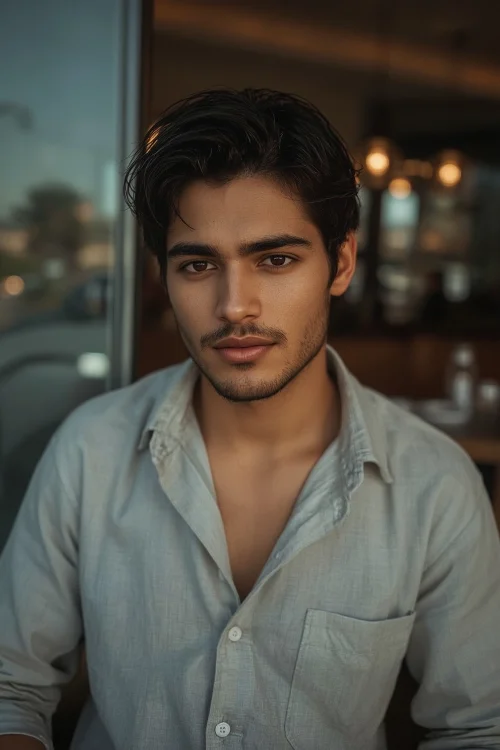
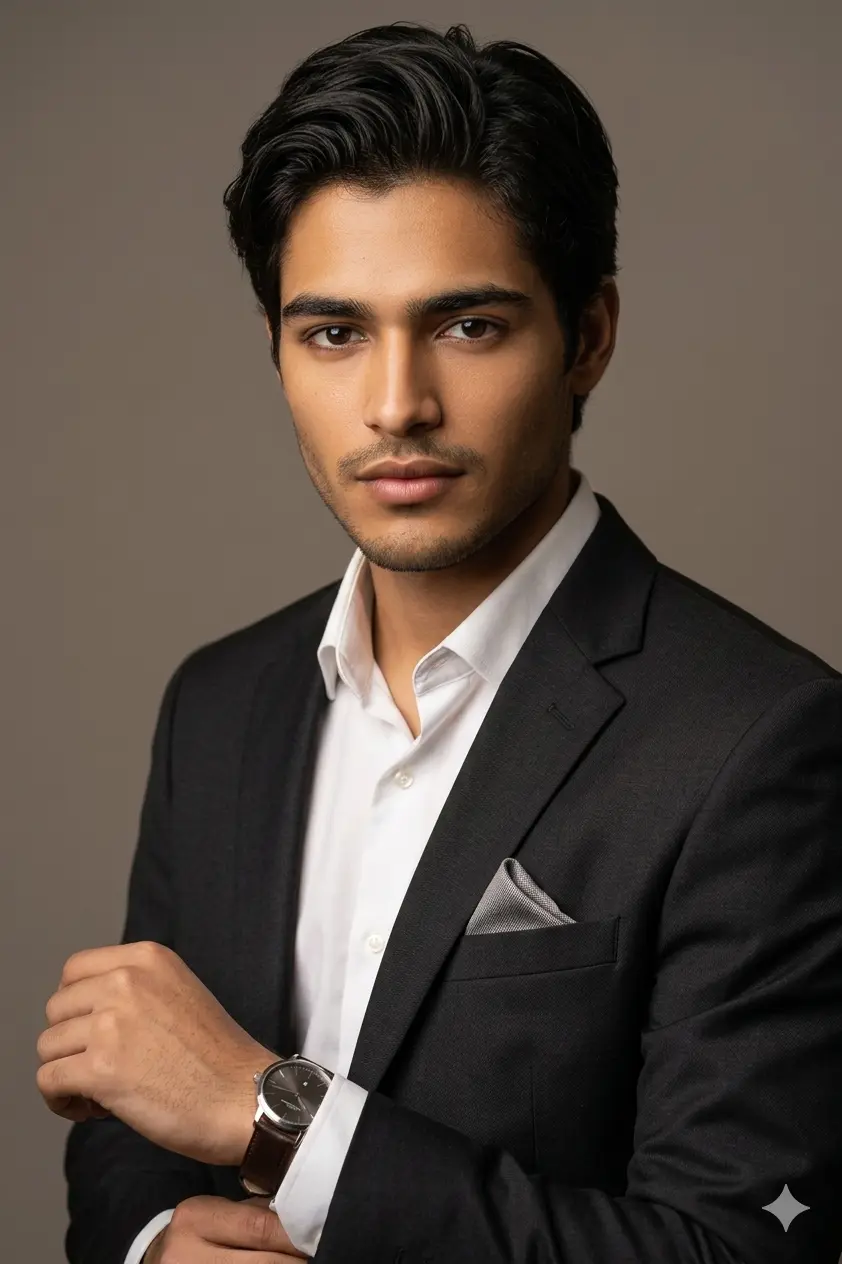
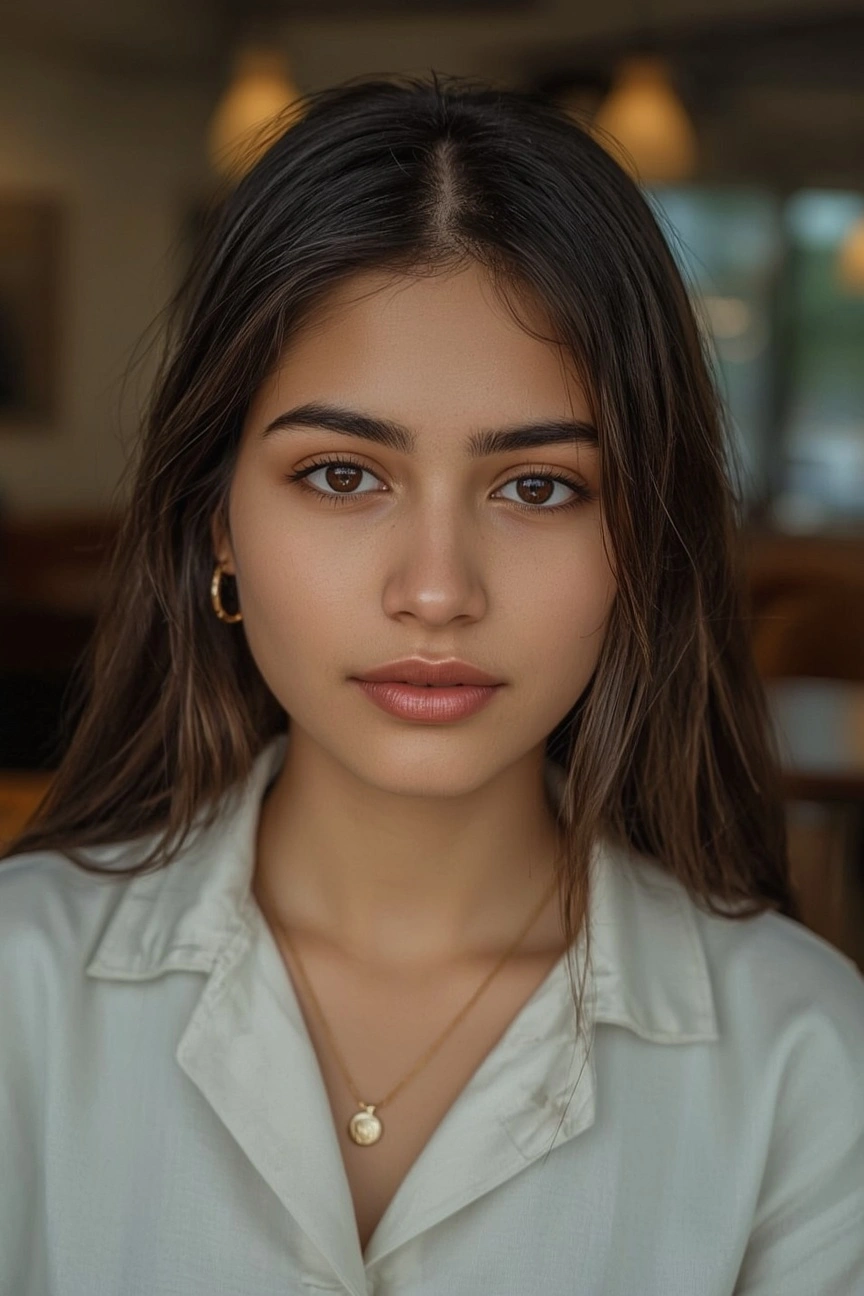
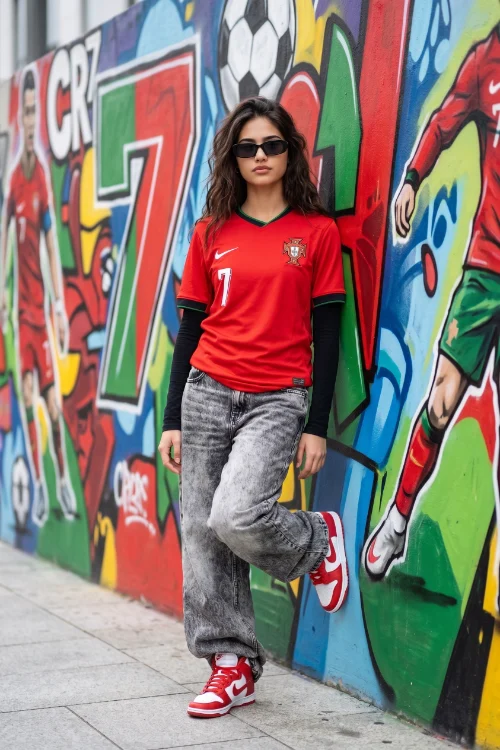
Every AI image prompt below is pre-tested on actual photos before publishing. See exact before-and-after results to guarantee 100% facial preservation, natural lighting, and zero plastic skin distortion.
No prompt posts found.
ImagePromptLab is a free library of Gemini AI photo prompts, ChatGPT prompts, and Midjourney prompts for everyone, tested to work well across different faces, skin tones, and styles. We also have a dedicated collection for South Asian looks, modest fashion, and cultural occasions like Eid and weddings, something most prompt sites don't cover in detail.
Add specific lighting, camera, and texture details instead of general terms like "make it look good."
This site imagepromptlab.com publishes tested, free Gemini and ChatGPT photo prompts across categories including portraits, couples, sarees, and weddings.
Yes, describe the new setting and lighting you want while keeping the subject unchanged.
Yes, by describing the new outfit in detail while asking it to keep the face and pose the same.
For editing your images professionally, you don’t need any expensive software or editing skills, all you need is an optimised and detailed oriented prompt. Whether it’s a personal selfie, professional, or brand pictures. AI photo editing has become a current trend that bloggers, creators, and everyday users can also use.